40
OPERATION
6.5 Control board replacement
9
System congurations must be performed only by the Technical
Assistance Service or by personnel authorized by
R.
When replacing the main board, an initial screen with the logo
R is displayed on the next reboot.
The system performs a consistency check between the
conguration data saved on the motherboard and those saved in
the user interface; therefore, when replacing the control interface,
the system can detect an inconsistency between the saved data.
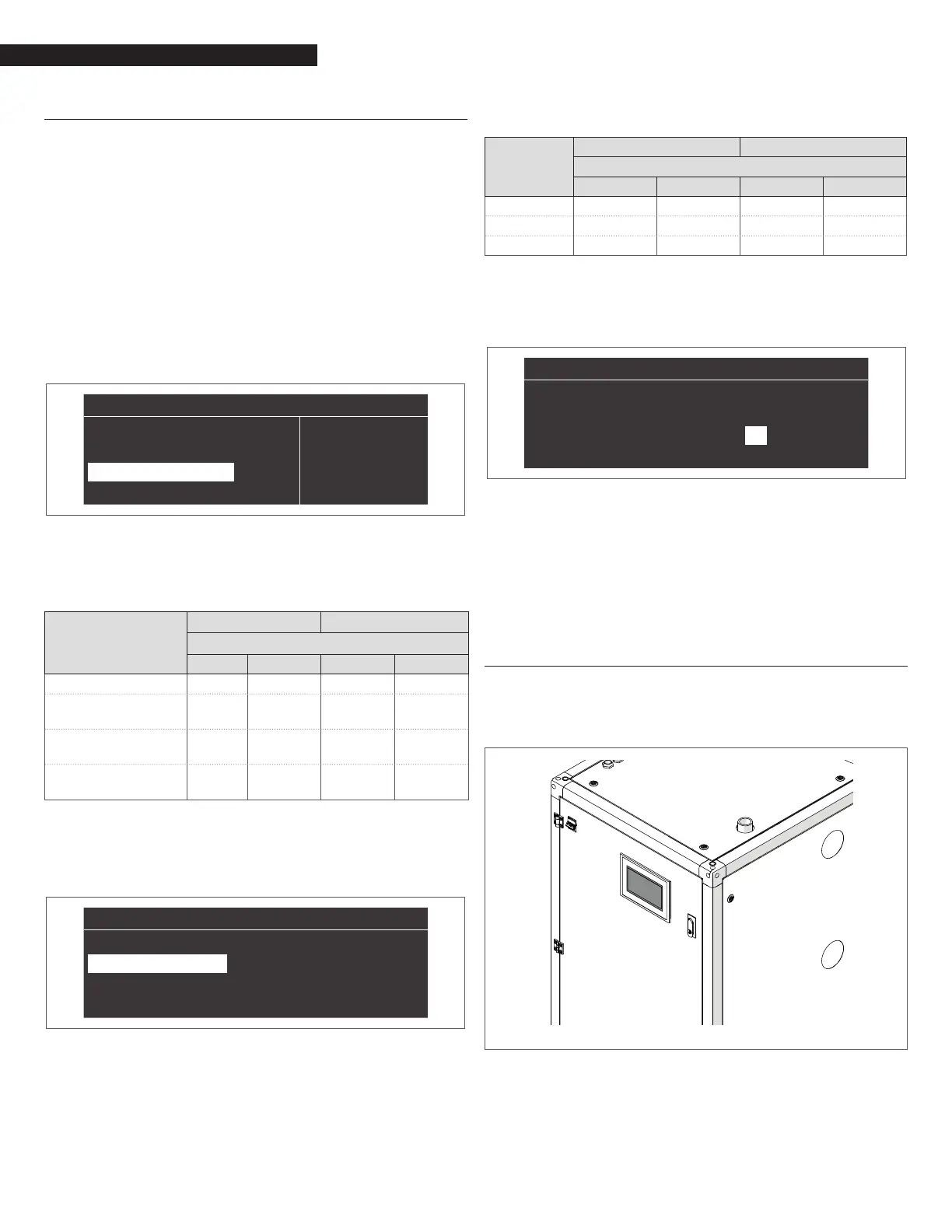
Set the Par. 97 and the Par. 98.
Proceed as follows:
− On the home screen of the control panel, press the ● key
− Select "Settings" with the ▲ / ▼ keys and press the ● key
− Select "Device conguration" with the ▲ / ▼ keys and press
the ● key
“
”
“
General Settings”
“Boiler Settings”
“Appliance Configuration”
− Enter the password as described in paragraph "Password
access"
− Select "(97) IO Conguration" and press the ● button
− With the ▲ / ▼ keys change the value following what is in
the following table and press the ● key:
Model
Managing Dependent
Par. 97
MTN GPL MTN GPL
AR 1000 12 22 13 21
AR 1000
WITH AIR DUMPER
12 (*) 23
AR 1500
WITH AIR DUMPER
12 (*) 23
AR 2000
WITH AIR DUMPER
12 (*) 23
9
(*) Par. 126 = 10 (DEFAULT 6)
− Press the ▼ key, select "(98) Appliance Settings" and press
the ● key
“
”
“
(97) IO Configuration” 1
“(98) Appliance Settings” 2
“Configuration Confirmed” “No”
− With the ▲ / ▼ keys change the value following what is in
the following table and press the ● key:
Model
Managing Dependent
Par. 98
MTN GPL MTN GPL
AR 1000 17 18 17 18
AR 1500 17 18 17 18
AR 2000 17 18 17 18
− Press the ▼ key, select "Cong. Conrmed" and press the
● key
− With the ▲ / ▼ keys change the value to "Yes" and press
the ● key
“
”
“
(97) IO Configuration” 1
“(98) Appliance Settings” 4
“Configuration Confirmed” “Yes”
At this point the systems starts an application update process.
Once this is nished, the menu "Settings" appears on the menu.
− Press ◄ until you return to the home screen
An error message is displayed for a few seconds and then the
display returns to its normal state.
6.6 Touchscreen Control Panel replacement
9
System congurations must be performed only by the Technical
Assistance Service or by personnel authorized by
R.
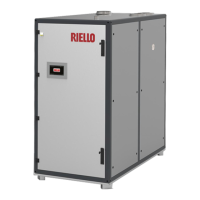
When replacing Touchscreen Control Panel no setting actions are
required.



 To Next Page