EasyManua.ls Logo

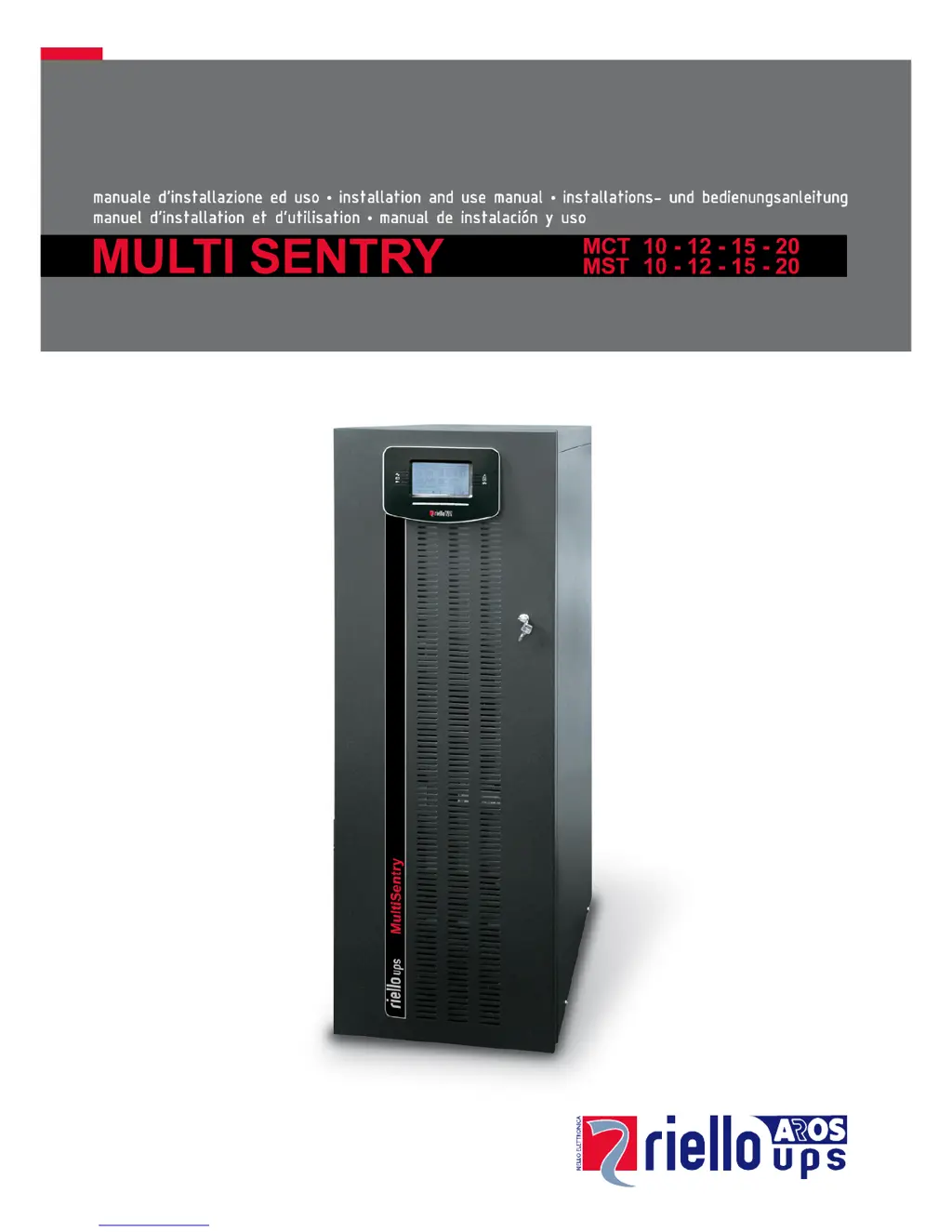
Riello MCT 10 - User Manual

Riello MCT 10
53 pages
Print Icon
To Next Page IconTo Next Page
Loading...

Table of Contents

Questions and Answers

  • J
    Jeffery PayneSep 9, 2025
    What does it mean when my Riello MCT 10 displays error codes F09 or F10?
    • S
      Sarah HayesSep 9, 2025
      If the Riello UPS display shows codes F09 or F10, it could indicate a fault in the input stage of the UPS. Activate the maintenance bypass (SWMB), turn the UPS off and on again. Exclude the maintenance bypass. If the problem persists, call your local service centre. Another cause may be that phase 1 has a voltage much lower than the other two phases. Open SWIN, turn the UPS from the battery, wait for the end of the sequence and close SWIN.
  • A
    Ariel WhiteSep 7, 2025
    What does it mean when my Riello MCT 10 UPS displays codes F11, F14, F15, F16, F17, L06, L07, L08, L09, L14, L15, L16, L17, L18, L19, L20, L21, or L22?
    • C
      Cheryl GutierrezSep 7, 2025
      This can be caused by faulty loads applied. Remove the load. Insert the maintenance bypass (SWMB), and turn the UPS off and then on again. Exclude the maintenance bypass. If the problem persists, call your local service centre. Another cause may be a fault in the input or output stage of the UPS. Activate the maintenance bypass (SWMB) and turn the UPS off and then on again. Exclude the maintenance bypass. If the problem persists, call your local service centre.
  • R
    Robert JoyceAug 22, 2025
    Why does my Riello MCT 10 UPS display A39 or A40 and the battery replacement LED is on?
    • B
      Brittany HollandAug 22, 2025
      The Riello UPS batteries may need replacement because they can no longer maintain sufficient charge for the required autonomy. It is recommended that qualified staff replace the batteries.
  • X
    xmartinSep 4, 2025
    What does it mean if my Riello UPS displays codes F37 or L37?
    • J
      Jennifer MccartySep 4, 2025
      This can happen if the ambient temperature is over 40°C, there are heat sources close to the UPS, the ventilation slits are obstructed or too close to walls, or there is a fault in the temperature probe or battery charger cooling system. Eliminate the cause of the overtemperature. Open the battery fuse holder isolators (SWBATT) and wait for the temperature of the battery charger heat sink to drop. Close the battery fuse holders. If the problem recurs, call your local service centre.
  • J
    Jerry MckinneySep 2, 2025
    What does C01 mean on my Riello MCT 10 display?
    • H
      huffstephenSep 3, 2025
      The code C01 on the Riello UPS display indicates that the jumper is missing from the R.E.P.O. connector (J13) or is not inserted correctly. Assemble the jumper or check that it is inserted correctly.
  • Z
    Zachary JohnsonSep 1, 2025
    What does C02 on the display of my Riello UPS mean?
    • J
      John GarciaSep 1, 2025
      If the Riello UPS display shows the code C02, it could be due to the maintenance bypass isolator (SWMB) being closed. Open the isolator (SWMB) situated behind the door. Another possible reason is that the jumper is missing from the terminals for the remote maintenance bypass (J10). Insert the jumper.
  • X
    xsheaAug 31, 2025
    How to fix a Riello UPS that doesn't enter stand-by mode with mains voltage present?
    • B
      bailey81Aug 31, 2025
      This can happen if there is no connection with input terminals. Connect the mains to the terminals as indicated in the installation paragraph. Also, the UPS cannot work without a neutral connection, so connect the mains to the terminals as indicated in the Installation paragraph. Check if the 1/0 switch behind the door is set to 0 and set the switch to 1 (if present). Check if the isolator behind the door (SWIN) is open and close the isolator. Check that the mains voltage is present, as there may be a blackout. If necessary, power on the UPS from the battery to power the load. Finally, a protective device upstream may be activated, so reset the protective device, checking that there is no overload or short-circuit at the output of the UPS.
  • F
    Felicia CisnerosAug 30, 2025
    What does it mean when my Riello UPS shows codes A13, A14, or A15?
    • A
      anthony93Aug 30, 2025
      This can happen if the protective device upstream from the bypass line is open (only if bypass is separate). In this case, reset the protective device upstream, checking that there is no overload or short circuit at the output of the UPS. Another cause may be that the bypass isolator is open (SWBYP only if bypass is separate). In this case, close the isolator situated behind the door.
  • A
    Anthony OrtizAug 28, 2025
    What to do if the load is not powered by my Riello UPS?
    • V
      Vanessa JonesAug 29, 2025
      This can happen if there is no connection with the output terminals. Connect the load to the terminals. Also, check if the isolator behind the door (SWOUT) is open and close it. The UPS may be in Stand-by mode, so execute the power-on sequence. The Stand-by off mode may be selected; this mode only powers the loads when a blackout occurs, so the mode must be changed. If there is a UPS failure and automatic bypass is out of order, insert the maintenance bypass (SWMB) and call your local service centre.
  • N
    nguyencharlotteAug 27, 2025
    Why is my Riello UPS running on battery when mains voltage is present?
    • B
      Brian CummingsAug 27, 2025
      The Riello UPS might be running on battery power due to a protective device upstream being activated. Reset the protective device, but first check for any overload or short circuit at the UPS output. Another cause may be that the input voltage is outside tolerance limits for mains operation. In this case, wait for the input mains voltage to return within the tolerance limits for the UPS to return automatically to mains operation.

Summary

Multi Sentry UPS Overview

UPS Electrical Connections Overview

UPS Control Panel Interface

Installation Procedures

UPS Storage and Installation Preparation

Provides recommendations for storing the UPS and preparing the installation environment.

Electrical Connections and Wiring Diagrams

Details electrical connection requirements and provides wiring diagrams for system integration.

Using the UPS

UPS Description and Block Diagram

Explains the purpose of a UPS, its functionality, and provides a block diagram of its main components.

Preliminary Operations Before Power-On

Outlines essential preliminary operations, including visual checks and closing fuse holders.

First-Time Power-On Procedure

Guides the user through the initial power-on sequence for the UPS, including phase checks.

UPS Power-On and Power-Off Procedures

Details the procedures for powering the UPS on from mains or battery, and for powering it off.

Operating Modes and Maintenance Bypass

Describes different operating modes (ECO, SMART ACTIVE) and the procedure for maintenance bypass.

UPS Software and Management

Covers the PowerShield³ monitoring software and the configuration software for UPS management.

Configuring the UPS

Configuration Options via Control Panel and Software

Details configurable parameters like frequency, voltage, operating modes, and alarms via control panel or software.

Advanced Function Settings and Parameters

Details advanced configuration options such as frequency tolerance, bypass thresholds, and power walk-in.

Troubleshooting Guide

Common UPS Problems and Solutions

Provides solutions for common UPS operational issues, including power, standby, and battery problems.

Technical Data

UPS Input and Output Stage Specifications

Provides detailed technical specifications for the UPS input and output stages across different models.

UPS Dimensions, Modes, and Battery Box Data

Details UPS dimensions, operating modes, efficiency, noise, and technical data for the battery box.

Riello MCT 10 Specifications

General IconGeneral
Apparent Power10 kVA
Active Power9 kW
Frequency50/60 Hz
Communication InterfaceRS232, USB, SNMP (optional)
Operating Temperature0°C to 40°C
Input Voltage400 V
Output Voltage230 V
TechnologyOn-line double conversion
Efficiencyup to 95%
Battery TypeValve Regulated Lead Acid (VRLA)

Related product manuals