rigert Ltd., Stairlifts
Operating manual
Nr.: AW4231
CH-6405 Immensee
Fault finding PEGASUS-NOVA-mps2
Date: 13.03.06
Page: 14/22
6 Status of call stations (RS)
6.1 Check call stations
Switch off installation by the key switch on the call station (LED OFF).
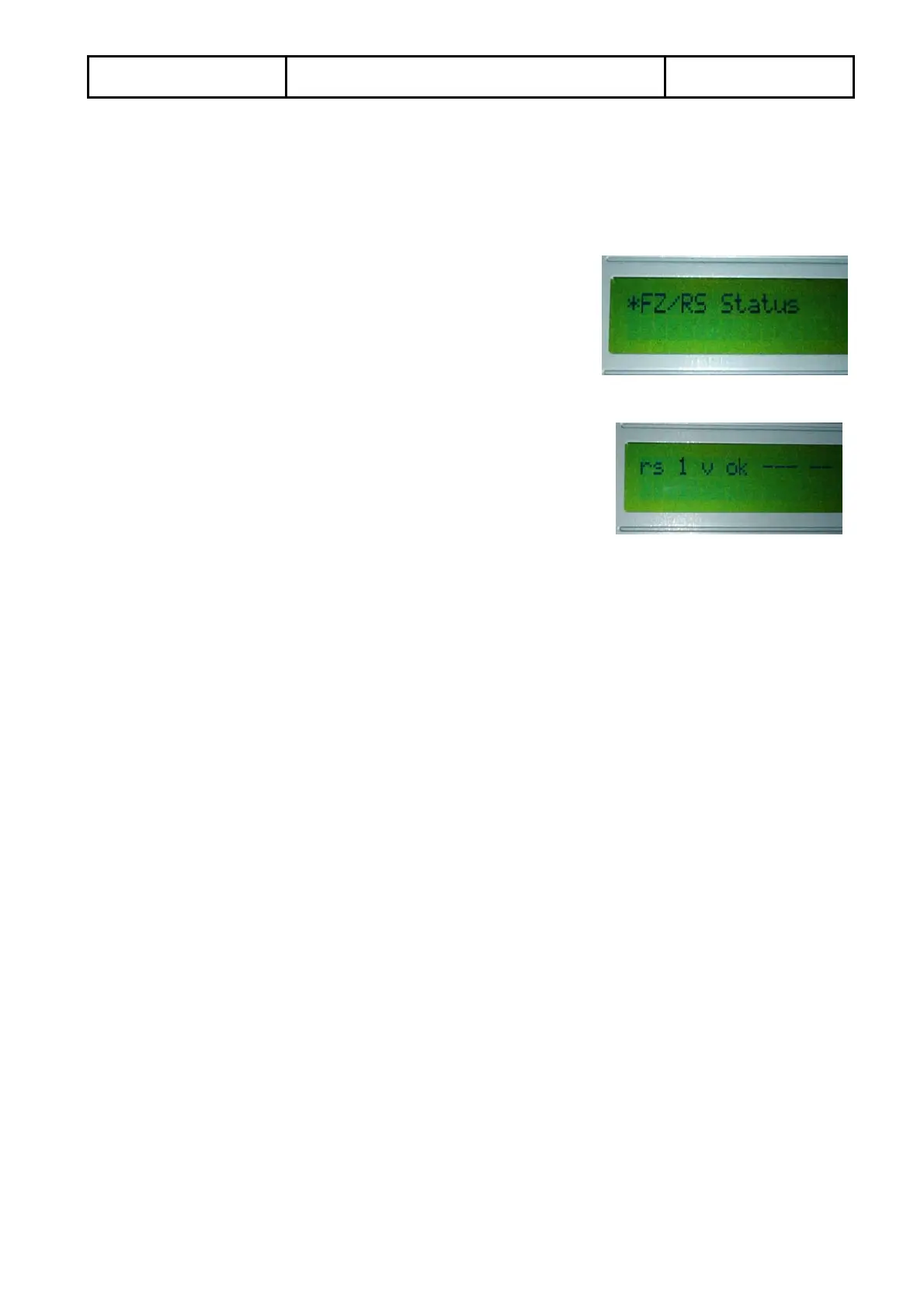
Turn the encoder till “FZ/RS Status” appears
Press the encoder to reach the sub-menu and turn it to reach the status of the single call
station (RS)
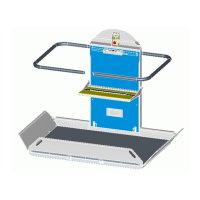
If everything is ok, the display shall show the same for
all call stations
If this is the case, proceed to 6.2, otherwise go to 6.1.2
6.1.1 Interpretation of call station status (RS)
Explanation of digits:
Display
rs 1 v ok - - - - -
rs Non operative
RS This Call station is operative (other call stations nit active respectively occupied –
blinking LED)
1 Number of call station (1 up to 15)
v Non operative
^’ Shows send-direction (for mid-landings respectively at least 2 send buttons)
ok non operative, everything ok
em, eq Emergency stop pressed
er Fault in Call station (RS)
- - - non operative, everything ok
Ruf Call button pressed
Send Send button pressed
Zu Platform fold button pressed (CD-version of carriage only)
- - non operative, everything ok
SS Key switch is in operation
WT Key switch for material transport activated


 To Next Page