rigert Ltd., Stairlifts
Operating manual
Nr.: AW4231
CH-6405 Immensee
Fault finding PEGASUS-NOVA-mps2
Date: 13.03.06
Page: 15/22
If one of the indications above appears, even the relevant button is not activated, take off
the wire on the switch (not on the emergency stop – see diagram) and check again the call
station (RS) status. If the display of that has disappeared, change the button
7 Status of carriage (FZ)
7.1 Test carriage status
Switch on installation by the key switch on the call
station (LED lighted).
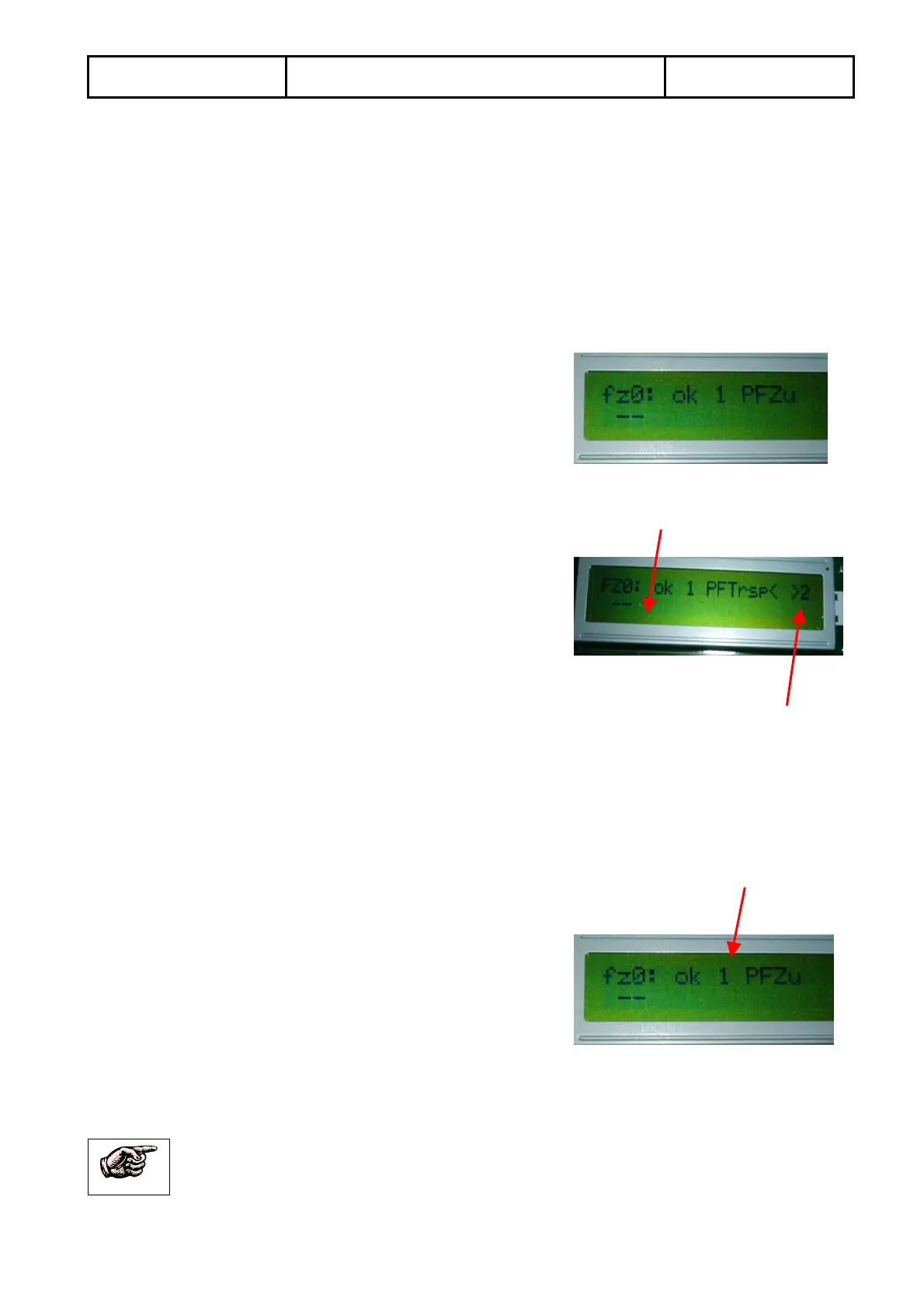
Turn the encoder till “FZ/RS Status” appears - press
Turn the encoder till “fz0:” appears
7.1.1 Check drive order from hand hold control unit on carriage
Check whether this sign appears “
^’”
If this is not the case, go to 7.1.2
If it is the case, check whether one of the directional
buttons is pressed. If not, unplug the hand hold control unit and check again. If the
symbol does not appear, the fault must be on the control unit or on its wiring.
7.1.2 Check safety switches on carriage
Check whether this sign appears “
>2”
If this is not the case, go to 7.1.3
Otherwise check whether the carriage has run into an obstacle or into the floor.
If not, go to 7.2.1
7.1.3 Check landing recognition of carriage
Check whether the controller recognizes the
landing where the carriage is located
1 = number of landing
If ok, go to point 8
If not, check position of code-cams on landing plates.
Glide with a screw driver along the proximity switch to simulate a landing !


 To Next Page