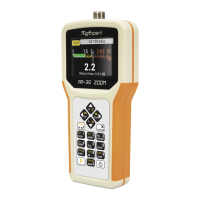
RigExpert AA-35 ZOOM
For the quick access to the Setup menu,
press the
+ key combination.
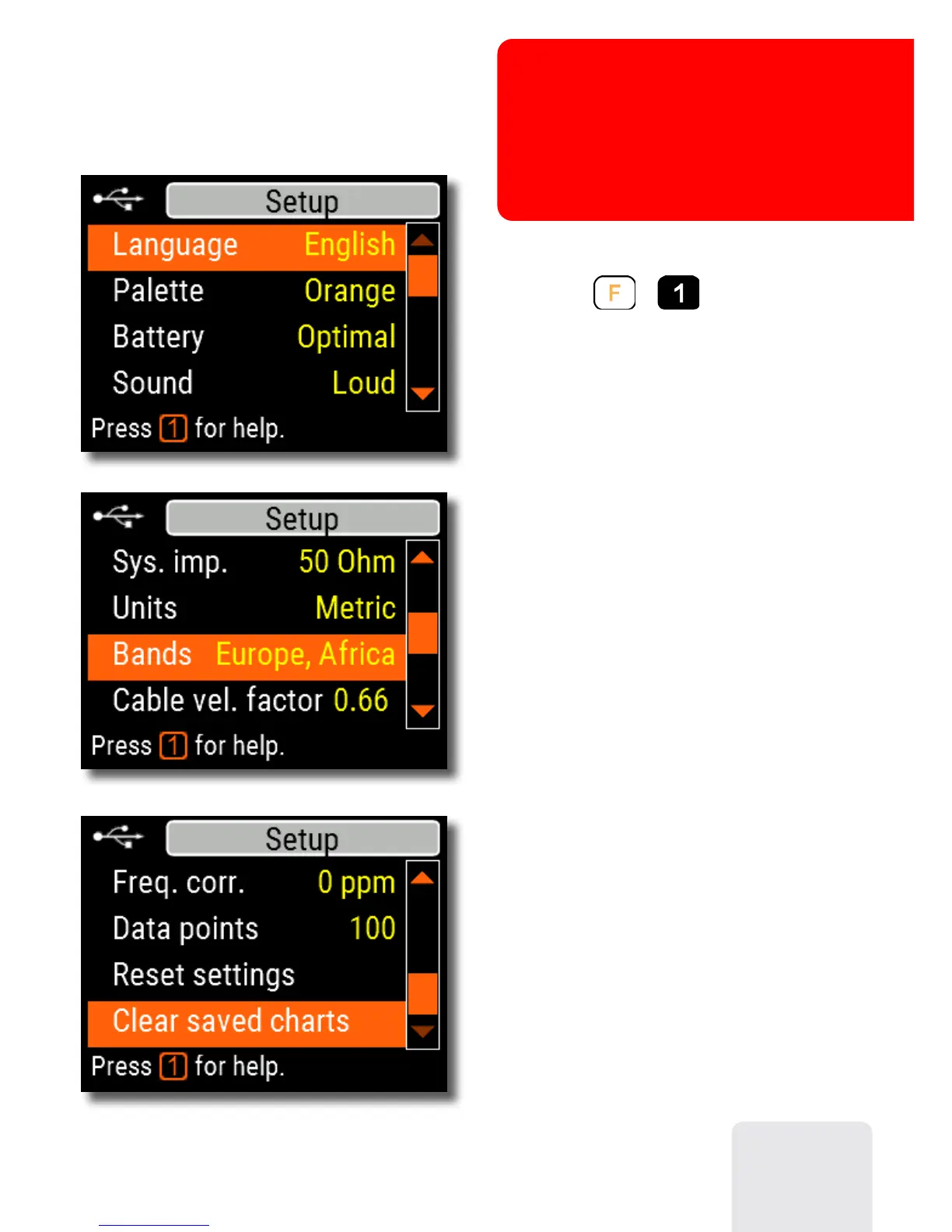
There are several settings in the Setup
menu:
• Language – select a language for the
analyzer’s menus
• Palette – choose a color scheme
• Battery – select a power consumption
scheme
• Sound – select sound volume
• Sys. imp. – select system impedance
(25, 50, 75 or 100 Ohm) which affects
SWR and return loss readings.
• Units – select metric (meters) or
imperial (feet) units
• Bands – select region for highlighting
of radio amateur bands
• Cable vel. factor – choose a velocity
factor of the coaxial cable for the TDR
mode
• Freq. corr. – frequency correction of
the analyzer’s oscillator
• Data points – select a number of data
points for each frequency sweep
• Reset settings – reset the analyzer to
factory defaults
• Clear saved charts – clear all memory
slots
27
Annex 3
Setup menu



 To Next Page