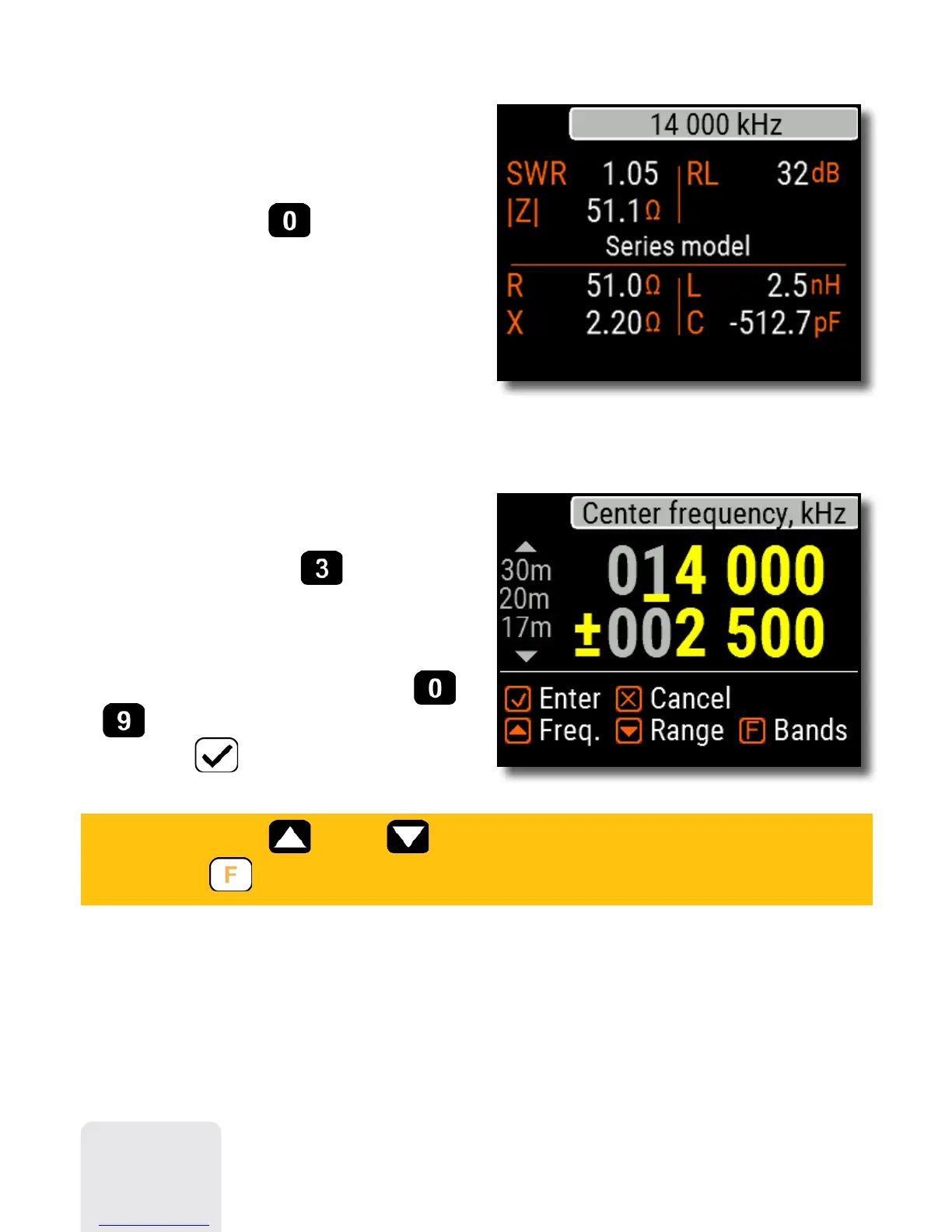
Data screen
The data screen is available in all chart
modes. Press the
(Data) key to
display various parameters of a load at
cursor.
Frequency
and range entry
To enter the center frequency or the
sweep range, press the (Frequency,
Range) key.
Use cursor keys to navigate, or the
to keys to enter values. Do not forget
to press the (OK) key to apply.
Press (Up) or (Down) cursor keys while holding
the (Functional) key to quickly choose a radio amateur band.
8













 To Next Page