© EUROHEAT DISTRIBUTORS (H.B.S) LTD. June 2011
Instructions Part Number IN1227 Ed 1
32
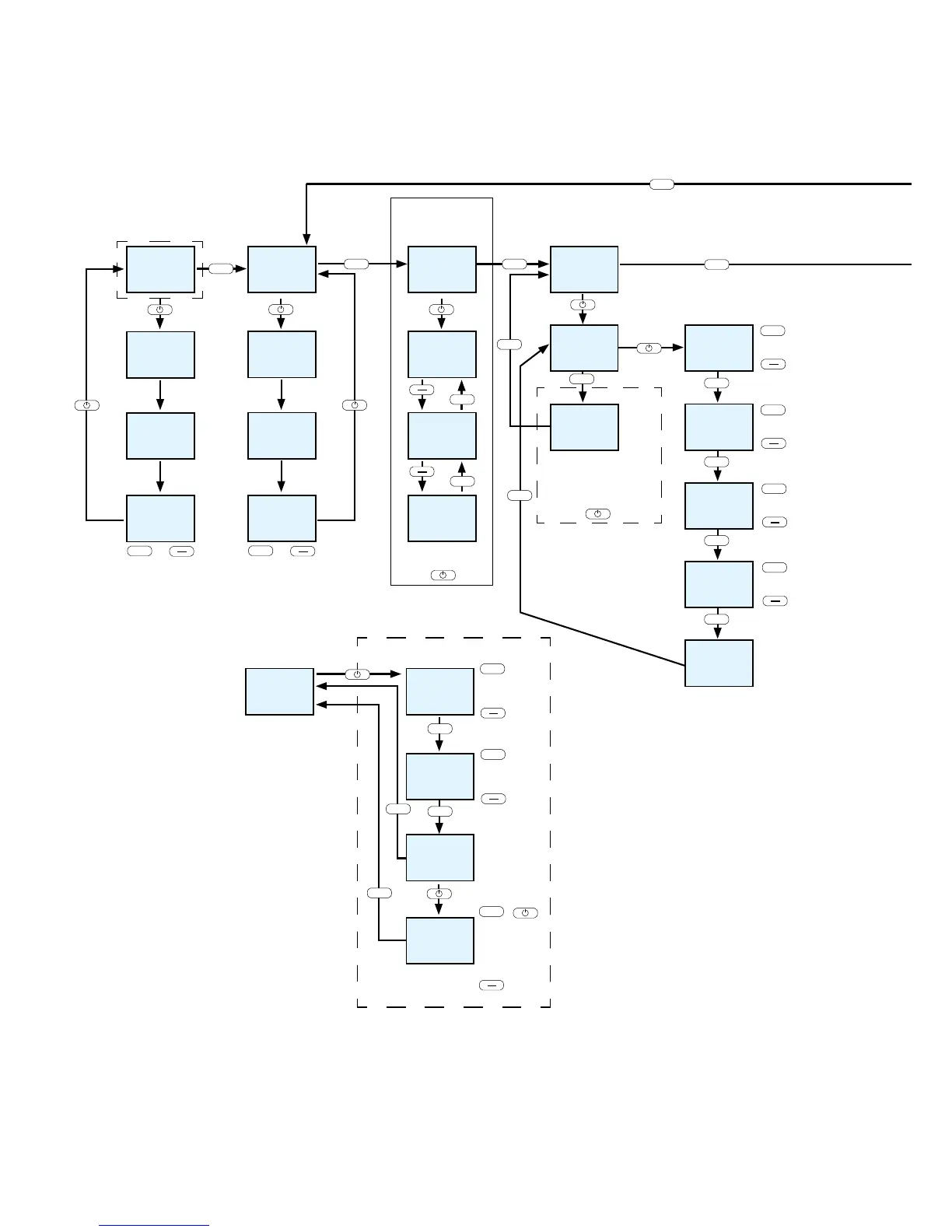
Menu Navigation – Overall View
Display panel
Display of respective
operating status
Switch between EASY and HEAT modes
Press Menu key for at least 5 seconds.
I G N I T
E A S Y
5 0
S T A R T
E A S Y
O F F
Change heat output by
pressing the + or – key
(change in 5 % increments)
I G N I T
H E A T
5 0
S T A R T
H E A T
O F F
Change heat output by
pressing the + or – key
(change in 5 % increments)
H E A T
R O O M
A U T O
M O D E
Selection of comfort function
required HEAT/AUTO/ROOM
by pressing the I/O key.
Comfort functions
Menu item Mode only active in
connection with the RIKA room
sensor or the RIKA wireless
room sensor.
The TIME AUTO display box is only
visible in connection with the RIKA room
or and/or the RIKA wireless room
sensor. Pressing the I/O key takes you
to the submenu of the
time programming
T I M E
A U T O
T I M E
S E T
D A Y
0 1
13:15
Set the year using
the + or – key
Heating time
M O N T H
0 1
Set the month using
the + or – key
Set the day using
the + or – key
Set hours and minutes
using the + or – key
G S M
S E T
S M S
O F F
0 0 0 0
C O D E
0 0 0 0
G S M
O F F
The number currently
active is changed
using + and - key. The
number is confirmed
by pressing the I/O key
and the next digit is
moved to.
GSM-Option
The GSM option is
activated or deactivated
using the + and - key
The SMS function is
activated or deactivated
using the + and - key


 To Next Page