2 3
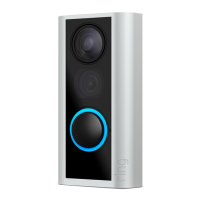
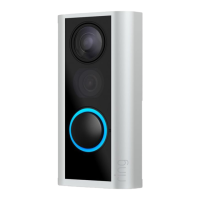
1. Set up your Video Doorbell.
Download the Ring app.
The Ring app walks you through setting up
and managing your Video Doorbell.
Search for “Ring” in one of the app stores
below, or visit ring.com/app
Please make sure you have your wifi
password ready for the next step.
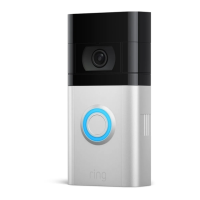
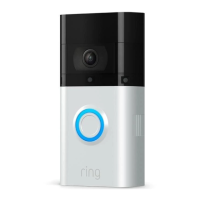
Fully charge your Video Doorbell.
Plug it into a USB power source with the
included cable. Once the light ring is fully
lit, it’s ready to use.


 To Next Page
 Loading...