6 7
Remove your existing doorbell. (optional)
If replacing an existing doorbell, shut o
power at the breaker. Then remove it from
the wall and disconnect the wires.
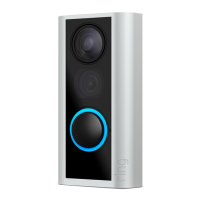
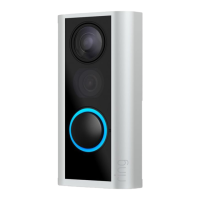
Your Video Doorbell is compatible with
doorbell systems supplying 8-24 volts AC
at 50 or 60Hz, 40VA max.
Do you have an in-home chime?
The chime can ring when the button on
your Video Doorbell is pressed. Just follow
the in-app instructions during setup.
Don’t have an in-home chime?
If you see the “No In-Home Chime” button
during setup, be sure to press it.
NO IN-HOME CHIME
To change your wiring settings after setup,
go to Device Settings > Chime Connection.
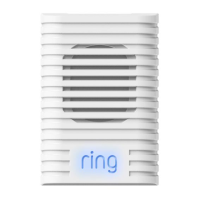
Also, consider purchasing a Ring Chime or
Chime Pro, which allows you to hear Ring
alerts from anywhere in your home.
Steps for wiring to an existing doorbell
Do not wire your Video Doorbell to a DC-powered
intercom system or other DC power source.
Insert the included mini-level.
This helps to ensure the camera
is parallel to the ground when
you install your Doorbell.


 To Next Page
 Loading...