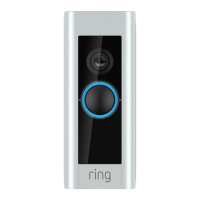
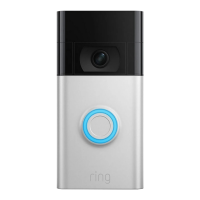
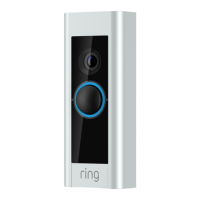
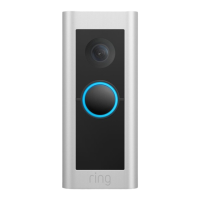
4 5
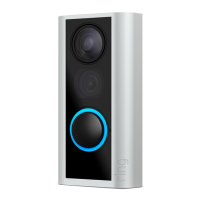
Set up your Video Doorbell near
your wifi router.
In the Ring app, select Set Up a Device.
When prompted, select Doorbells,
and follow the in-app instructions.
Try it out.
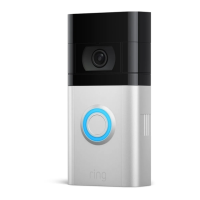
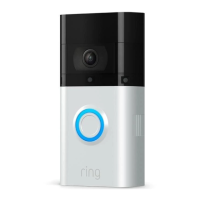
After setup, push the button on the front of
your Video Doorbell to see video from the
camera in the Ring app.
If you have problems with video quality after
installation, you may need to move your router
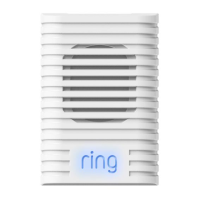
closer to your door, or add a Ring Chime Pro.
Learn more at: ring.com/chime-pro
2. Install your Video Doorbell.
Set your install height.
Install your Video Doorbell approximately
four feet (1.20 meters) above the ground
for optimal performance.
If you’re connecting to existing doorbell
wiring that’s higher than four feet and want
to angle your Video Doorbell down for a
better view, you can purchase a Wedge Kit
online at ring.com/accessories.
Camera field
of view
Motion detection
range


 To Next Page
 Loading...