10 11
Connect the wires. (optional)
Connect the wires coming out of your wall
to the screws on the back of your Video
Doorbell. Either wire can connect to either
screw. The order doesn’t matter.
Your Video Doorbell is compatible with
doorbell systems supplying 8-24 volts AC,
50mA, at 50 or 60Hz, 40VA max.
If wiring directly to a doorbell transformer,
connect a 25 ohm, 50W wirewound resistor in
series with one of the doorbell wires to protect
your Video Doorbell.
Do not connect to a DC transformer, halogen
or lighting transformer, or intercom.
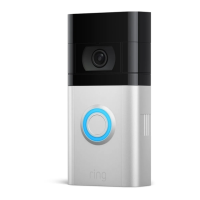
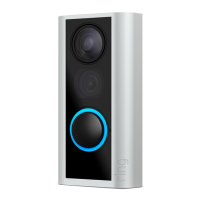
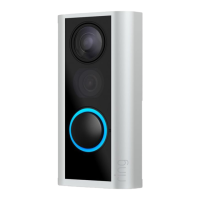
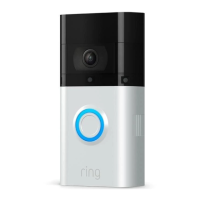
Attach your Video Doorbell
to the mounting bracket.
Hook the slot on the rear of your Video
Doorbell onto the tab near the top of the
mounting bracket.
Then, let the Doorbell pivot down to sit
flush on its bracket.
Steps for wiring to an existing doorbell


 To Next Page
 Loading...