Setting and Unsetting
LightSYS User Manual Page 20
Important:
If the alarm was caused by a tripped smoke detector(s), the keypad's Fire ( )
indicator will remain lit, providing an indication that the fire system must be
reset before it will be capable of detecting subsequent infractions. Furthermore,
until it is reset, you will be prevented from setting your system.
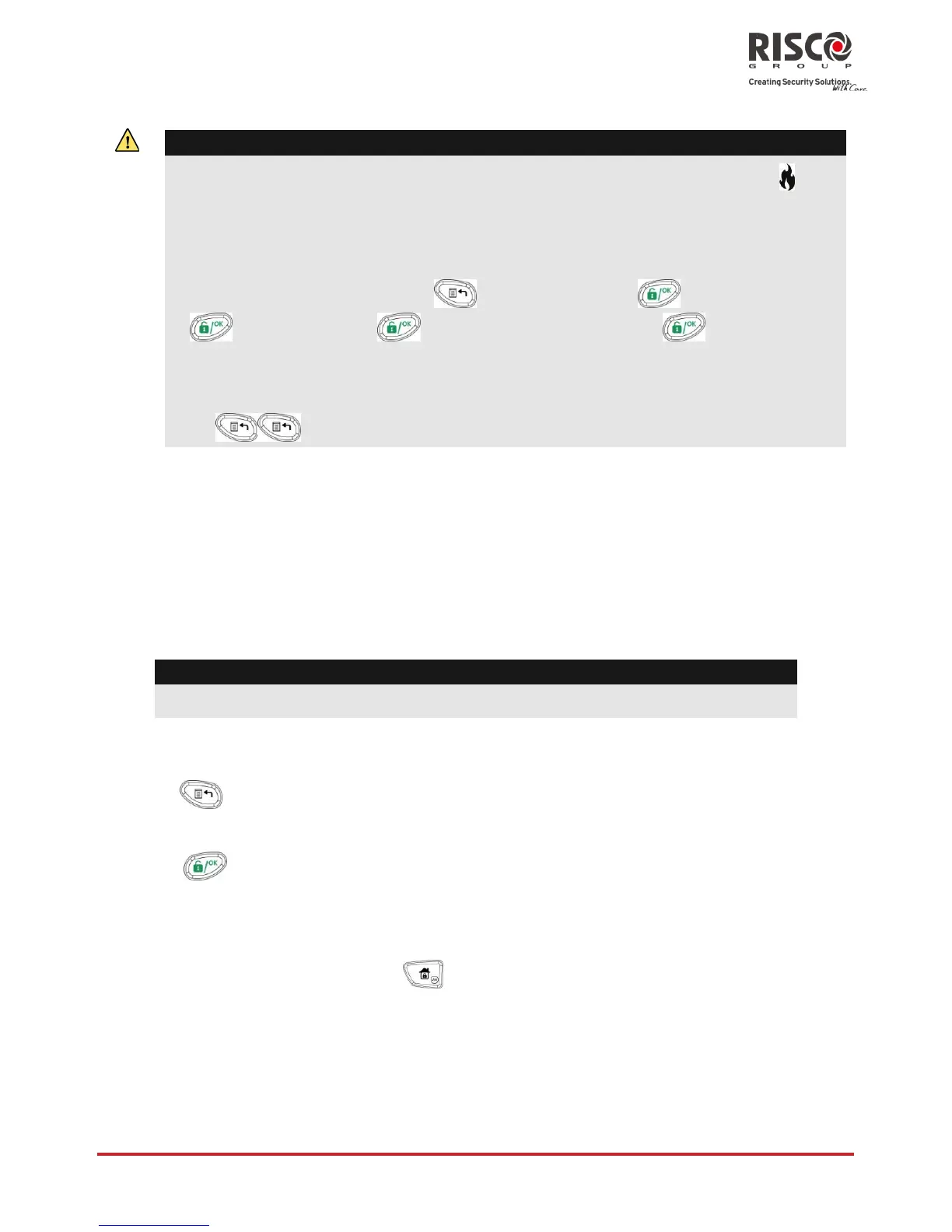
To reset a smoke detector, press > User Code > > Activities
> > Advanced > > Switch Auxiliary > .
Note: You may need to perform this procedure several times in order to prevent
the smoke detector(s) from re-detecting any remaining smoke
Press to exit the user functions mode.
Resetting after an alarm
Your installation company can configure the reset of the system to a normal operation
mode to require the intervention of your alarm receiving center or engineer. In this case,
after an alarm condition, the system will be regarded as not ready and the display will
show a Call Engineer message
Consult your engineer regarding whether your system reset mode is Remote or Engineer.
Note:
Before attempting to reset your system ensure that the system is unset.
To remotely (anti-code) reset after an alarm
1. Press key while the Call Engineer display is on will enter you to the Anti Code
section.
2. Press to enter the Anti Code option.
3. Call your alarm receiving center (ARC) or engineer and quote the RANDOM CODE
displayed on your keypad. The ARC or engineer will give you a return Anti-Code.
4. Enter this Anti code followed by to reset the system.

















 To Next Page