Setting and Unsetting
LightSYS User Manual Page 22
Additional Set/Unset Capabilities
Automatic Set/Unset
The LightSYS has the ability to define automatic system setting at a predefined time of
a day. A Set/Unset program automatically sets and unsets the system during your
required time intervals. When defining the automatic setting/unsetting program, you
need to define the following parameters: Partition, Setting Mode (Full/Part),
Time, and Label.
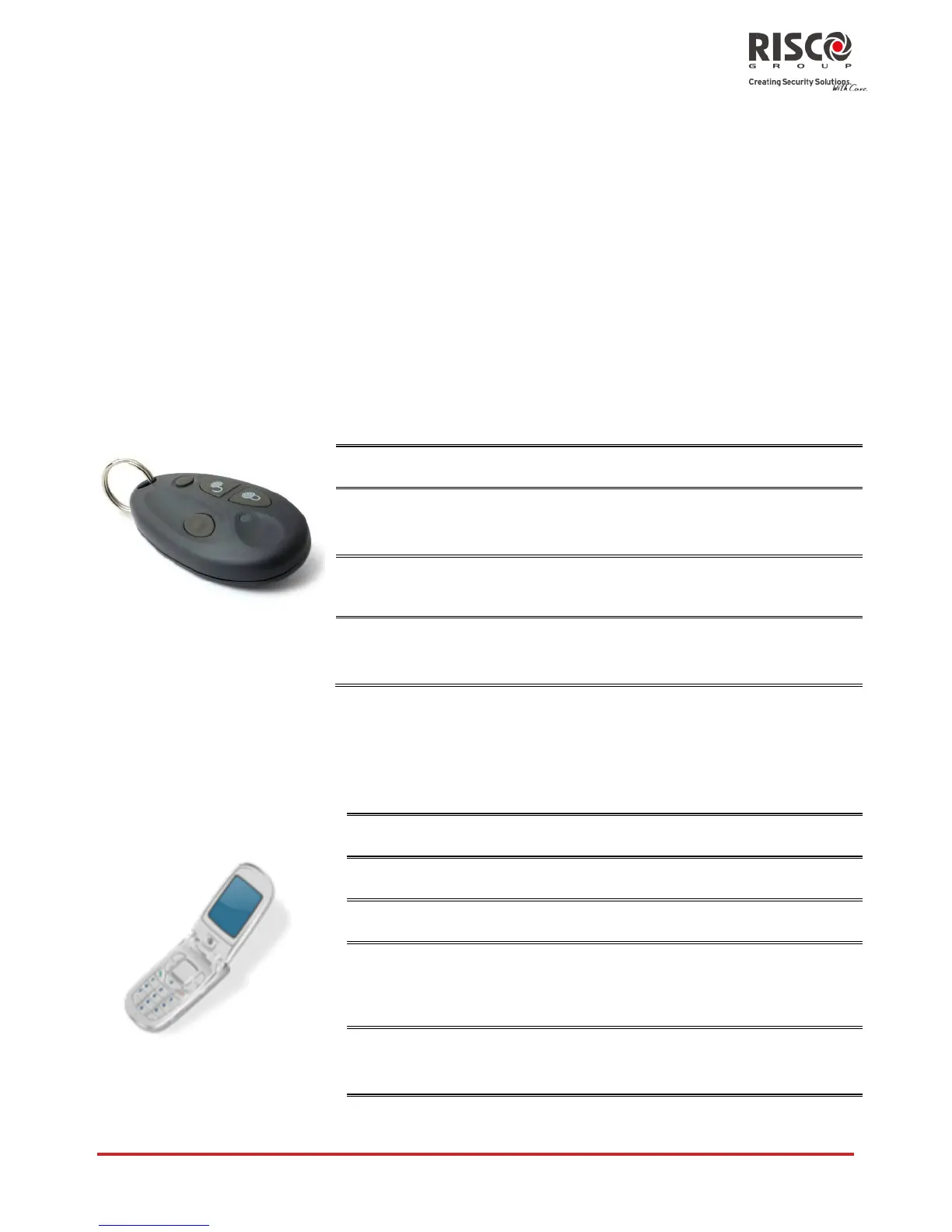
Set /Unset from your Wireless Keyfob
The system can be set using a wireless keyfob (If equipped with a wireless module
expansion). For detailed information regarding the keyfob operation consult with your
engineer .
Press the button. All partitions assigned to
the button will be unset
Press button or button 4 (if defined)
Press button or button 4 (if defined)
Remote Set/Unset Using SMS
If your LightSYS is equipped with GSM/GPRS module you can perform the setting/unsetting
operations using SMS commands. For more information refer to your engineer. For a full list
of SMS operations, refer to Appendix D – SMS Operation.
[Code][S], example, 1234S
[Code][US], example, 1234US
[Code][P], example, 1234P
[Code][S] [Partition No.] examples:
To set partitions 1: 1234S1
To set partitions 1 and 2: 1234S12
[Code][US] [Partition No.] Example
1234US1

















 To Next Page