Mastering Your System
Page 9 LightSYS User Manual
SMS messaging and/or mobile email requires the use of the LightSYS GSM/GPRS
module.
Email messaging (via ADLS/Cable connection) requires the use of the LightSYS IP
module.
Keypad Indication
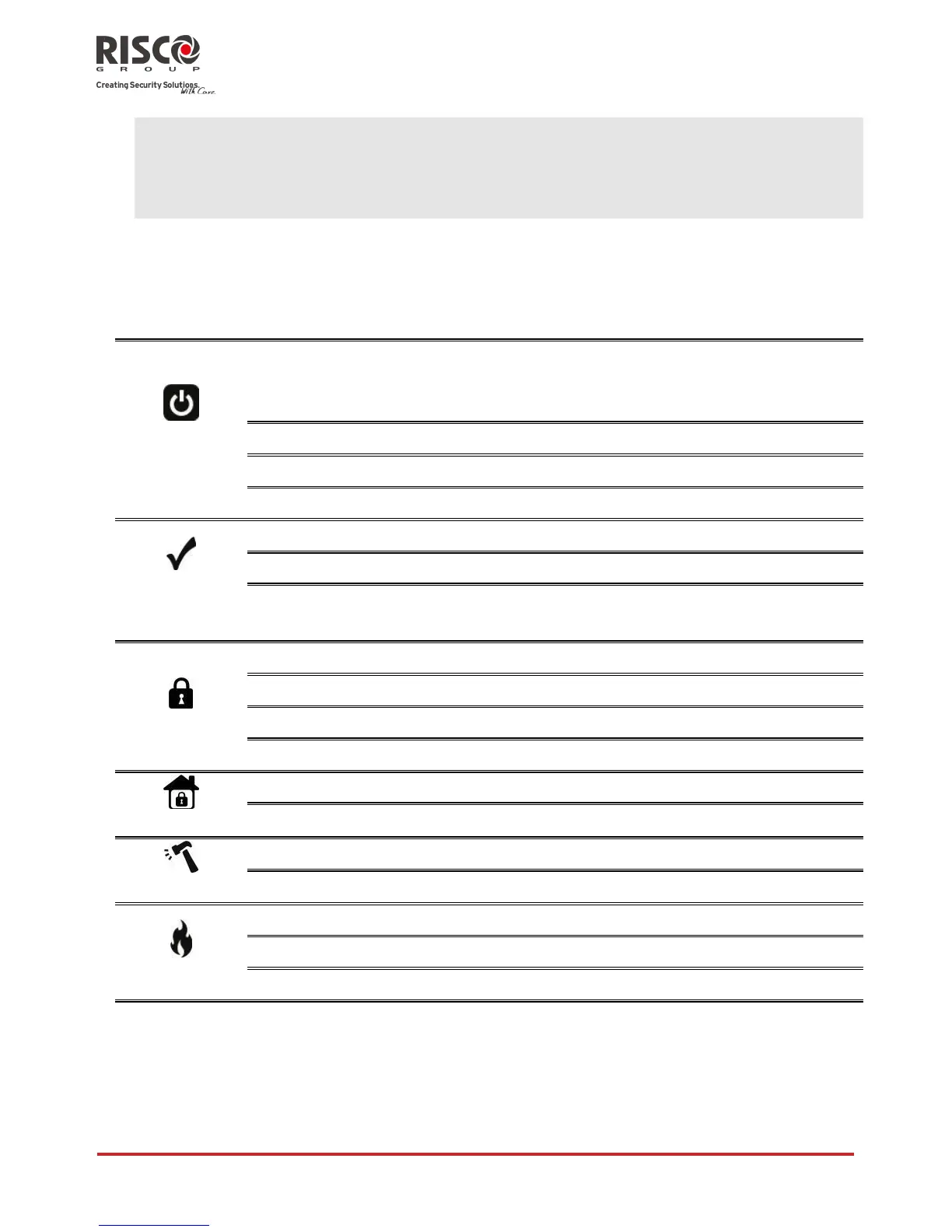
The LightSYS LCD keypad is the primary system interface and reports its status via its
LCD icons, as described below.
Keypad LCD Icons
System is operating properly from AC power, its
backup battery is in good condition and there are no
faults in the system.
System is being programmed.
System is ready to be set.
System is not ready to be set
System is ready to be set while exit/entry zone is
open.
System is set in Full Set or Part Set mode.
System is in Part Set or Zone Omit mode.
Zone/keypad/external module has been tampered.
All zones are operating normally.
LCD Status Display
The LCD status display will vary depending on the number of partitions in your system.
If your system is defined with only one partition, the LCD displays the partition name,
time and date.

















 To Next Page