Mastering Your System
Page 7 LightSYS User Manual
User Operating Tools
LightSYS can easily be managed locally or remotely depending on your system
configuration.
You can issue commands to the system and in turn, the system will communicate
information to you via its display, indicators, voice messages, SMS messages, Email
messages and by the sounds it makes.
Depending on your purchased supplementary modules, you can operate your system via
the following:
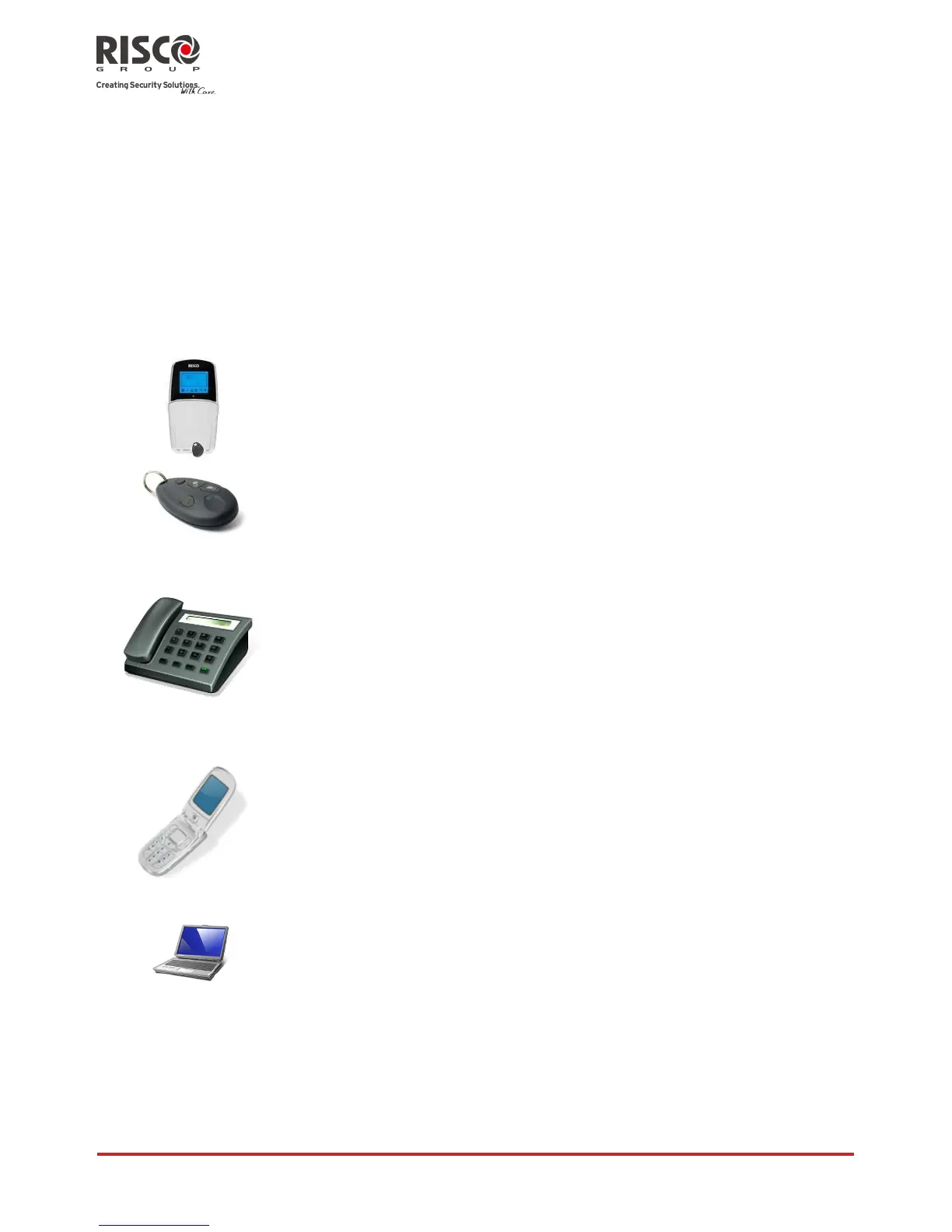
LightSYS Keypad and proximity tag:
Locally through its LCD keypad(s), you can issue commands to
your system. In turn, the system can communicate information to
you through its display, indicators and by the sounds it makes.
4 Button Keyfob:
Using the wireless 4 button keyfob you can set, unset, send a
panic alarm and activate outputs.
Remote Phone Operation:
If your system includes the voice module, it can provide audible
information about system status, and enable any remote,
touch-tone (DTMF) telephone to act as a keypad for the system.
Upon event occurrence, such as alarm activation, the voice
module informs you by calling you and playing a prerecorded
event announcement, as described in the 5IN1520 LightSYS Voice
Module Programming and Operations Guide.
SMS:
If your system is equipped with RISCO Group's GSM/GPRS
module it can provide information about the system by SMS
and/or email (depending on SIM card) enable operation of the
system using SMS commands for setting the system, unsetting
the system and more.
Configuration Software:
RISCO Group's Configuration Software enables the engineer to
program the system and manage the system locally or remotely.

















 To Next Page