EasyManua.ls Logo

Risco LightSYS - Scheduling Tables

Risco LightSYS
52 pages
Print Icon
To Next Page IconTo Next Page
To Previous Page IconTo Previous Page
Loading...
Page 47 LightSYS User Manual
Appendix C Scheduling Tables
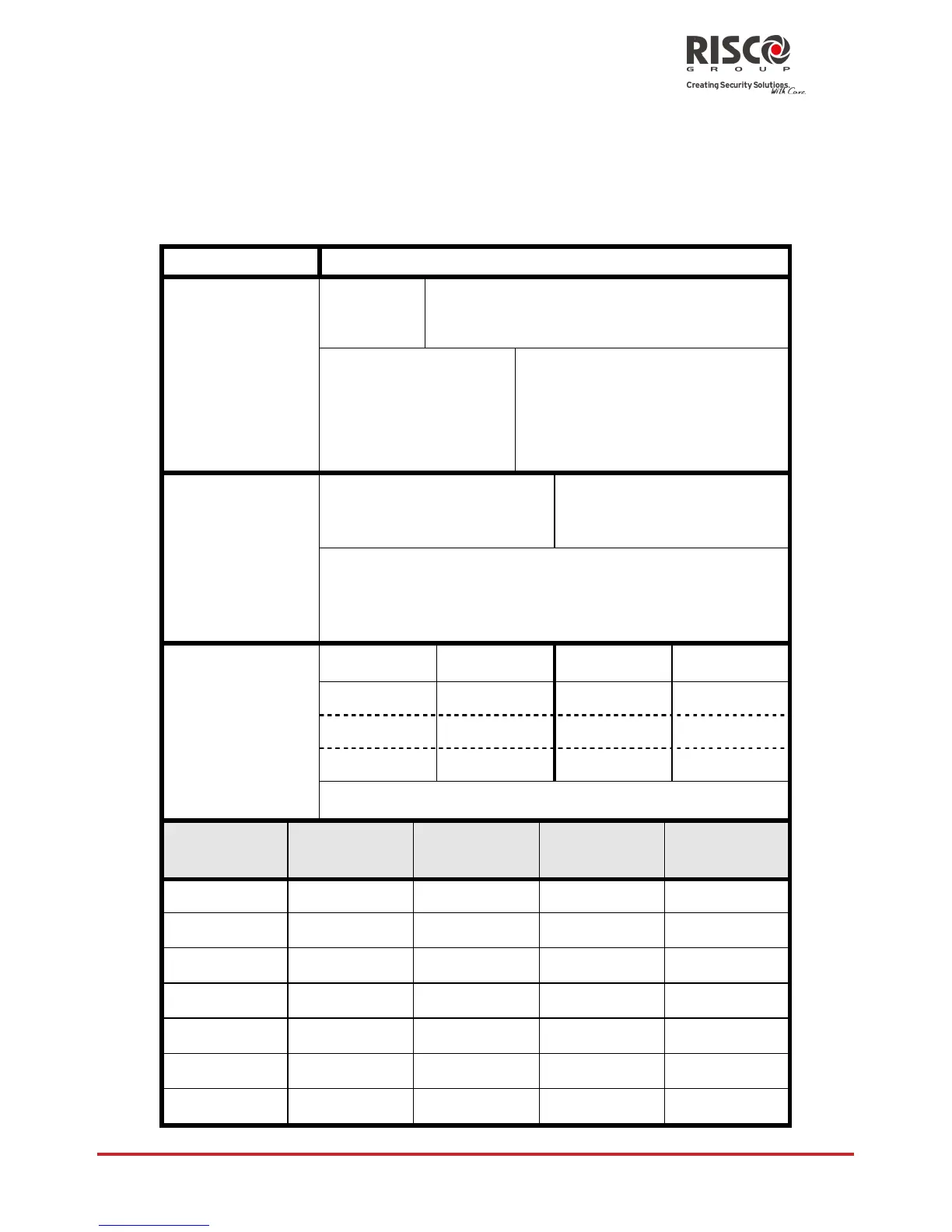
Use the following table to define each of the weekly schedules.
Weekly Schedule: _________
Schedule Name: __________
Schedule Type
Parameter Definitions
Set / Unset
Partition
1
2
3
4
5
6
7
8
Set Mode:
Set
Part
Group
Select Group:
A
B
C
D
Programming
output
1st PO No:_________
3rd PO No:_________
2nd PO No:________
4th PO No:_________
Note: For the PO weekly schedule, you can
define a separate time definition during
vacation.
User Access
Authorization
User #
Name
User #
Name
Note: You can choose any user in the system.
Day
Start Time
1 HH:MM
Stop Time 1
HH:MM
Start Time
2 HH:MM
Stop Time 2
HH:MM
Sunday
Monday
Tuesday
Wednesday
Thursday
Friday
Saturday

Table of Contents

Other manuals for Risco LightSYS

Related product manuals