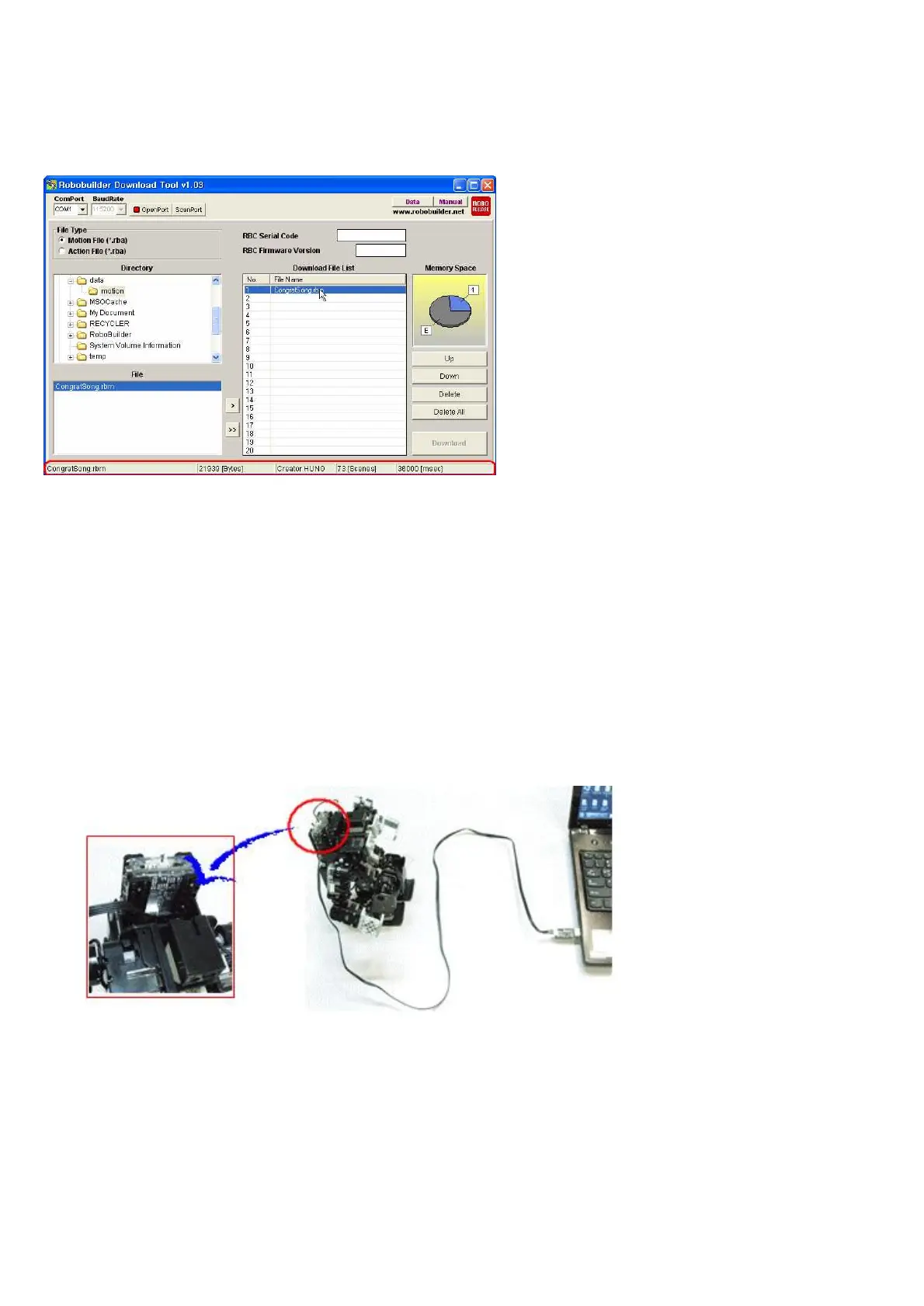
If you click a file in the Download File List, it shows file name, file size, robot platform, scene number,
performance time.
※ If registered files are more than one in the ‘Download File List’, users can change
the downloading sequence by clicking “Up” or “Down” button.
※ Users can do this function by using Keyboard.
‘Up’ button = ‘+’ Key
‘Down’ button = ‘-‘ Key
‘Delete’ button = ‘Delete’ Key
Connect RQ-HUNO and Download (UART) Cable as shown in the below.



 To Next Page