Robotiq Hand-E Gripper Instruction Manual
4.9. Control over OMRON TM
4.9.1. Control with the OMRON TM Wrist Connection Kit
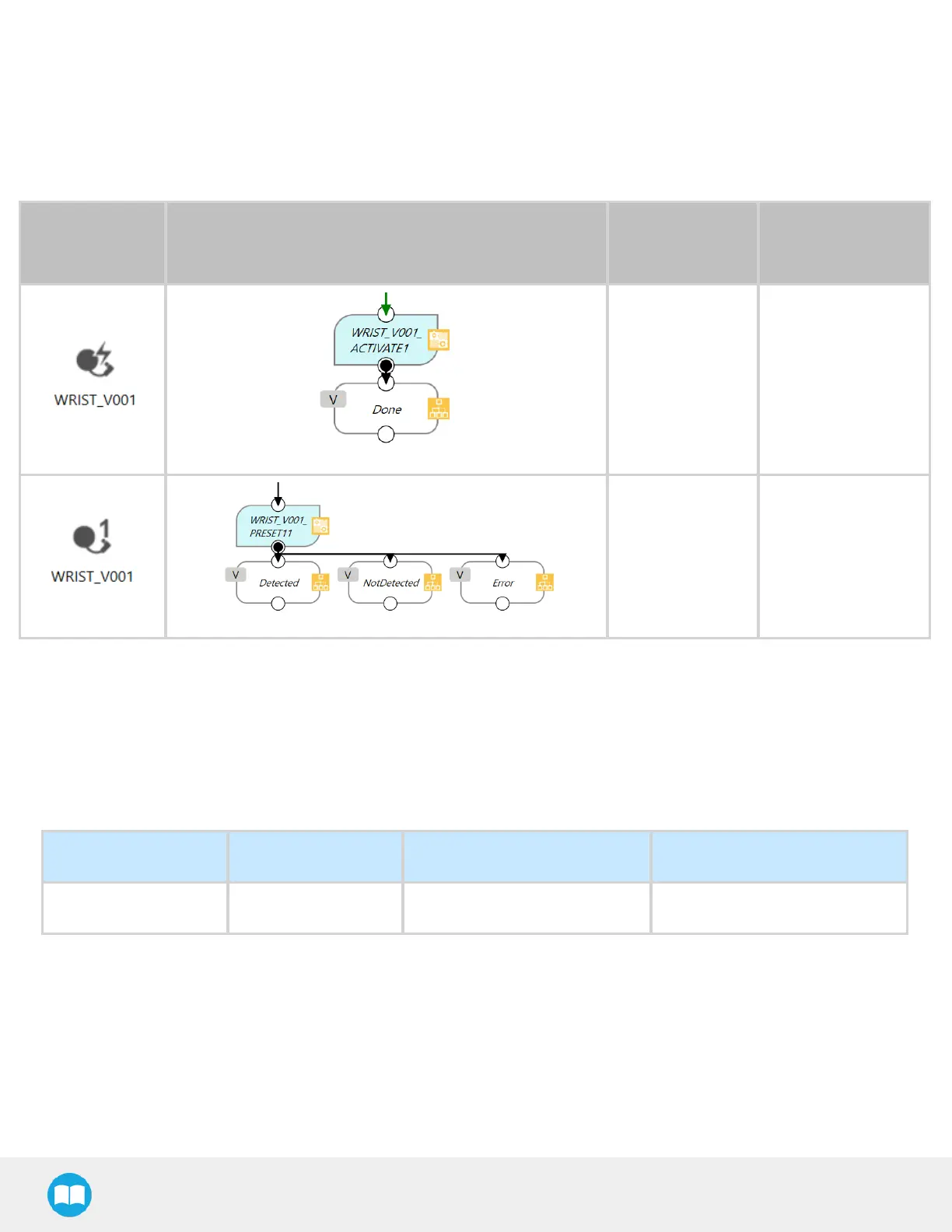
TM Components for the I/O Coupling with the Hand-E Gripper
Component
Icon
Component node
TM
Components
Functions
Activate
component
l To activate the
gripper and the
I/O Coupling.
l It must be used
only one time
before using the
presets.
Preset X
l To use the preset
X and move the
gripper.
All the presets come with three (3) exit nodes:
1
Detected: The gripper stopped before reaching its position and has detected an object.
2
NotDetected: The gripper reached its position and did not detect an object.
3
Error: A communication error has occurred.
4.9.2. TMRobots Compatibility with Robotiq Grippers
Hardware Version TMFlow Version TMGripper Component Robotiq RS232 Converter
HW1, HW2, HW3 1.68 and later ADG_V001_XXX Compatible
58



 To Next Page