Robotiq Hand-E Gripper Instruction Manual
4.9.4. TMGripper Components GRIPPER_ROBOTIQ_ADG_V001_
CHANGEGRIPPER.Component
Here is the list of the current Robotiq adaptive grippers (i.e. "ADG") TM Components to install on TMRobots:
l GRIPPER_ROBOTIQ_ADG_V001_SET.Component = SET the Gripper (Speed, Force, Position)
l GRIPPER_ROBOTIQ_ADG_V001_CLOSE.Component = CLOSE the Gripper (Action)
l GRIPPER_ROBOTIQ_ADG_V001_OPEN.Component = OPENthe Gripper (Action)
l GRIPPER_ROBOTIQ_ADG_V001_CHANGEGRIPPER.Component = CHANGE the address of the Gripper/dual Gripper
Installation
1
Download the TMSeries Component package. Go to robotiq.com/support, click Select product > Hand-E Adaptive Gripper
> OmronTM > Software > Gripper Software > DOWNLOADZIP.
2
Unzip the file at the root of a blank USB stick.
3
Rename the USBstick to "TMROBOT".
Caution
The USBstick must be named "TMROBOT", or it will not be supported by the robot.
4
Insert the USBstick in the robot controller.
5
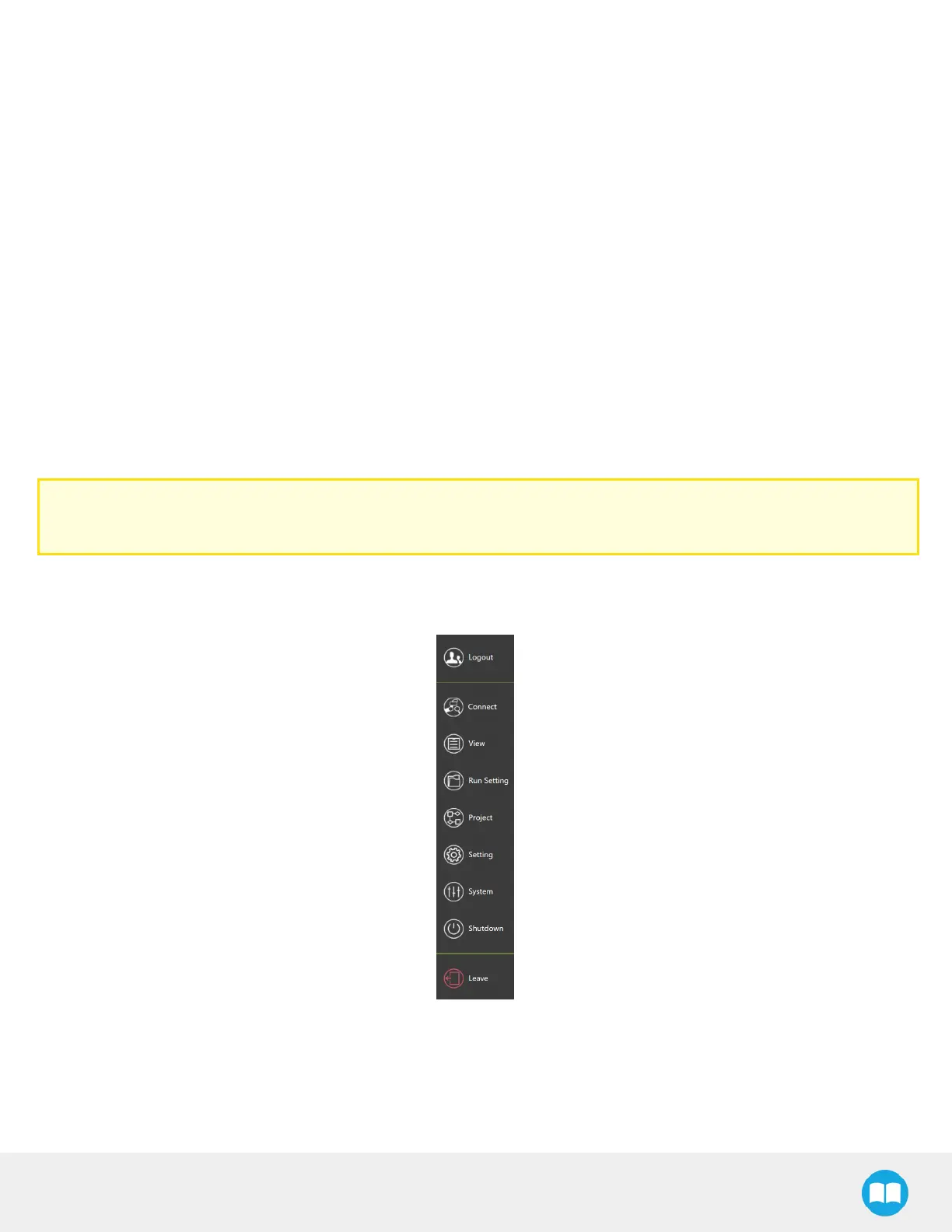
In TMFlow (robot software), click the triple bar icon, then select System.
63



 To Next Page