84
Editing or deleting a reminder
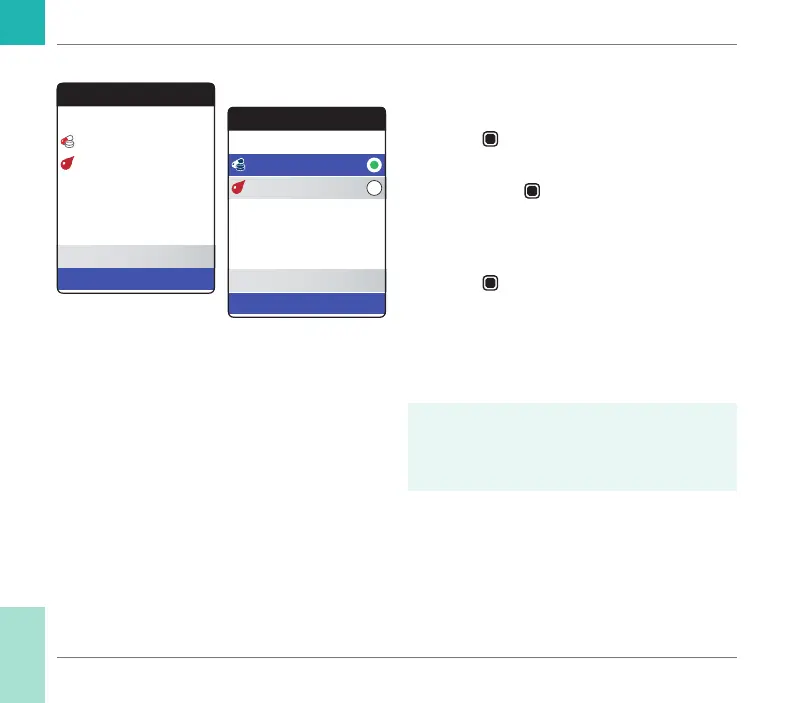
To edit or delete a reminder:
1 Select Edit/Delete and press the Enter
button
to proceed.
2 Select the desired reminder and press the
Enter button
to conrm your selection.
A green dot indicates the selected
reminder.
3 Select Edit or Delete and press the Enter
button
to proceed.
If you have chosen to edit the reminder,
proceed as described in section “New
reminder”. If you have chosen to delete the
reminder, it will be deleted after conrmation.
The Edit/Delete button is only available
if there is at least one reminder listed. The
New button is only available if there are
fewer than four reminders listed.
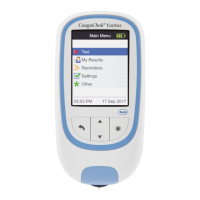
Reminders
05:30 PM, 17 Sep 2018
Current Reminders
New
Edit / Delete
01:45 PM, Thu 7 Days
Edit Reminders
05:30 PM, 17 Sep 2018
Edit
Delete
01:45 PM, Thu 7 Days
Reminders and Meter Settings
CoaguChek Vantus User’s Manual, version 1.0


 To Next Page