As
you can see, there are variations
of
each sound located in the variations above Variation 0 and
there are
128
pages
of
extra variation. By combining the Variation Select messages, actually called
a "Controller
0"
and "Controller 32" messages (used to select the various pages) with a Program
Change message,
the
sounds in the variations above Variation 0 and the various pages can be selec-
ted. For example, sending Variation Select
#1
Page #8 and Program Change #5 would select
"Electric".
To
send a Variation Select and Program Change message from a MIDI coupler:
1.
Hold SET.
2.
Press and hold the MIDI coupler (coupler will flash
as
it
is
held).
3.
Hold SET and press the key which corresponds
to
the variation desired
(CC-OO):
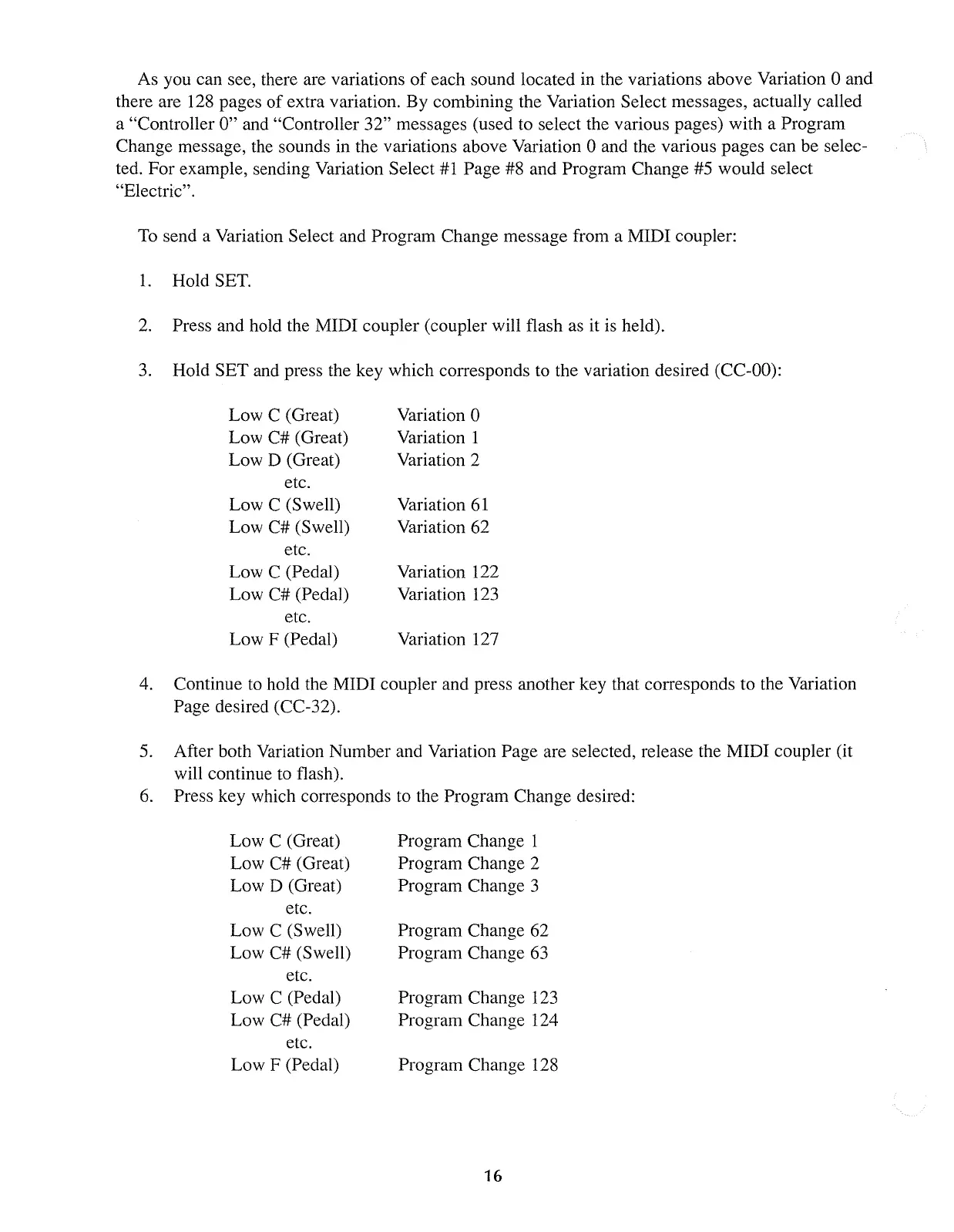
Low C (Great)
Low C# (Great)
Low D (Great)
etc.
Low C (Swell)
Low C# (Swell)
etc.
Low C (Pedal)
Low C# (Pedal)
etc.
Low F (Pedal)
Variation 0
Variation 1
Variation 2
Variation
61
Variation 62
Variation 122
Variation
123
Variation 127
4.
Continue
to
hold the MIDI coupler and press another key that corresponds to the Variation
Page desired (CC-32).
5.
After both Variation Number and Variation Page are selected, release the MIDI coupler (it
will continue to flash).
6.
Press key which corresponds to the Program Change desired:
Low C (Great)
Low C# (Great)
Low D (Great)
etc.
Low C (Swell)
Low C# (Swell)
etc.
Low C (Pedal)
Low C# (Pedal)
etc.
Low F (Pedal)
Program Change 1
Program Change 2
Program Change 3
Program Change 62
Program Change
63
Program Change
123
Program Change 124
Program Change 128
16



 To Next Page