LOCAL
ON/OFF
The 525/535 are equipped with a LOCAL ONjLOCAL OFF control for each division. When the
organ is set to LOCAL ON, it operates nOlmally.
When a division
of
the the organ is set to LOCAL OFF, none
of
the organ stops sound when
keys or pedals are pressed in this section. MIDI information is, however, generated on activated
MIDI Master Channels and MIDI coupler channels. In addition, movement
of
the Expression Pedal
generates MIDI volume information on activated MIDI Master Channels and MIDI coupler chan-
nels but does not affect the organ stop volume. An application for this is when sequencing, the volu-
me
of
the organ may be sequenced one way, and the volume
of
the MIDI voices another way.
MIDI information received on the MIDI Master Channels will still control the 525/535 when the
organ is set to LOCAL OFF.
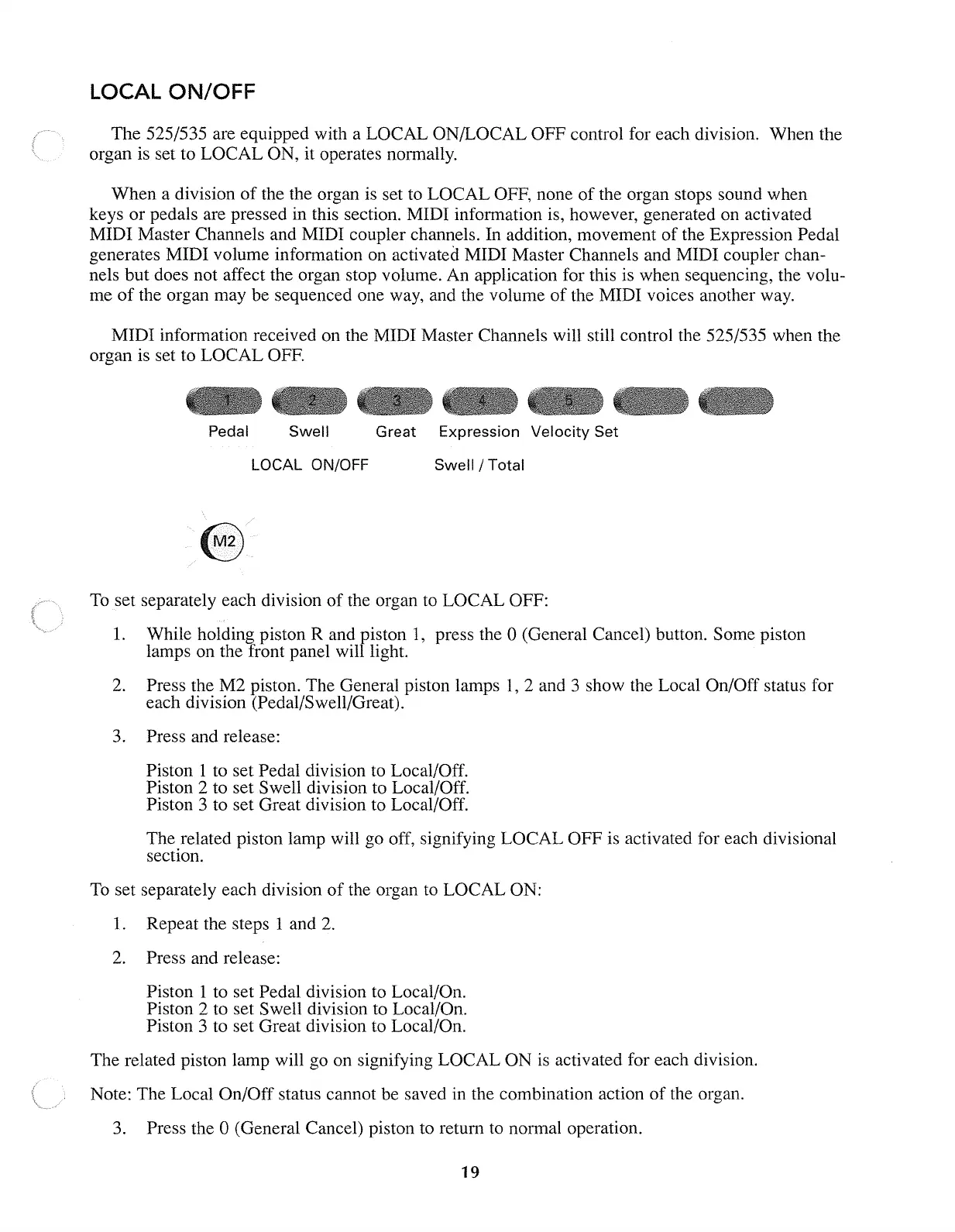
Pedal
Swell
LOCAL ON/OFF
Great Expression
Velocity
Set
Swell/Total
To
set separately each division
of
the organ to LOCAL OFF:
1.
While holding piston R and piston
1,
press the 0 (General Cancel) button. Some piston
lamps on the front panel will light.
2. Press the M2 piston. The General piston lamps I, 2 and 3 show the Local On/Off status for
each division (Pedal/Swell/Great).
3. Press and release:
Piston 1 to set Pedal division to Local/Off.
Piston 2 to set Swell division to Local/Off.
Piston 3 to set Great division to Local/Off.
The related piston lamp will go off, signifying LOCAL OFF is activated for each divisional
section.
To
set separately each division
of
the organ to LOCAL ON:
1.
Repeat the steps 1 and
2.
2. Press and release:
Piston 1 to set Pedal division to Local/On.
Piston 2 to set Swell division to Local/On.
Piston 3 to set Great division to Local/On.
The related piston lamp will go on signifying LOCAL ON is activated for each division.
Note: The Local On/Off status cannot be saved in the combination action
of
the organ.
3. Press the 0 (General Cancel) piston to return to normal operation.
19



 To Next Page