EasyManua.ls Logo

Rodgers 535 - Page 45

Default Icon
50 pages
Print Icon
To Next Page IconTo Next Page
To Previous Page IconTo Previous Page
Loading...
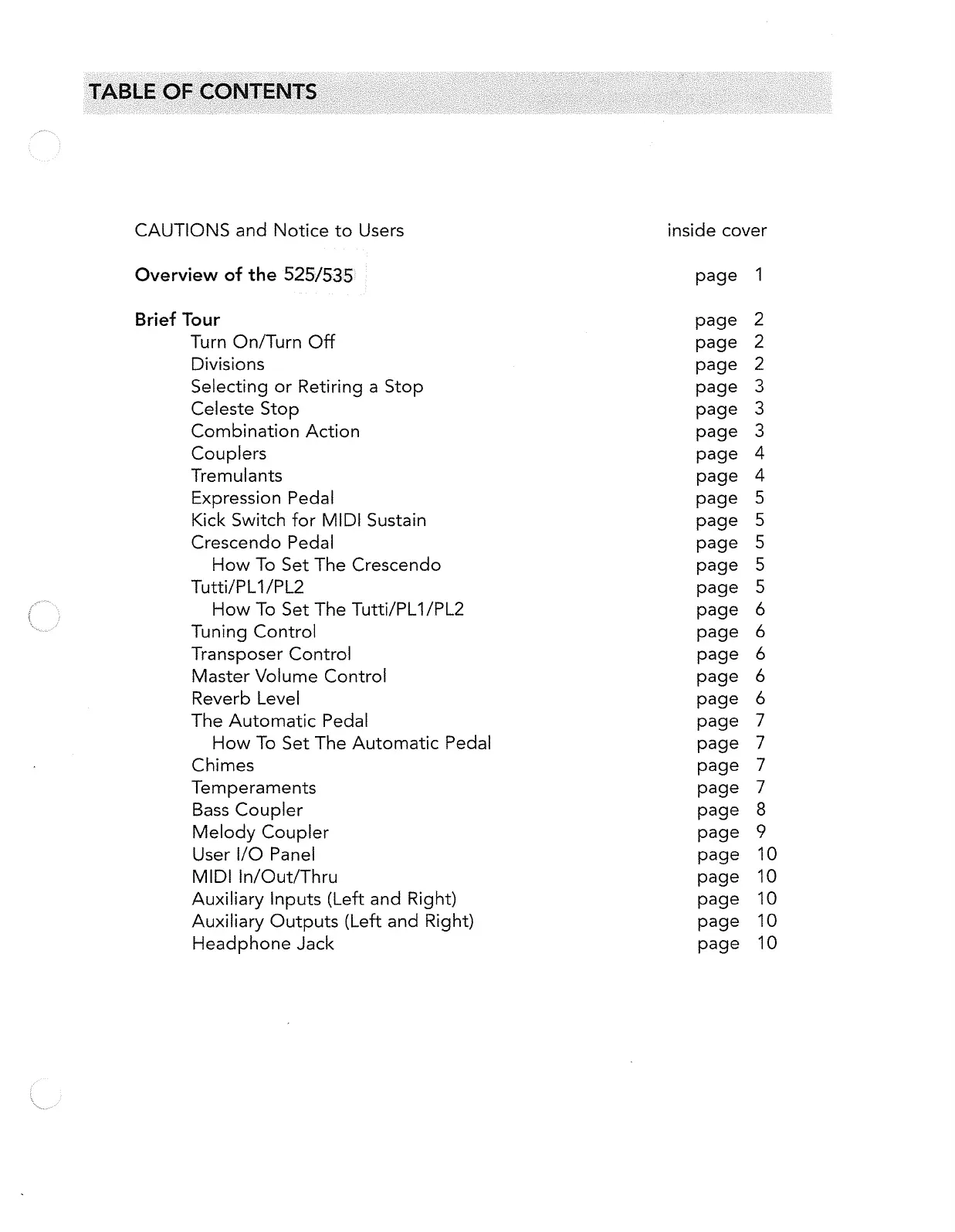
CAUTIONS
and
Notice
to
Users
Overview
of
the
525/535
Brief Tour
Turn OnlTurn Off
Divisions
Selecting
or
Retiring a
Stop
Celeste
Stop
Combination Action
Couplers
Tremulants
Expression Pedal
Kick
Switch for
MIDI
Sustain
Crescendo
Pedal
How
To
Set
The
Crescendo
Tutti/PL1/PL2
How
To
Set
The Tutti/PL1/PL2
Tuning Control
Transposer Control
Master
Volume Control
Reverb Level
The
Automatic Pedal
How
To
Set
The Automatic Pedal
Chimes
Temperaments
Bass
Coupler
Melody
Coupler
User I/O Panel
MIDI
In/Out/Thru
Auxiliary Inputs (Left
and
Right)
Auxiliary
Outputs
(Left
and
Right)
Headphone
Jack
inside cover
page
1
page
2
page
2
page
2
page
3
page
3
page
3
page
4
page
4
page
5
page
5
page
5
page
5
page
5
page
6
page
6
page
6
page
6
page
6
page
7
page
7
page
7
page
7
page
8
page
9
page
10
page
10
page
10
page
10
page
10

Related product manuals