10.3. FIRMWARE UPGRADE
Although the factory new reader is programmed with the latest firmware version available, it can
be later upgraded with a newer one. Roger design team continuously develops functionality
enhancements for the products allowing new firmware versions to be released periodically (for
every new firmware version available check our www.roger.pl website). Customers are kindly
advised to register at the website so that Roger can send information as soon as new firmware
versions is ready for download.
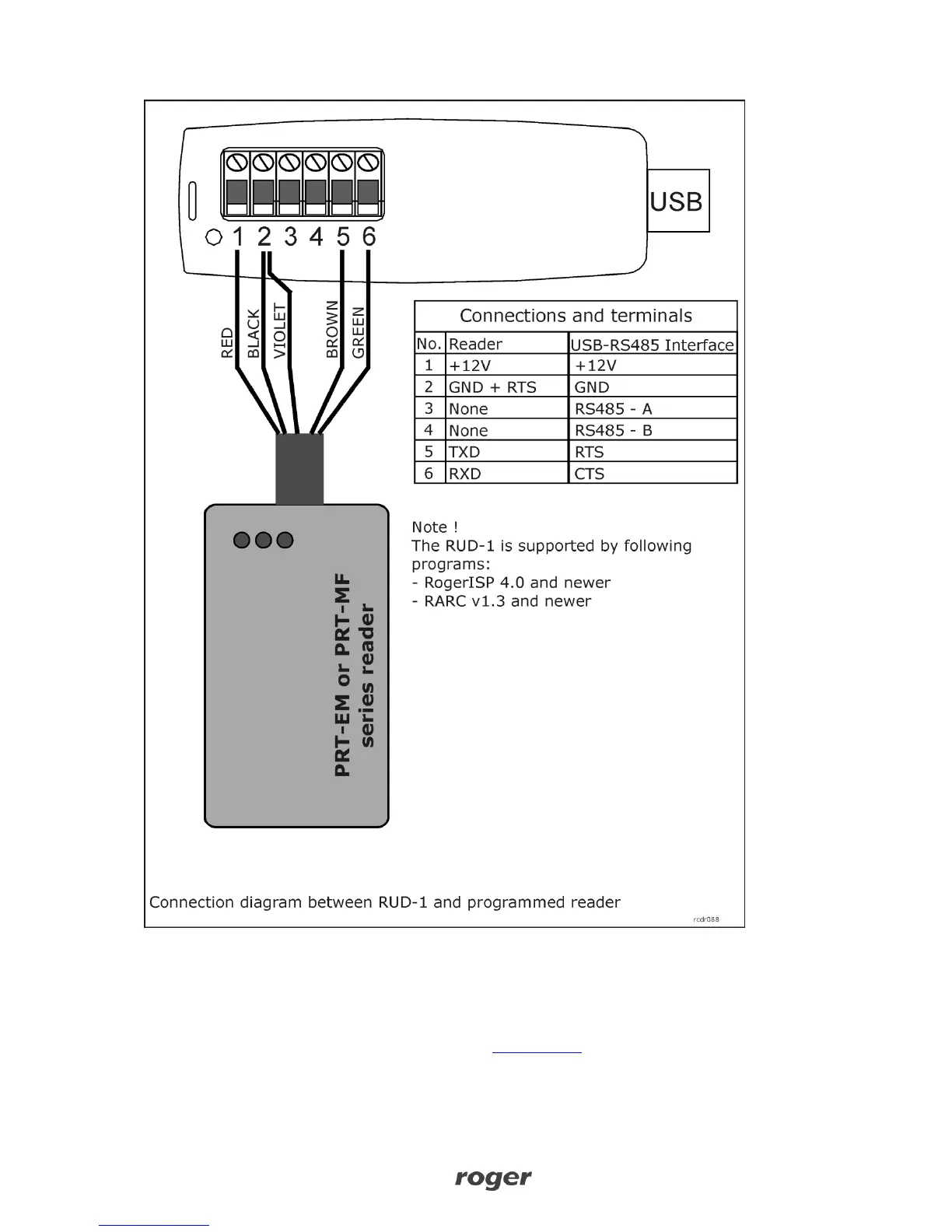
Firmware can be uploaded to reader via ordinary RS232 COM port or RUD-1 (USB) interface. In
both cases RogerISP 4 program is required.



 To Next Page