11. I N S T A L L A T I O N G U I D E L I N E S
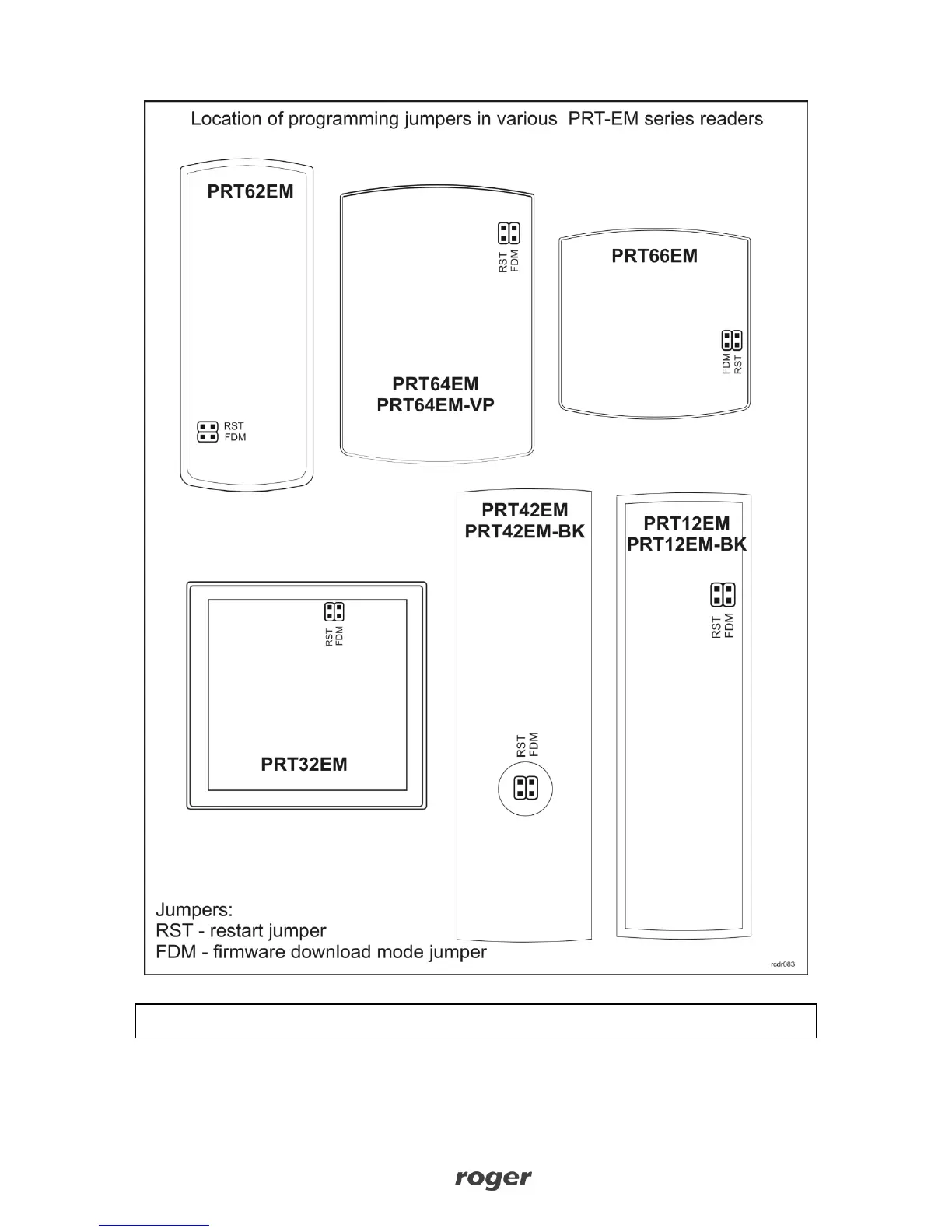
Reader should be installed in such way as to ensure physical access to the connection
cable, screw terminals and programming jumpers.
Before the reader will be mounted in desired location it is recommended to configure its
operating mode and if required to program the MASTER and INSTALLER users.
Any EM125kHz proximity card can be programmed as MASTER or INSTALLER card.



 To Next Page