3
1. INTRODUCTION
Welcome to the Rointe Connect app user manual. Please read this manual
carefully, including the End User License Agreement.
Designed for easy operation by any type of user, the Rointe Connect app allows
you to control your connected Rointe heating products from your smartphone,
tablet or computer at any time and from any place. The Rointe Connect app oers
you multiple advantages when it comes to your heating:
• Temperature control by installation, zone or individually by product
• See the cost and consumption of your heating in real time
• Set custom spending limits
• Ability to lock individual products remotely
• Push notications concerning your connected products
• Automate actions and programming with the "Environments" feature
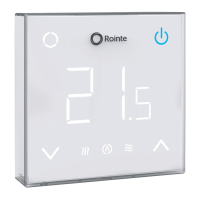
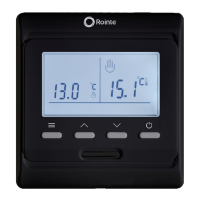
Rointe Connect is compatible with the following Rointe products: D Series radiators,
D Series towel rails, Rome Connected water heaters, CT.2 thermostat for underoor
heating and D Series water heaters (discontinued).
Please note if you using a computer you need to go to rointeconnect.com, create
an account and follow the instructions from the web application.
2. INSTALLATION
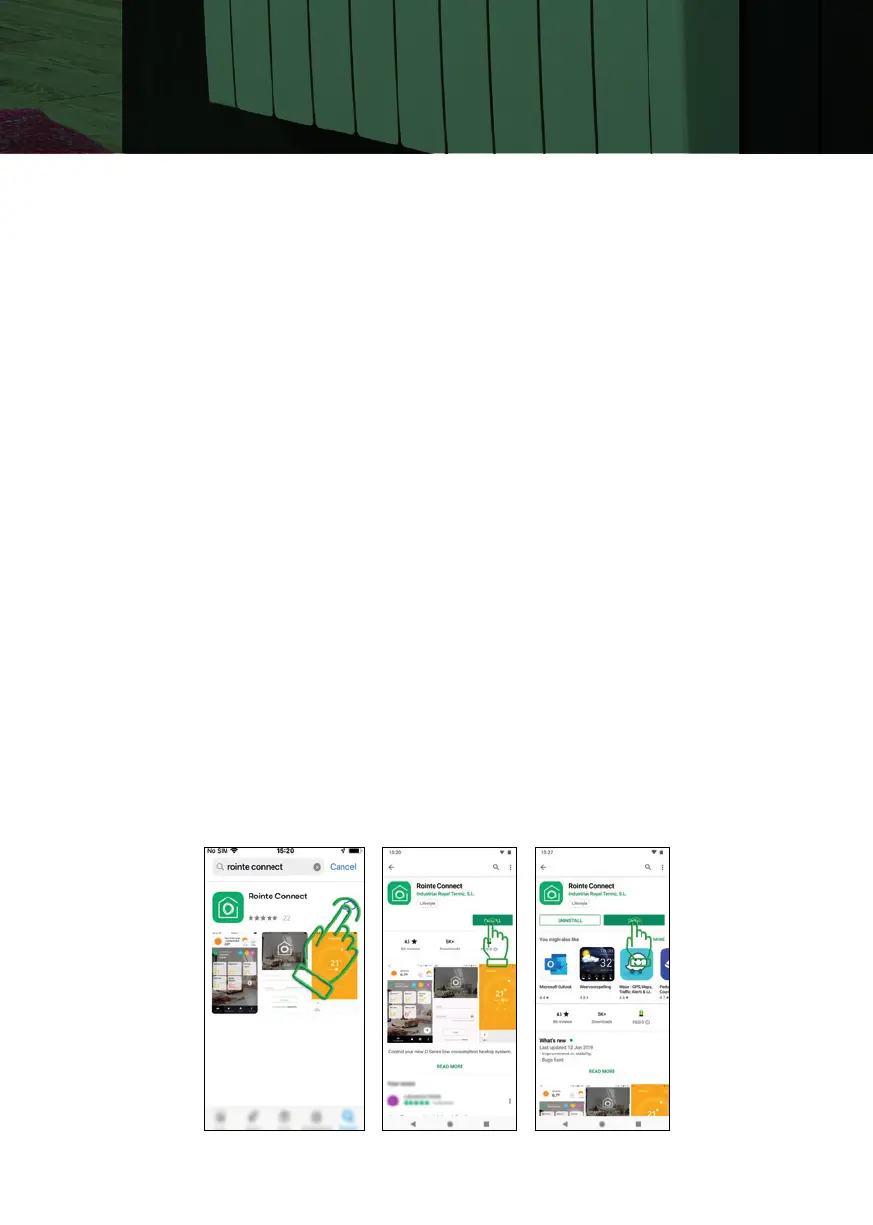
Access the App Store (iOS) or the Play Store (Android) on your smartphone or tablet.
Search for app “Rointe Connect”, click install and open once the app has installed.


 To Next Page