47
Creating a Song
5.
Use [7 (
←
)] [8 (
→
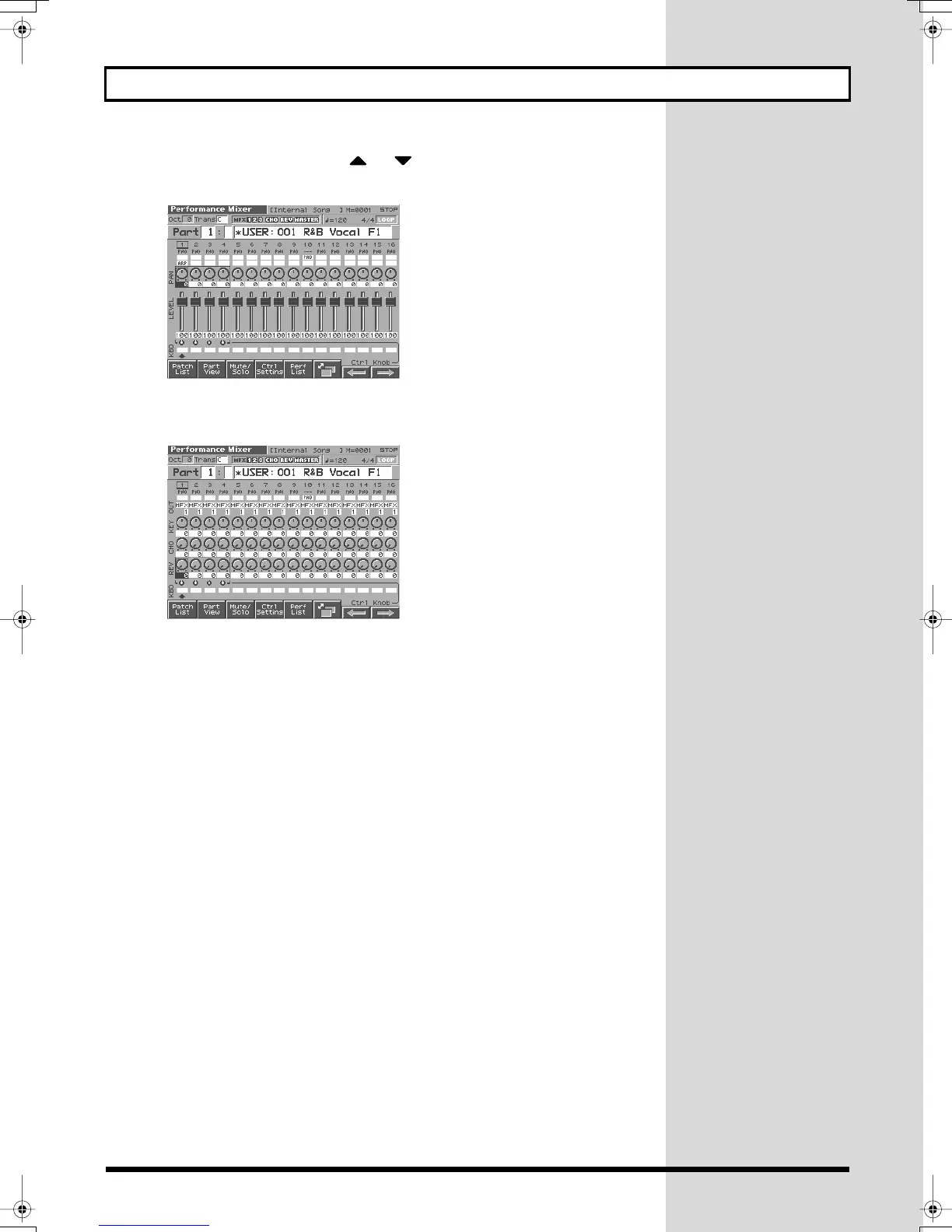
)] and press or to move the frame in the screen, and
set the panning (PAN: stereo location of the sound) in the same way.
fig.Q-54_50
6.
By pressing [6] to switch screens, you can also adjust the reverb send level
and chorus send level.
fig.Q-55_50
7.
When you have finished making settings, press [STOP] to stop playback.
Fantom-s_e.book 47 ページ 2003年5月15日 木曜日 午後1時25分



 To Next Page