20
Chapter 1 Quick Start
Adding Effects Such as Reverb or
Distortion (Multi-Effects)
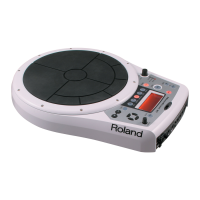
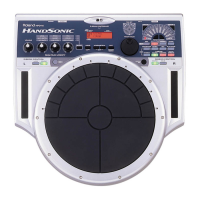
The HPD-15 contains a multi-effect unit that can apply various effects to the
sound.
Turning Multi-Effects On/Off
1
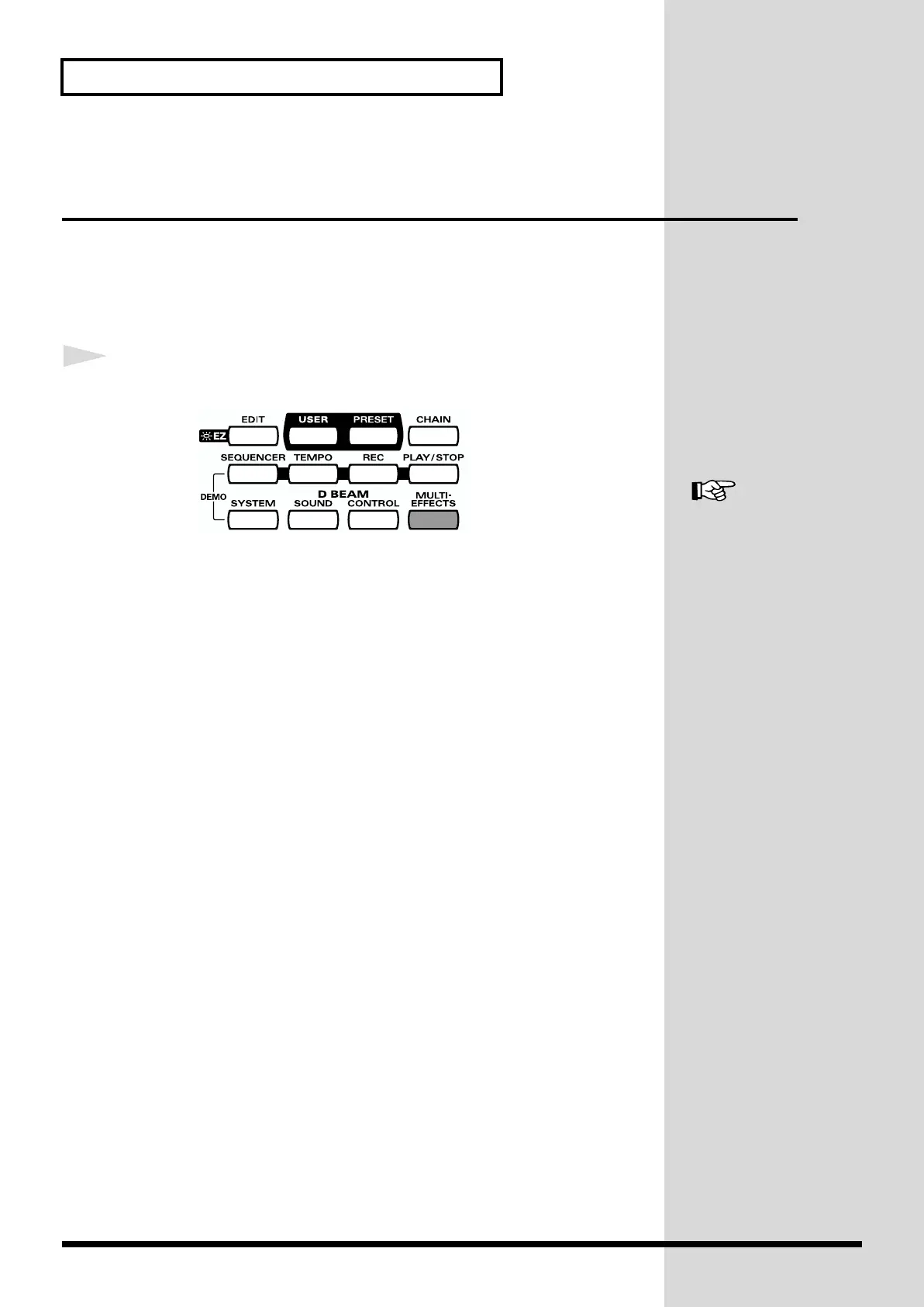
Press [MULTI-EFFECTS].
fig.1-13
When the effect is on, [MULTI-EFFECTS] will light.
The sound will change according to the selected type of effect.
For more on multi-effects,
refer to “Adjusting the
Multi-Effect Settings” (p.
40).


 To Next Page
 Loading...