27
Chapter 1 Quick Start
Chapter 1
Changing the Tempo
fig.1-23
1
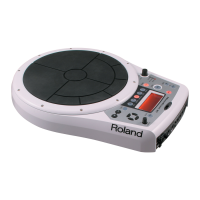
Press [TEMPO].
[TEMPO] will light, current tempo is displayed in the screen.
fig.1-23a
2
Turn [PATCH/VALUE] to change the tempo.
3
When you have finished making changes, press [TEMPO]
once again.
[TEMPO] will go dark, and you will return to the previous screen.
1, 3
2
Tempo =100
The tempo can be changed
either when the pattern is
playing or stopped.


 To Next Page
 Loading...