31
Chapter 1 Quick Start
Chapter 1
Rapidly Selecting Parameters or Values
Key Repeat Function
This can also be used when selecting either parameters or values, and when
selecting patch groups or patch numbers.
1
Press and hold either [ PARAMETER],
[PARAMETER ], [PATCH NUMBER ], [PATCH
NUMBER ], [GROUP -], or [GROUP +].
The parameter, value, patch number, or group will change consecutively.
Turbo Repeat Function
This function can also be used when selecting a value or patch number.
1
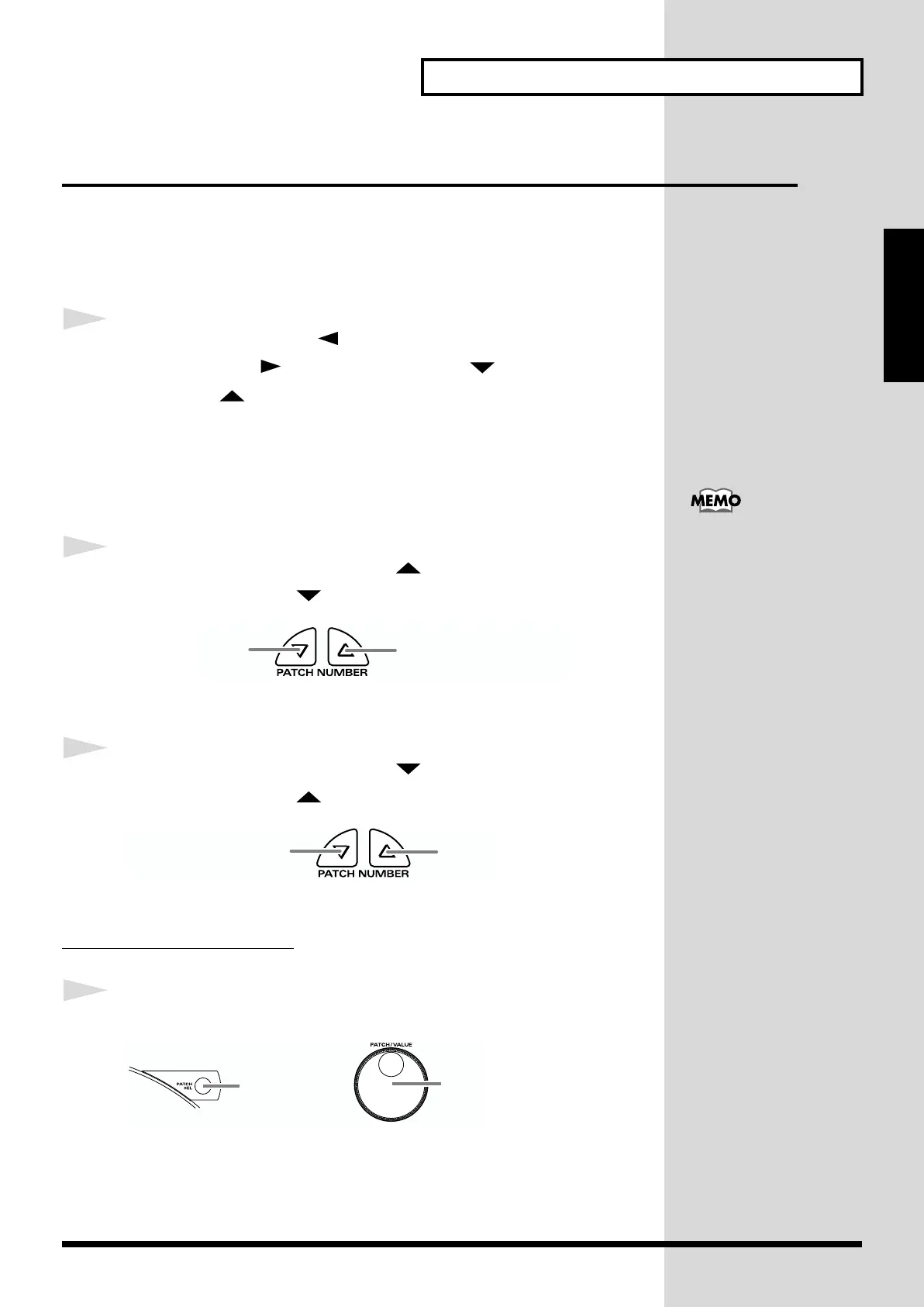
Hold down [PATCH NUMBER ], and press
[PATCH NUMBER ].
fig.1-32.e
The value (value or patch number) will increase rapidly.
1
Hold down [PATCH NUMBER ], and press
[PATCH NUMBER ].
fig.1-33.e
The value (value or patch number) will decrease rapidly.
Turbo Function of the Dial
1
Hold down [PATCH SEL], and turn [PATCH/VALUE].
fig.1-33a.e
If you are changing the value, the value will change in 10 steps.
When you select the
instrument or adjust the
pitch, you can use the Skip
function (p. 32) instead of
the Turbo repeat function.
while holding down
press
while holding down
press
while
holding
down
turn


 To Next Page
 Loading...