33
Chapter 1 Quick Start
Chapter 1
Skipping Values
When selecting an instrument or setting the pitch, you can make the value
jump.
Instruments (sounds) are grouped into several categories. By using the skip
function you can jump to the first sound in each group.
The pitch value can be changed in steps of 100 cent (one semitone).
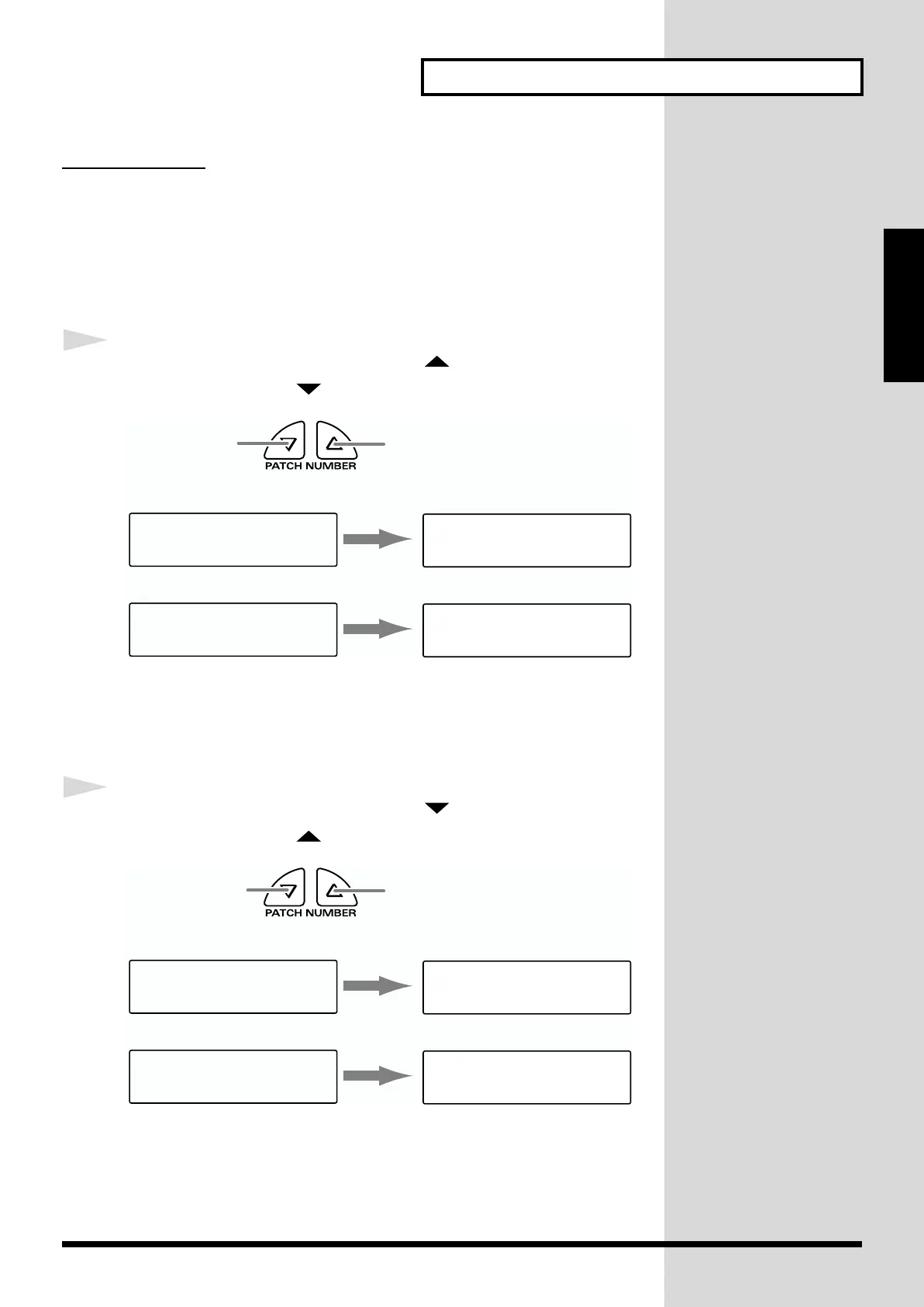
1
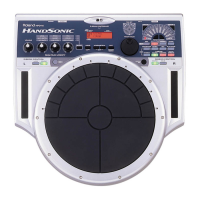
While pressing [PATCH NUMBER ], press and release
[PATCH NUMBER ].
fig.1-36.e
If you are selecting instruments, the first sound in the next group will be
displayed.
If you are setting the pitch, the value will increase in 100 cent steps.
1
While pressing [PATCH NUMBER ], press and release
[PATCH NUMBER ].
fig.1-37.e
If you are selecting instruments, the first sound in the previous group will
be displayed.
If you are setting the pitch, the value will decrease in 100 cent steps.
while holding down
press and
release
P0101A1*PAD INST
Pitch +12cent
P0101A1*PAD INST
Pitch +100cent
P0101A1*PAD INST
L09:Conga Hi /H
P0101A1*PAD INST
F01:Shekere
Pad Inst (p. 36) select screen
Pitch adjust screen
press and release
while holding
down
P0101A1*PAD INST
Pitch +783cent
P0101A1*PAD INST
Pitch +700cent
P0101A1*PAD INST
R01:Dry Hard Kik
P0101A1*PAD INST
O01:Sleigh Bell
Pad Inst (p. 36) select screen
Pitch adjust screen


 To Next Page
 Loading...