44
Chapter 1. Playing Back Songs
7.
Press the [ ] (Value -) button or [ ] (Value +) button to
select “Saved Song to Delete.”
8.
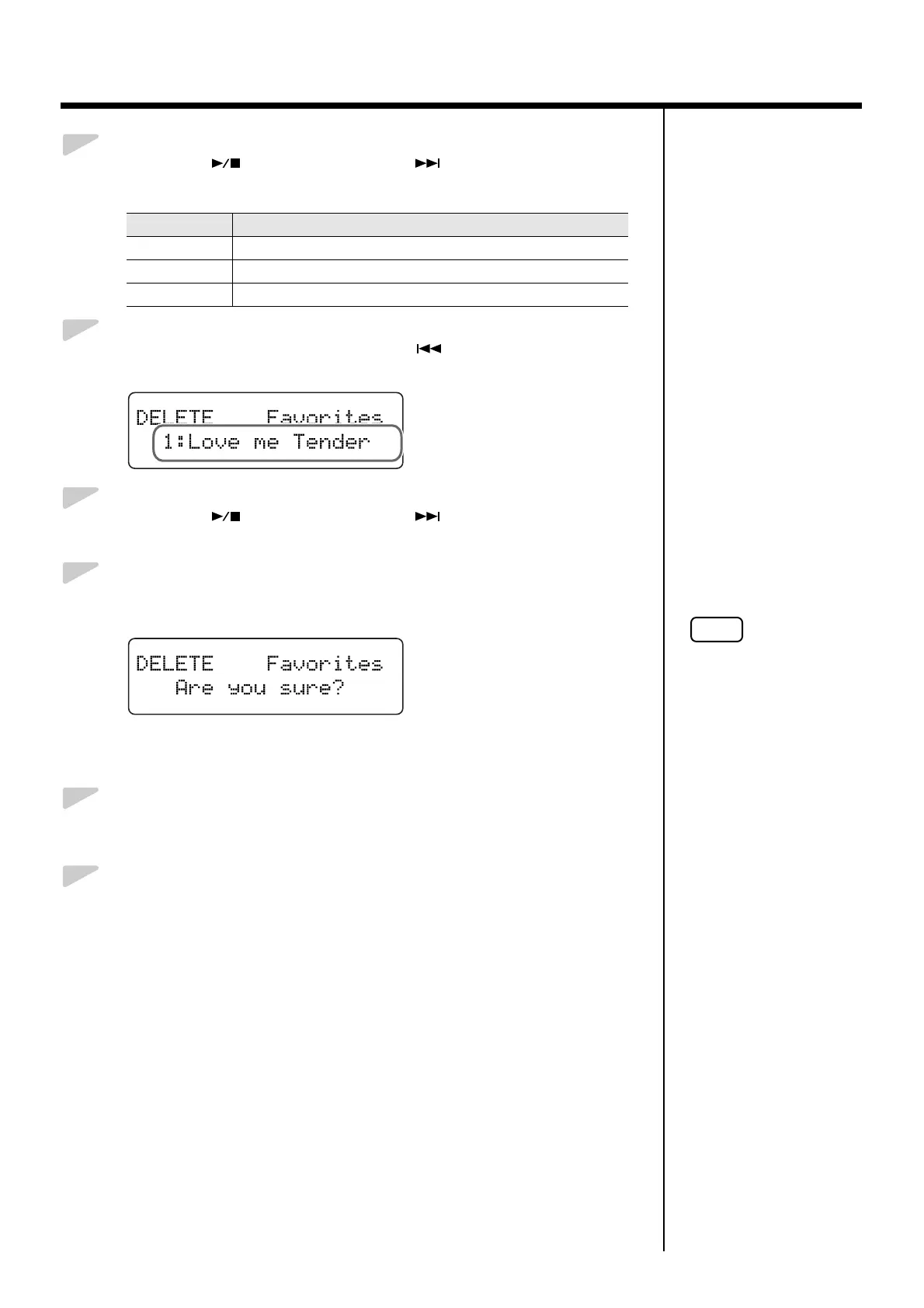
Press the [Song] (Select -) button or [ ] (Select +) button to get
the “song number” to flash.
fig.01-360d
9.
Press the [ ] (Value -) button or [ ] (Value +) button to
select the song to be deleted.
10.
Press the [Enter] button.
A confirmation message appears in the screen.
fig.01-370d
To return to the original screen without deleting the song, press the
[Function] (Exit) button.
11.
Press the [Enter] button once more.
The song is deleted.
12.
Press the [Function] (Exit) button so the indicator goes out.
Value Description
Favorites Deletes the songs in the “Favorites.”
Floppy Disk Deletes the songs in the Floppy disk.
Ext Memory Deletes the songs in the USB memory.
When deleting performances
saved to USB memory, do
not remove the USB memory
until deleting is finished.


 To Next Page