72
Chapter 3. Performance
Changing the Volume Balance of the
Accompaniment and the Keyboard
You can also change the balance in the volume of songs or accompaniment
and the volume of the keyboard as you play.
1.
Press the [Function] (Exit) button so the indicator is lit.
2.
Press the [Song] (Select -) button or [ ] (Select +) button to
display the BALANCE screen.
fig.03-030d
3.
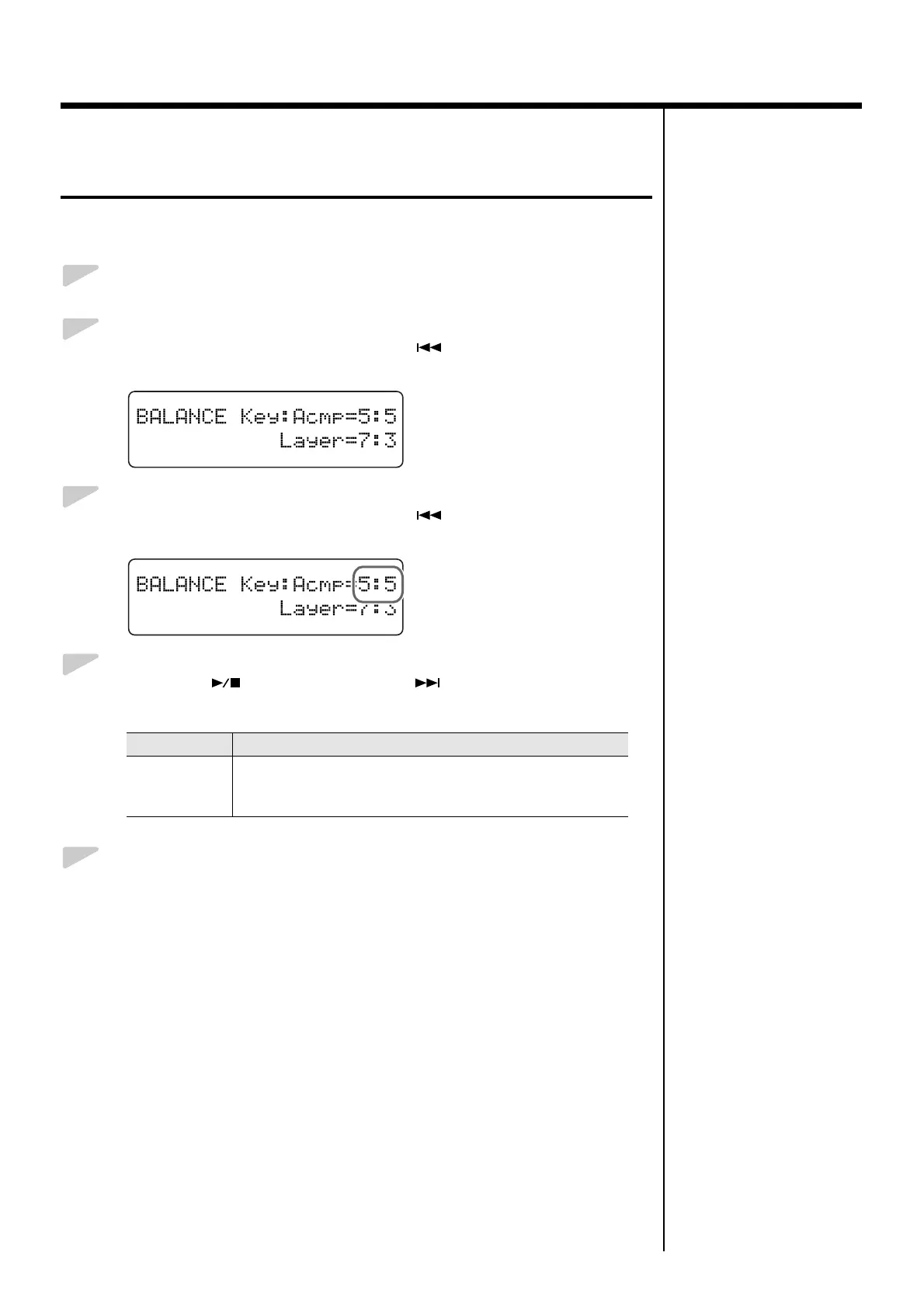
Press the [Song] (Select -) button or [ ] (Select +) button to get
the value for “Key:Acmp” (Keyboard:Accompaniment) to flash.
fig.03-390d
4.
Press the [ ] (Value -) button or [ ] (Value +) button to
adjust the keyboard and the accompaniment volume balance.
5.
Press the [Function] (Exit) button so the indicator goes out.
Value Description
1: 9–9: 1
The volume increases as the value is raised.
The numeral on the left indicates the keyboard volume, and the
number on the right indicates the accompaniment volume.



 To Next Page