76
Chapter 4. Recording the Performance
Stopping Recording
6.
Press the [Enter] button.
Recording stops.
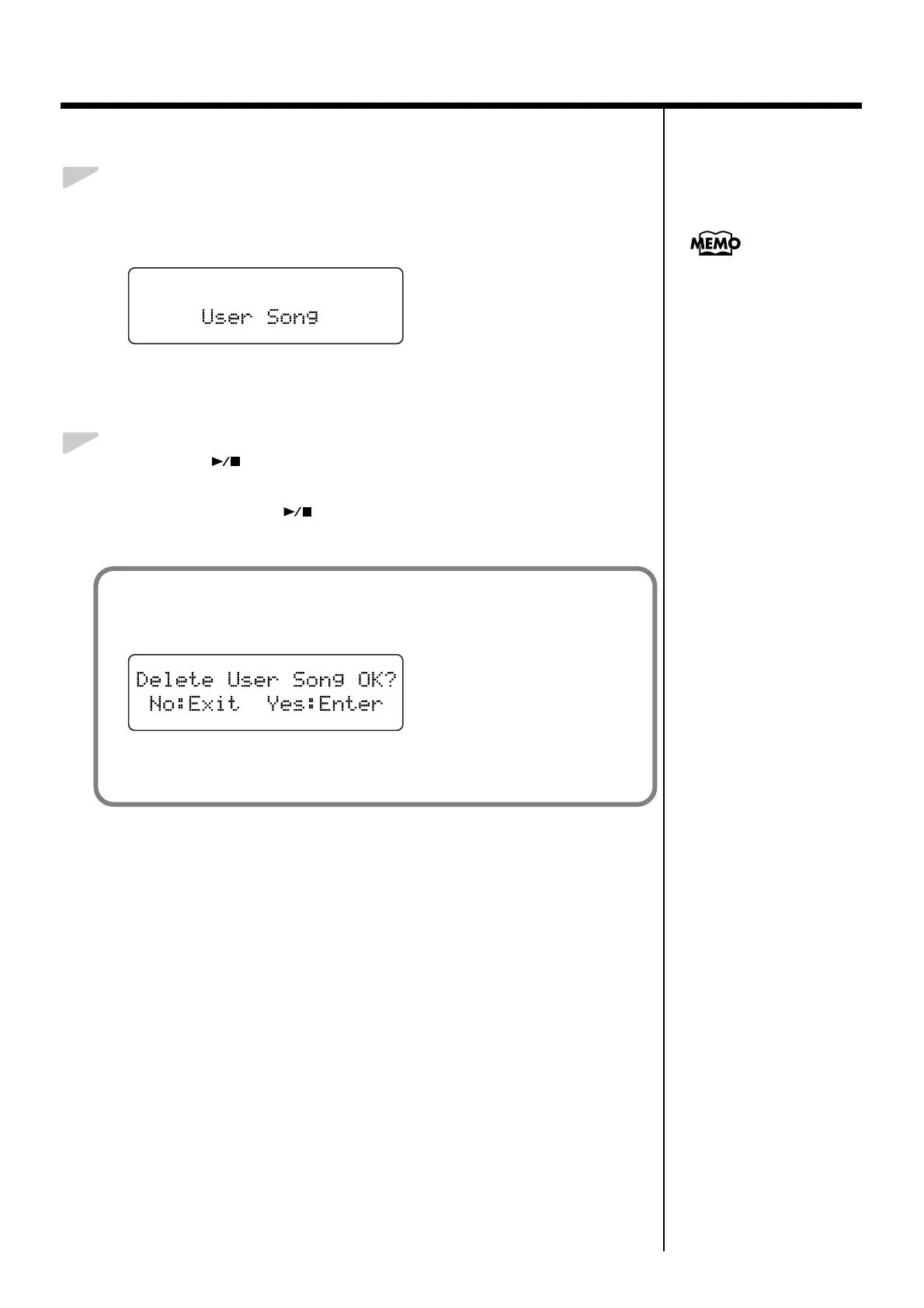
The following screen appears.
fig.04-040d
■ Play Back the Recorded Performance
1.
Press the [ ] button.
You will hear the recorded performance.
Once again press the [ ] button, and playback will stop.
You can save recordings or
your performances to the
RG-3 itself (p. 77).
If you see the following...
If you attempt to select a song when another performance has already been recorded,
the following appears in the display.
fig.04-050d
If it is OK to erase the performance, press the [Enter] (Enter) button.
If you do not want to erase the performance, press the [Function] (Exit) button.



 To Next Page