91
Chapter 6. Changing Various Settings
Functions Assigned to the [FUNC 1] and
[FUNC 2] Buttons
5. Press the [Function] (Exit) button so the indicator
goes out.
Changing the CD Settings
■ Adjusting CD and Audio File
Levels
Use this procedure to adjust the volume level of the CD or
audio file when playing back a CD or audio file.
→ You can use the Memory Backup function to store these
settings to the RG-3 (p. 73).
1. Press the [Function] (Exit) button, getting its
indicator to light.
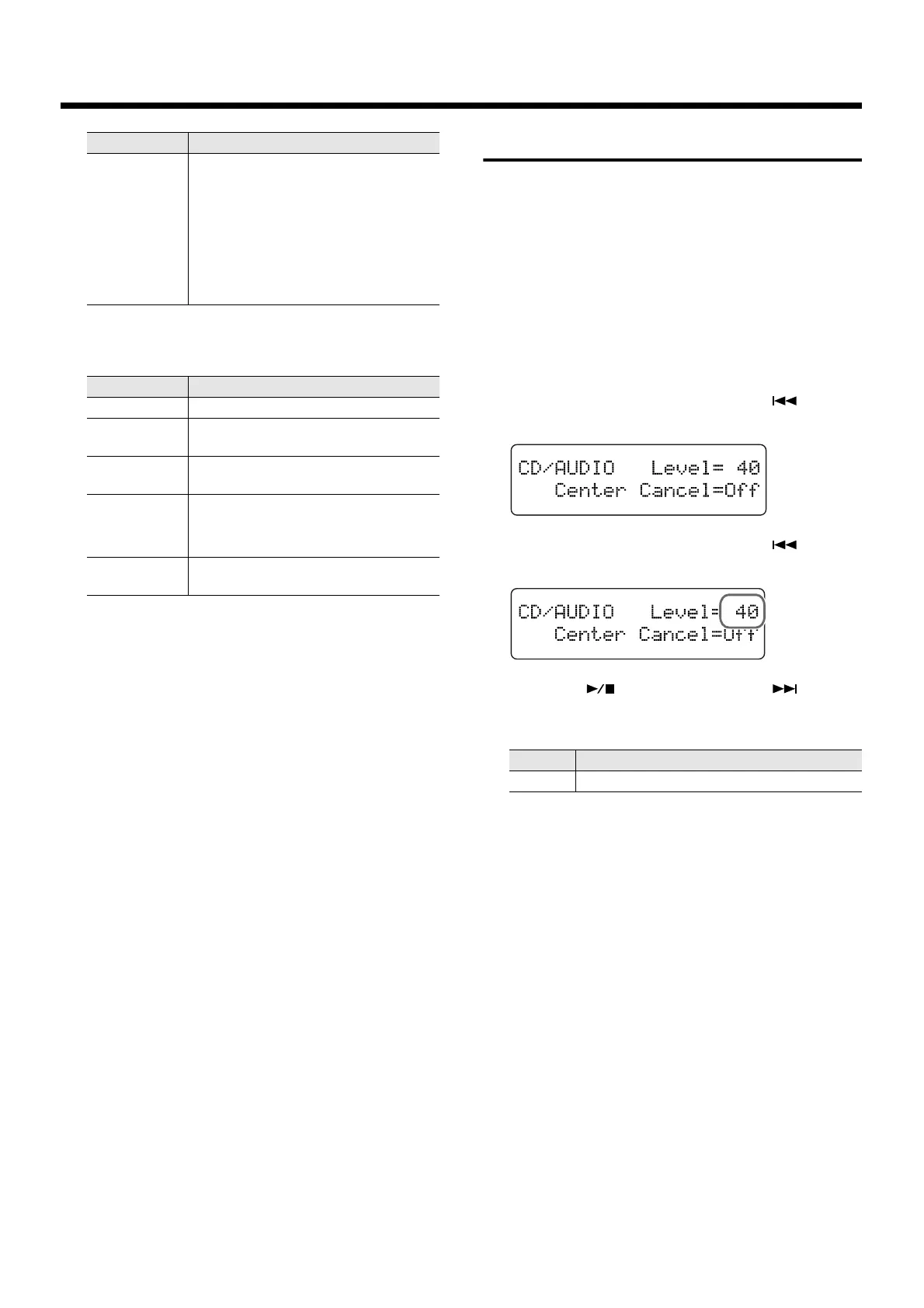
2. Press the [Song] (Select -) button or [ ] (Select
+) button to display the CD/AUDIO screen.
fig.06-110d
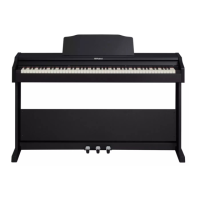
3. Press the [Song] (Select -) button or [ ] (Select
+) button to get the value for “Level” to flash.
fig.06-120d
4. Press the [ ] (Value -) button or [ ] (Value
+) button to adjust the playback volume of the
CD or audio file.
5. Press the [Function] (Exit) button so the indicator
goes out.
CD Level
Changing the volume of the Song on
CDs (p. 91).
Press the TRANSPOSE [-] button to de-
crease the volume, and press the
TRANSPOSE [+] button to increase the
volume.
* This function is valid when a CD drive
is connected.
Value Description
Random Plays back the songs in random order.
Equalizer
Switches the equalizer on and off
(p. 60).
Minus One
Switches Minus One/Guide (p. 95) on
and off.
Eject/Load
Ejects or loads the CD.
* This function is valid when a CD drive
is connected.
CentrCancl
Switches Center Cancel (p. 92) on and
off.
Value Description
Value Description
0–127 Raising the value increases the volume level.


 To Next Page