68
Chapter 3. Performance
■ Changing the Keyboard’s Split Point
You can change the location where the keyboard is divided (the split point).
1.
Press the [Function] (Exit) button, getting its indicator to light.
2.
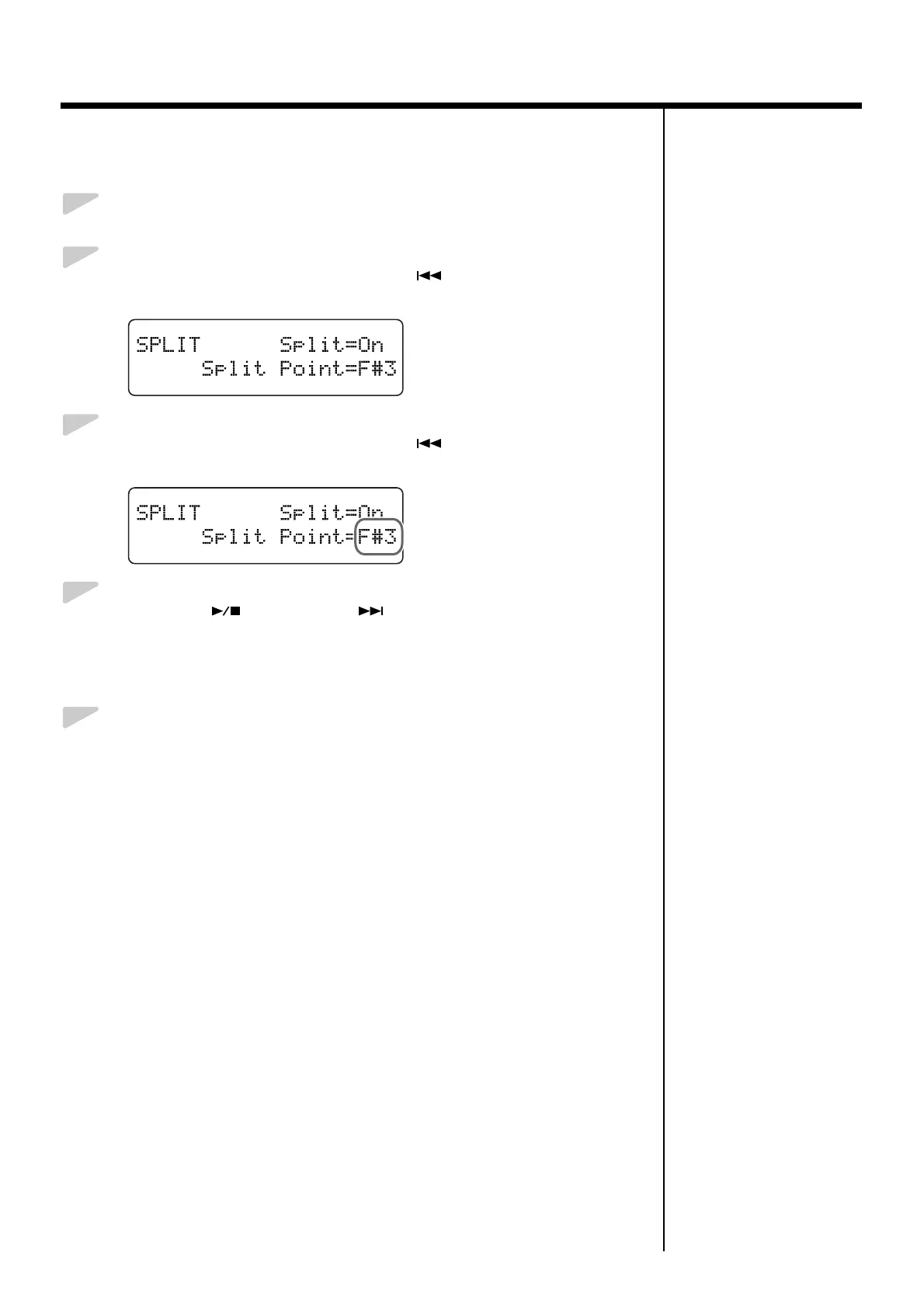
Press the [Song] (Select -) button or [ ] (Select +) button to
display the SPLIT screen.
fig.03-301d
3.
Press the [Song] (Select -) button or [ ] (Select +) button to get
the value for “Split Point” to flash.
fig.03-330d
4.
Press the [ ] (Value -) or [ ] (Value +) button to select the
split point.
Value: B1–B6
This is set to “F#3” when the power to the RG-3 is switched on.
5.
Press the [Function] (Exit) button so the indicator goes out.



 To Next Page