69
Chapter 3. Performance
Adding Reverberation to the Sound (Reverb)
Apply a reverb effect to the notes you play with the RG-3.
Reverb makes it sound as if you are playing in a concert hall.
1.
Press the [Function] (Exit) button so the indicator is lit.
2.
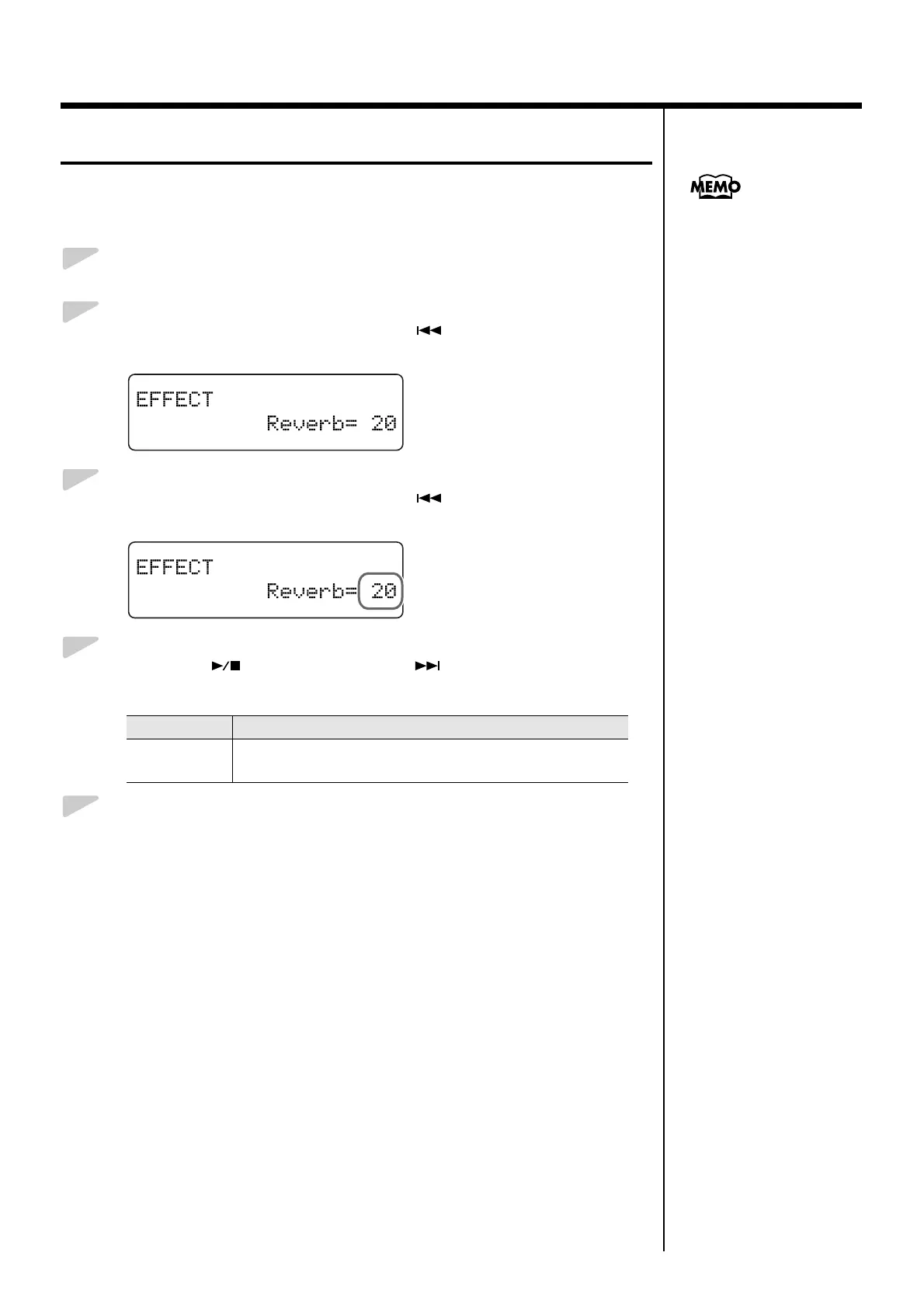
Press the [Song] (Select -) button or [ ] (Select +) button to
display the EFFECT screen.
fig.03-340d
3.
Press the [Song] (Select -) button or [ ] (Select +) button to get
the value for “Reverb” to flash.
fig.03-350d
4.
Press the [ ] (Value -) button or [ ] (Value +) button to
change the amount of reverb applied.
5.
Press the [Function] (Exit) button so the indicator goes out.
Value Description
0–127
Increasing the value results in a deeper reverb effect.
No reverb is applied when the value is set to “0.”
You can save this setting in
the RG-3’s memory using the
Memory Backup function
(p. 73).


 To Next Page