87
Chapter 8 Other Functions
Chapter 8
1.
Confirm that the Play screen is displayed.
2.
Press [WRITE].
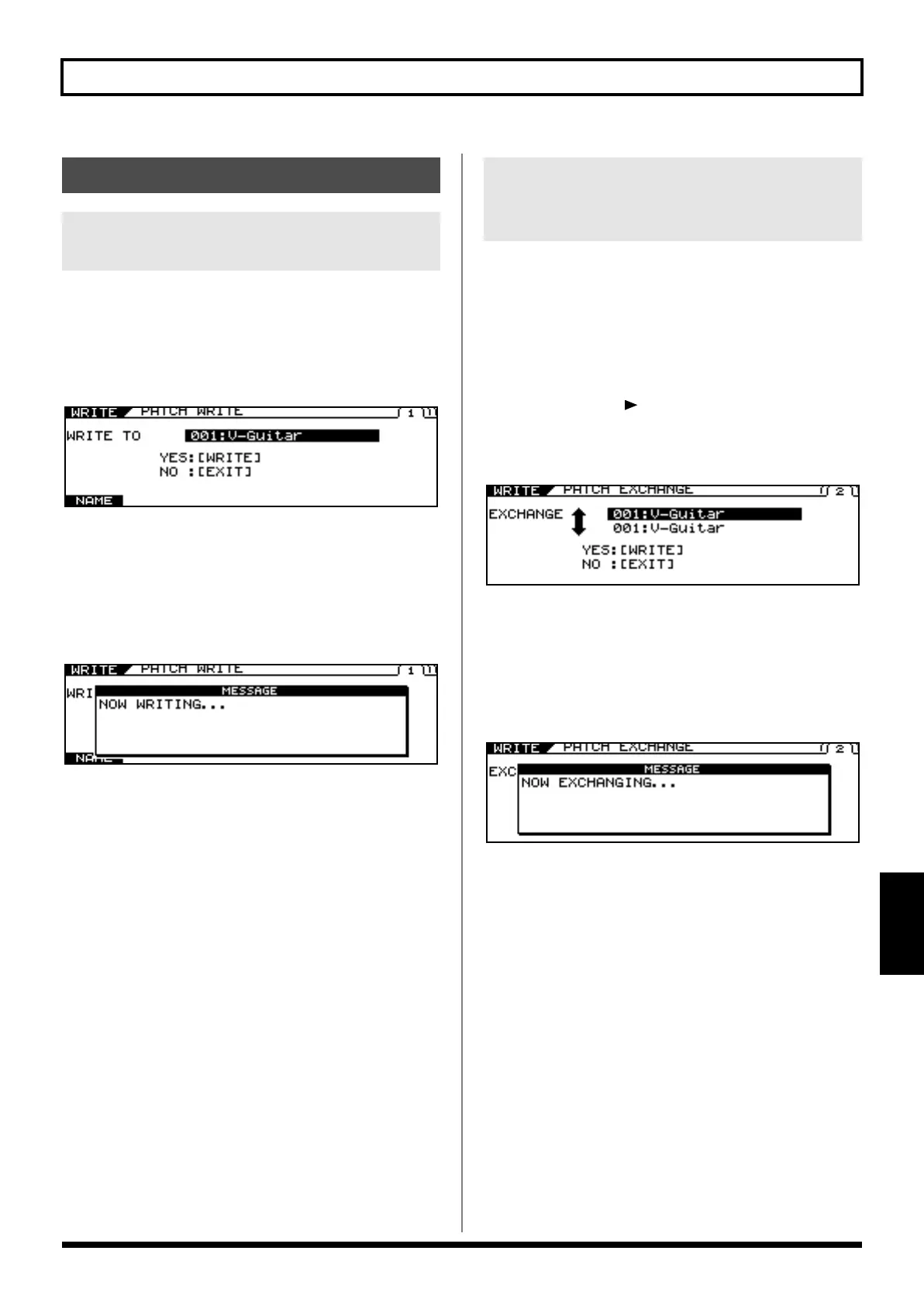
The PATCH WRITE screen appears.
“WRITE TO” is displayed, and the write-destination patch
number and name are indicated.
3.
Use the PATCH/VALUE dial to select the copy-
destination patch.
4.
Press [WRITE] again.
The message “NOW WRITING...” is displayed as the patch is
copied, and the VG-99 changes to the copy-destination patch
number.
* If you are not saving the settings, press [EXIT] to return to the Play
screen.
This exchanges the user patch with the different patch.
* You cannot exchange tones in preset patches.
1.
Confirm that the Play screen for a user patch
is displayed.
2.
Press [WRITE].
3.
Press PAGE [ ] to go to Page 2.
“EXCHANGE” is displayed.
The exchange-destination patch number and name are
indicated.
4.
Use the PATCH/VALUE dial to select the
exchange-destination patch.
5.
Press [WRITE] again.
The message “NOW EXCHANGING...” is displayed as the
current patch and the selected patch are exchanged, and the
VG-99 changes to the exchange-destination patch number.
* If you are not saving the settings, press [EXIT] to return to the Play
screen.
Managing the Patches
Copying the Current Patch to a
Different Patch (PATCH COPY)
Exchanging the Current Patch
with a Different Patch (PATCH
EXCHANGE)
VG-99_e.book 87 ページ 2007年7月5日 木曜日 午前9時22分



 To Next Page
 Loading...











