88
Chapter 8 Other Functions
You can set user patches to their initial conditions, with all effects
switched off.
This is convenient when you want to create a patch from scratch.
* You cannot initialize preset patches.
1.
Confirm that the Play screen for a user patch
is displayed.
2.
Press [WRITE].
3.
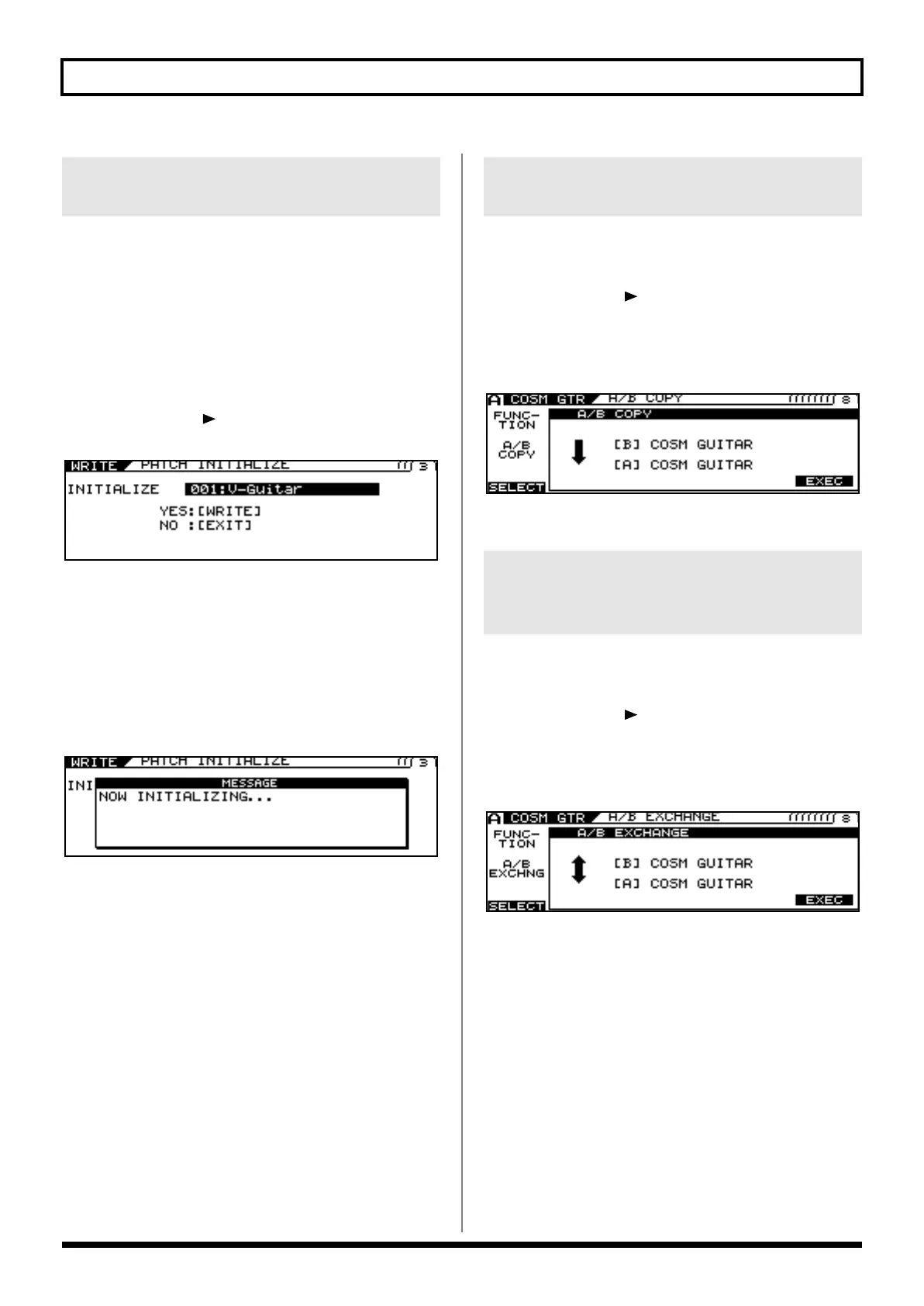
Press PAGE [ ] to go to Page 3.
The PATCH INITIALIZE screen appears.
“INITIALIZE” is displayed, and the number and name of the
patch to be initialized are indicated.
4.
Use the PATCH/VALUE dial to select the patch
you want to initialize.
5.
Press [WRITE] again.
The message “NOW INITIALIZING...” is displayed as the VG-
99 switches to the patch to be initialized, then the Play screen
returns.
1.
Go to the settings screen for the parameters
whose settings you want to copy.
2.
Press PAGE [ ] several times to go to the
last page.
3.
Use [F1] (SELECT) or the F1 knob to select A/B
COPY.
4.
Press [F6] (EXEC) to copy the settings.
1.
Go to the settings screen for the parameters
whose settings you want to exchange.
2.
Press PAGE [ ] several times to go to the
last page.
3.
Use [F1] (SELECT) or the F1 knob to select A/B
EXCHNG.
4.
Press [F6] (EXEC) to exchange the settings.
Initializing User Patches
(PATCH INITIALIZE)
Copying Settings Between Channel
A and Channel B (A/B COPY)
Exchanging the Channel A and
Channel B Settings
(A/B EXCHANGE)
VG-99_e.book 88 ページ 2007年7月5日 木曜日 午前9時22分



 To Next Page
 Loading...











