Installation
Page 16 RES-403 Version 1
5.9 Startup and operation
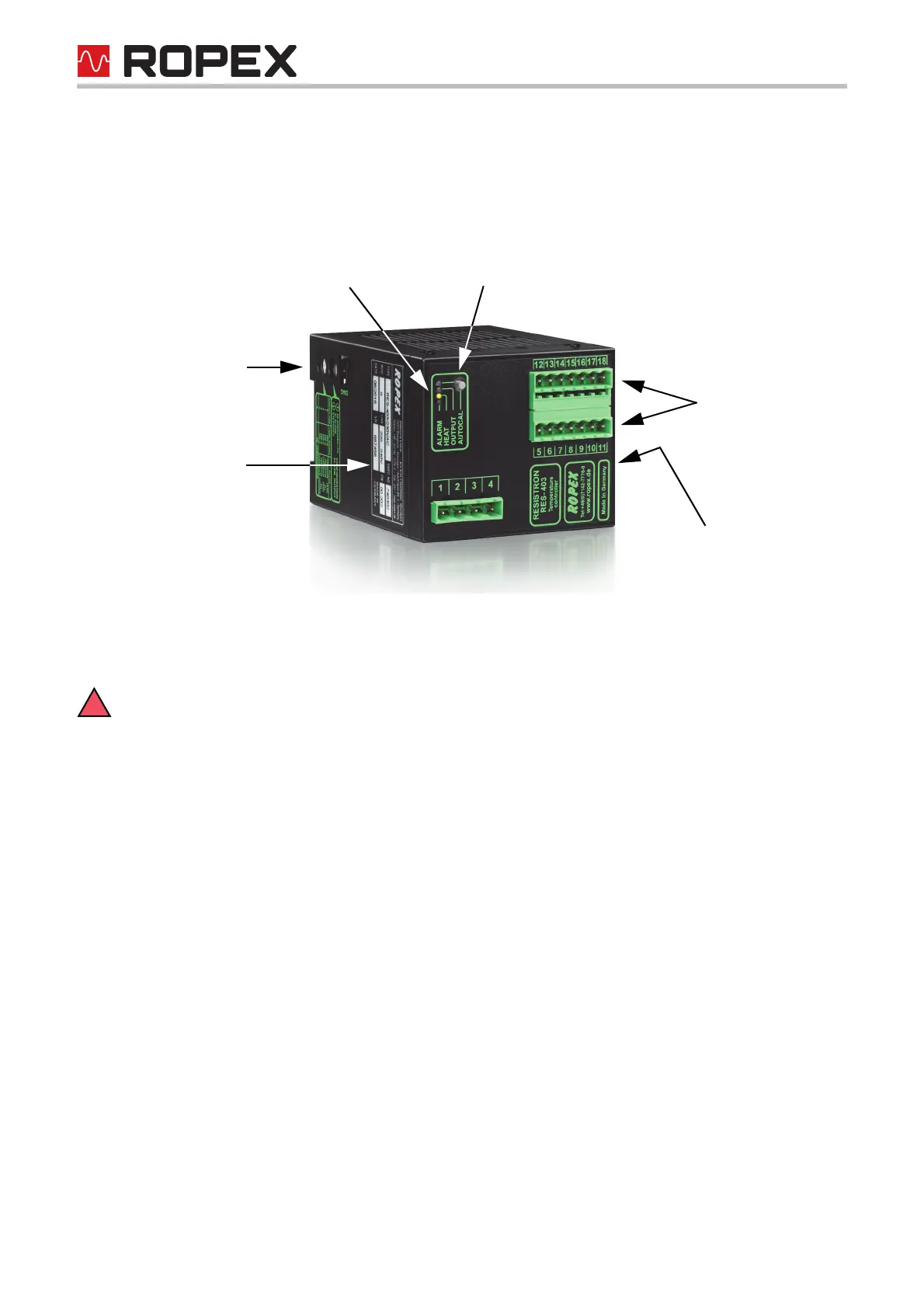
5.10 View of the controller
5.11 Controller configuration
The controller must be switched off in order to configure the coding switches and plug-in jumpers.
5.11.1 Configuration of the DIP switches for secondary voltage and current
Automatic configuration (AUTORANGE)
(as of October 2005)
The secondary voltage and current ranges are automatically configured by the automatic calibration function
(AUTOCAL). The voltage is configured in the range from 0.4VAC to 120VAC and the current in the range from
30A to 500A. If the voltage and/or the current is outside the permissible range, an detailed error message appears
on the controller ( see section 6.12 "Error messages" on page 34).
Configuration with coding switches
(up to September 2005)
Set the DIP switches for matching the secondary voltage U
2
and the secondary current I
2
to the correct position
for your application.
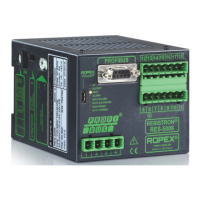
Termin a l s
Wiring diagramm
LEDs
Button for
Typenschild
AUTOCAL function
Coding switches and
plug-in jumpers





 To Next Page