2928
Setting DVD
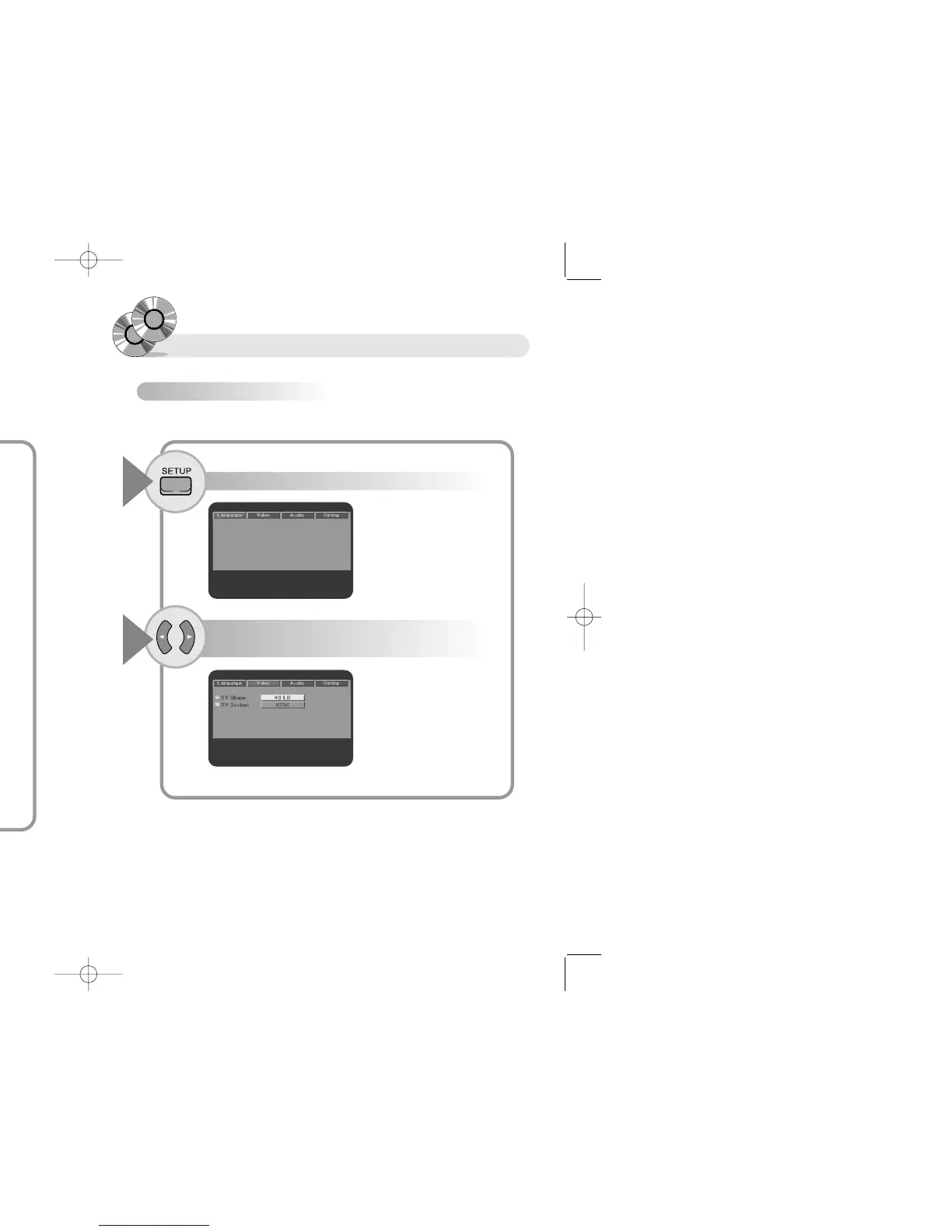
Setting up Video item
You can set up about screen as following.
Press the SETUP button with the unit in Stop mode.
Press the œ √ buttons to choose Screen menu
and press the ENTER button.
1
2
Press the … † buttons to move to Language
Item and press the ENTER button.
Setting DVD
Press the button to exit from the SETUP screen.
● Languages you want to select appear.
Press the … † buttons to select Language
and press the ENTER button.
RR
RR
ee
ee
ff
ff
ee
ee
rr
rr
ee
ee
nn
nn
cc
cc
ee
ee
● The selected language does not appear in menu even if you followed above instruction,
if selected language is not recorded in disc.
3
4


 To Next Page