3736
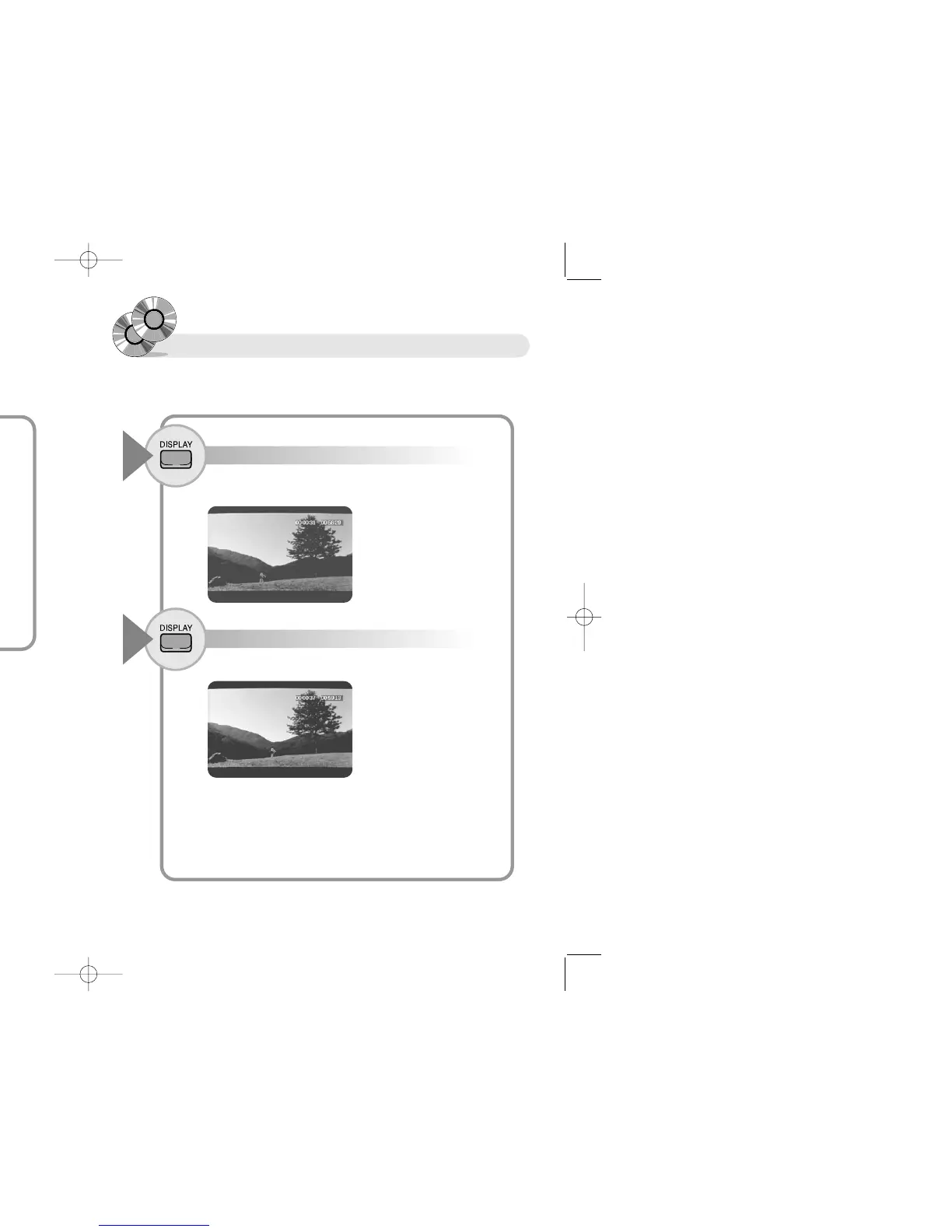
Confirming Screen Display
Screen display may not operate depending discs.
Press the DISPLAY button.
1
The first screen shows present lapsing time and total running time of
present track.
Press the DISPLAY button once more (VCD/CD).
2
The screen shows the present lapsing time and remaining time of disc
To selct Subtitles Language
● You can select various subtitles Kor, Eng, Jap- by pressing the S-TITLE
button (DVD), if disc has subtitle information.
● Turn off subtitles by pressing the S-TITLE button, if you do not want
subtitles.
Press the S-TITLE button to change subtitles.
1
RR
RR
ee
ee
ff
ff
ee
ee
rr
rr
ee
ee
nn
nn
cc
cc
ee
ee
● Subtitles indication may differ depending on disc.
● One disc can record maximum 32 languages.
● Set up subtitles in "SETTING DVD" chapter if you want a same subtitle
language whenever you replay DVD
RR
RR
ee
ee
ff
ff
ee
ee
rr
rr
ee
ee
nn
nn
cc
cc
ee
ee
● Audio Languages/Subtitles may not operate depending on disc
● This function does not operate with the unit in pause mode.
● This function operates with the unit in play mode.
Selecting Audio languages
with the unit in play mode.


 To Next Page