4948
Setting TV
Setting TV
Watching TV
TV Channel : Air channel range 2~69ch
Cable channel range 01~125ch
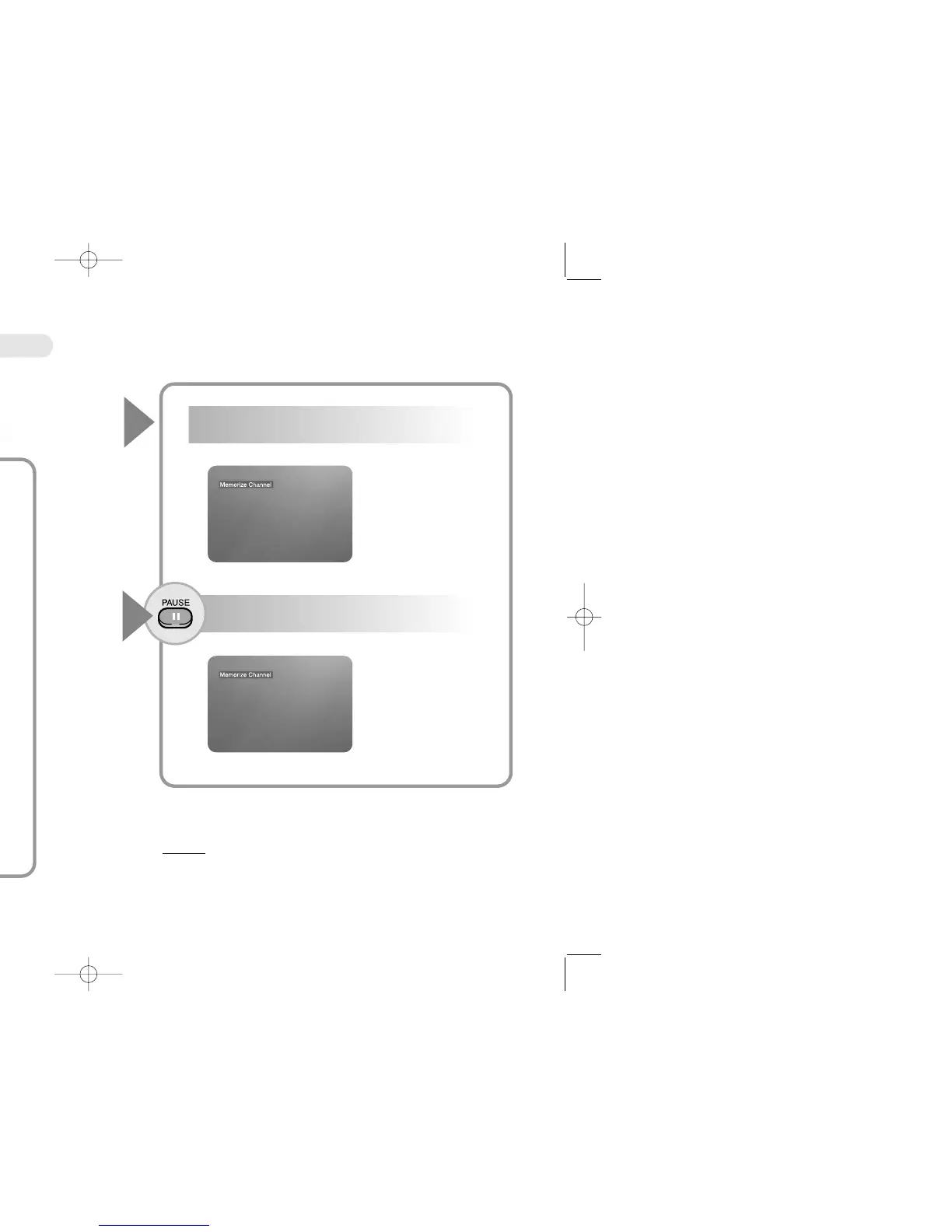
Press the Play button shortly to memory channel
press the stop button to erase channel.
Press the Pause button or stay pressing the Play button
on front of set to memory channel automatically.
Press the TV/ Aux button.
Press the Up/Down button or skip button on front of
set to change channel.
● Channel adjustment
The function for adjusting channel, when chamnnel reception is not good.
Press the Left/Right button to adjust channel.
RR
RR
ee
ee
ff
ff
ee
ee
rr
rr
ee
ee
nn
nn
cc
cc
ee
ee
● Press the Aux button : DVD mode------TV mode_----Aux mode
● No control the button of set under Auto memory
● Changing to DVD mode Automatically, when insert Disc under TV mode
● Press the NTSC/PAL button to change from Air channel to cable channel.
TV/AUX
1
4
5
3
2


 To Next Page