10
Description
11
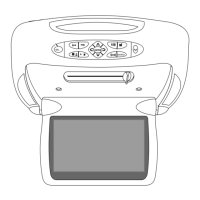
Front Panel
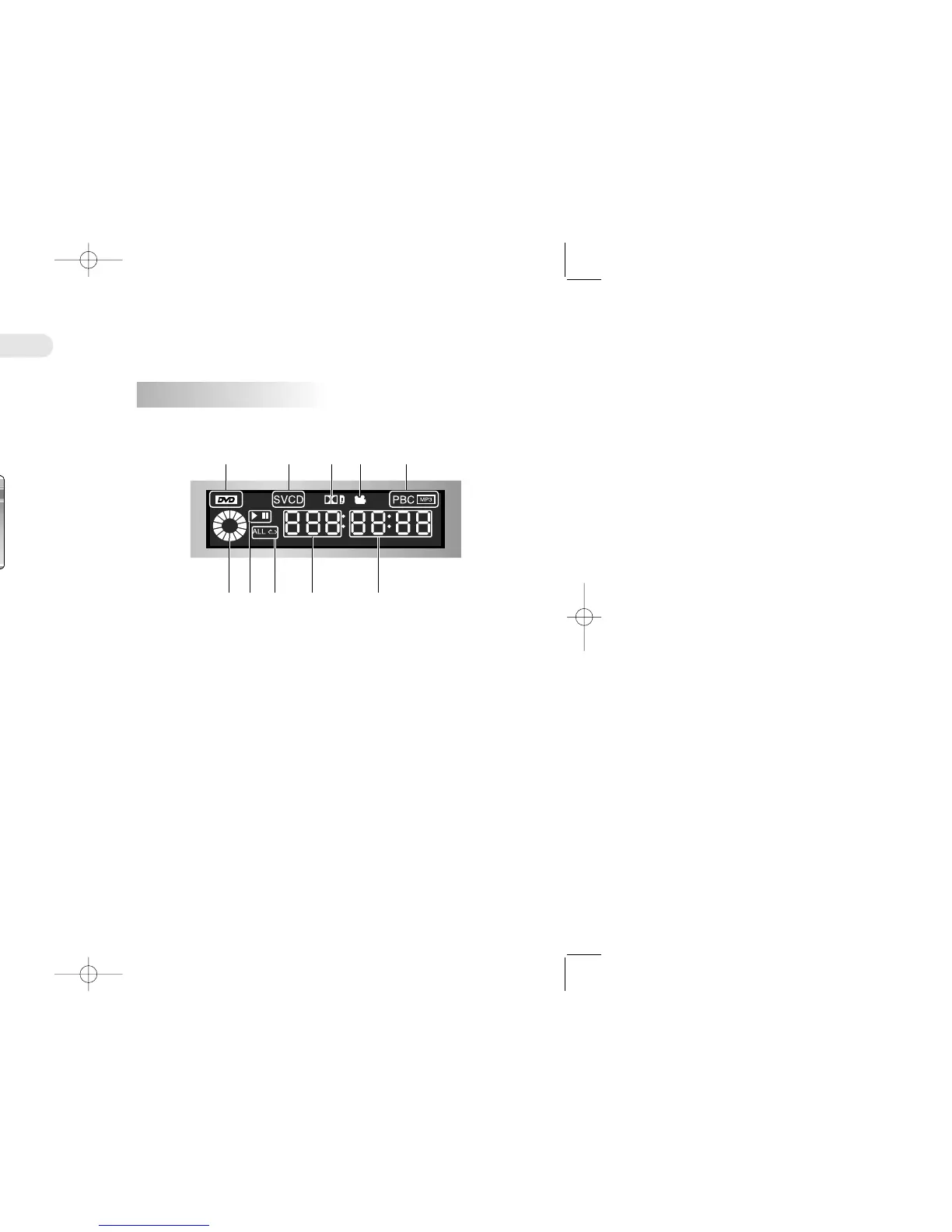
VFD Display
① POWER Turns the power on/off.
② Disc In A Disc is inserted here.
③ EJECT A Disc is ejected by this button.
④ STOP Stop disc play
⑤ PLAY Begin disc play
⑥ SKIP Use to skip a scene or music
⑦ Remote Sensor Receives a light signal from the remote controller.
⑧ Display Window Displays information about the current state of the
player and the disc.
① DVD/SVCD/VCD/CD/PBC/MP3 Illuminates the type of the disc loaded on the disc tray
② Rotation Rotates when the disc is spinning.
③ Play/Pause Indicates the current operation mode.
④ Repeat/All Indicates the current repeat play mode.
⑤ Chapter/Track Illuminates the chapter or track information of the DVD
disc under play.
⑥ Angle Indicates that the current disc being played is viewed as multi
angle.
⑦ Time Indicates time information and displays information about
operation.
⑧ Dolby Digital Indicates that the audio type of the disc under play in Dolby
Digital.
Description
2
6
78
5431
2 4 53
1 68 11
7


 To Next Page