4746
Playing JPEG file
RR
RR
ee
ee
ff
ff
ee
ee
rr
rr
ee
ee
nn
nn
cc
cc
ee
ee
● Slide show can play 999 pictures.
● Slide show play at 10 seconds interval automatically.
● Slide show play only JPG/JPEG file
● The JPEG file name can not use particular letters(\,/,:,*,!,",<,>,|...)
● Slide show may not play JPEG Disc depending on the recording conditon.
● Make sure that the disc's label is facing up.
● Slide show begins from first picture automatically
Insert the Disc.
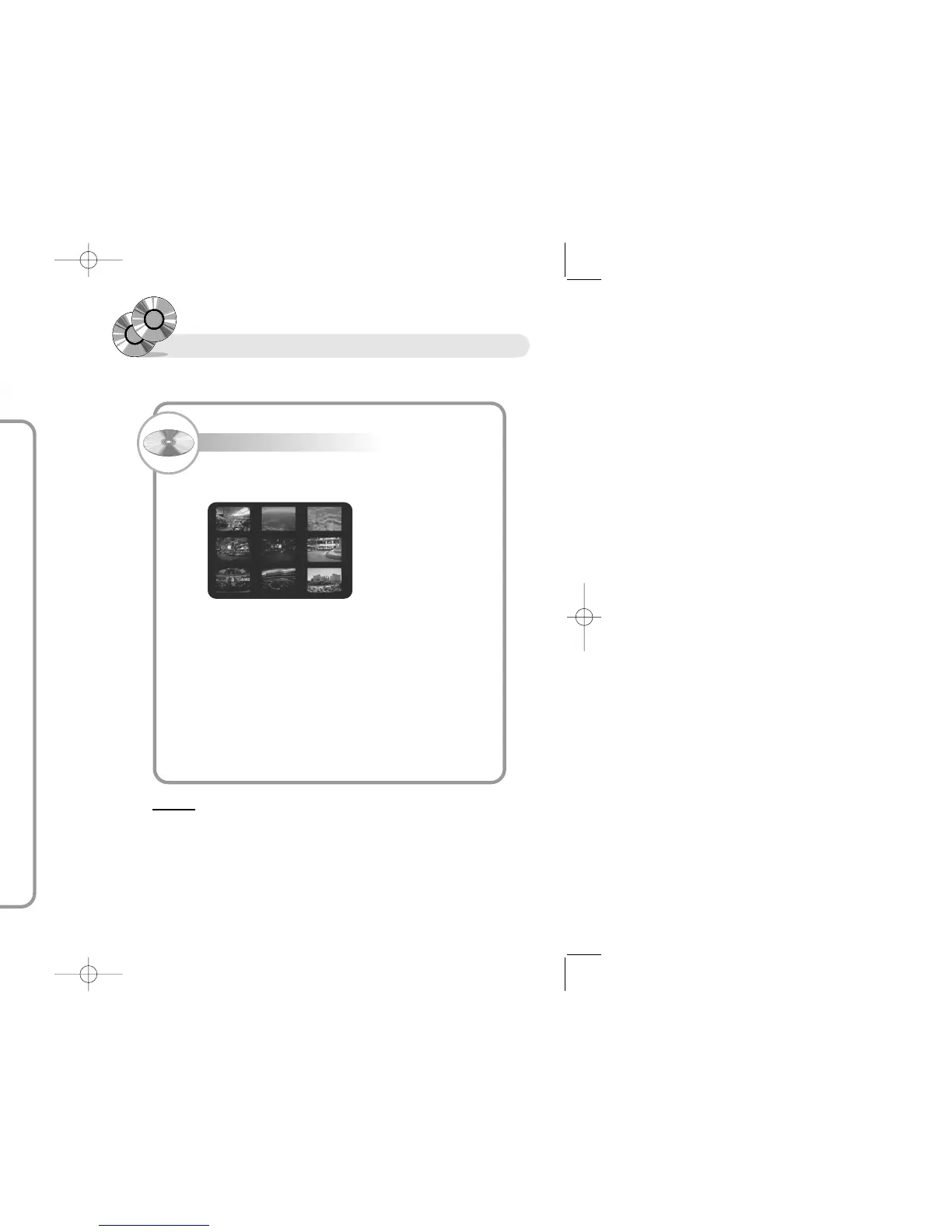
1. You can enjoy slide show by 9 pictures at a time, if you press the
button "Menu"
2. Choose the picture which you want by pressing the button
(√, œ, †, …)
3. You can move to the next/previous picture by NEXT/PREV button.
You can also move to the picture directly by pressing "Enter"
button after pressing numeric button.
4. The picture rotates 90, 180, 270 original when pressing the button
"Angle" Slide show begins again as before if you press the button
"Play"
5. You can enjoy the 4/3X, 3/2X, 2X, 1/4X, 1/2X magnified/reduced
screen by pressing the button "Zoom".
※ The player plays MP3/WMA first if you do not choose Play Mode within 10 seconds in case of
disc has both MP3/WMA and JPEG file. You can also move to the screen any time by
pressing the button "Title".
Searching to the Desired
Screen/Song
To scan by title, chapter(for example third chapters at first titles)
Press the GOTO button.
1
Press the
… †
buttons to move to title/chapter item.
2
Press the buttons '1, 3' using numeric button,
and press the ENTER button.
3
● Just enter the number of chapter to go to the position you want in
the same title.


 To Next Page