3938
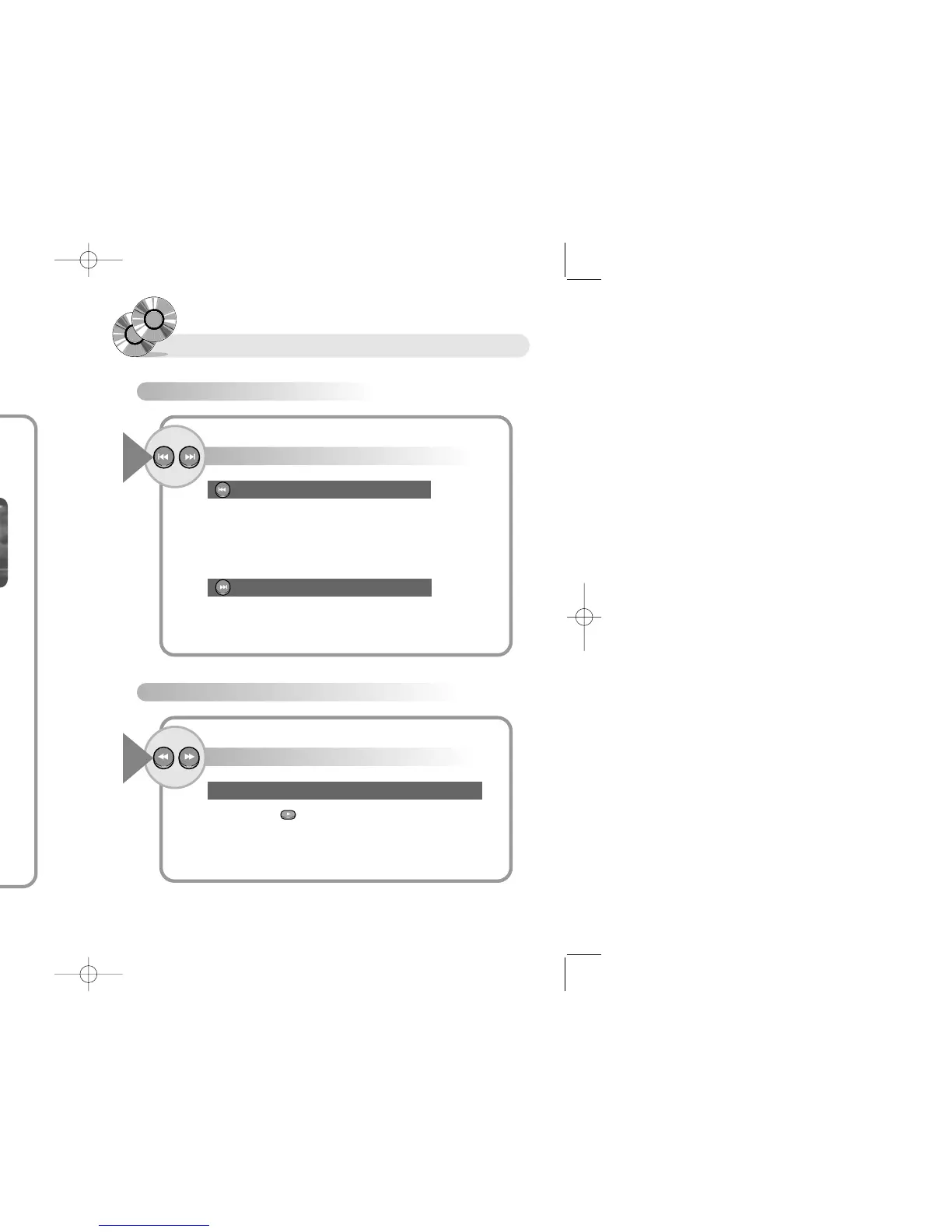
Scanning Screen or Song
To Skip Screens or Songs (DVD/VCD/CD)
Press the button (BACK, NEXT).
1
● Moves to beginning of present chapter/track.
- If you press once more, it moves to previous chapter/track.
When you press the BACK button
● Moves to following chapter/track of present chapter/track.
When you press the NEXT button
To Scan Screens or Songs Fast (DVD/VCD/CD)
Press the button (FR/FF).
1
● Press the PLAY button to play at normal speed.
● You can not listen sound at fast Playingback.
● Fast Playingback does not operate while playing MP3.
Play speed changes in the sequence of 2X, 4X, 8X, 20X.
Confirming Screen
Display
Press the DISPLAY button once more.
3
The screen shows all information about disc.
Press the DISPLAY button once more,
Display indicator disappears.
4
● What is Title?
It means one movie recorded in disc.
● What is Chapter?
It means subdivided respective units of one movie recorded in disc.
●What is Track?
It means divided unit of scene, or one song recorded in disc.
●DVD
The present title, chapter number, lapsing time, total running time,
audio/subtitle languages, angle are presented.
●VCD/CD
The present track number, present track lapsing time, present track total
running time are presented.
This screen appears right after loading when
playing CD title. The total running time is
displayed on screen when pressing the "Display"
button. The present lapsing time is displayed
when pressing the "Display" button.


 To Next Page