30 • DashBoard Interface Overview Ultripower User Guide (v4.0)
PSU Tab
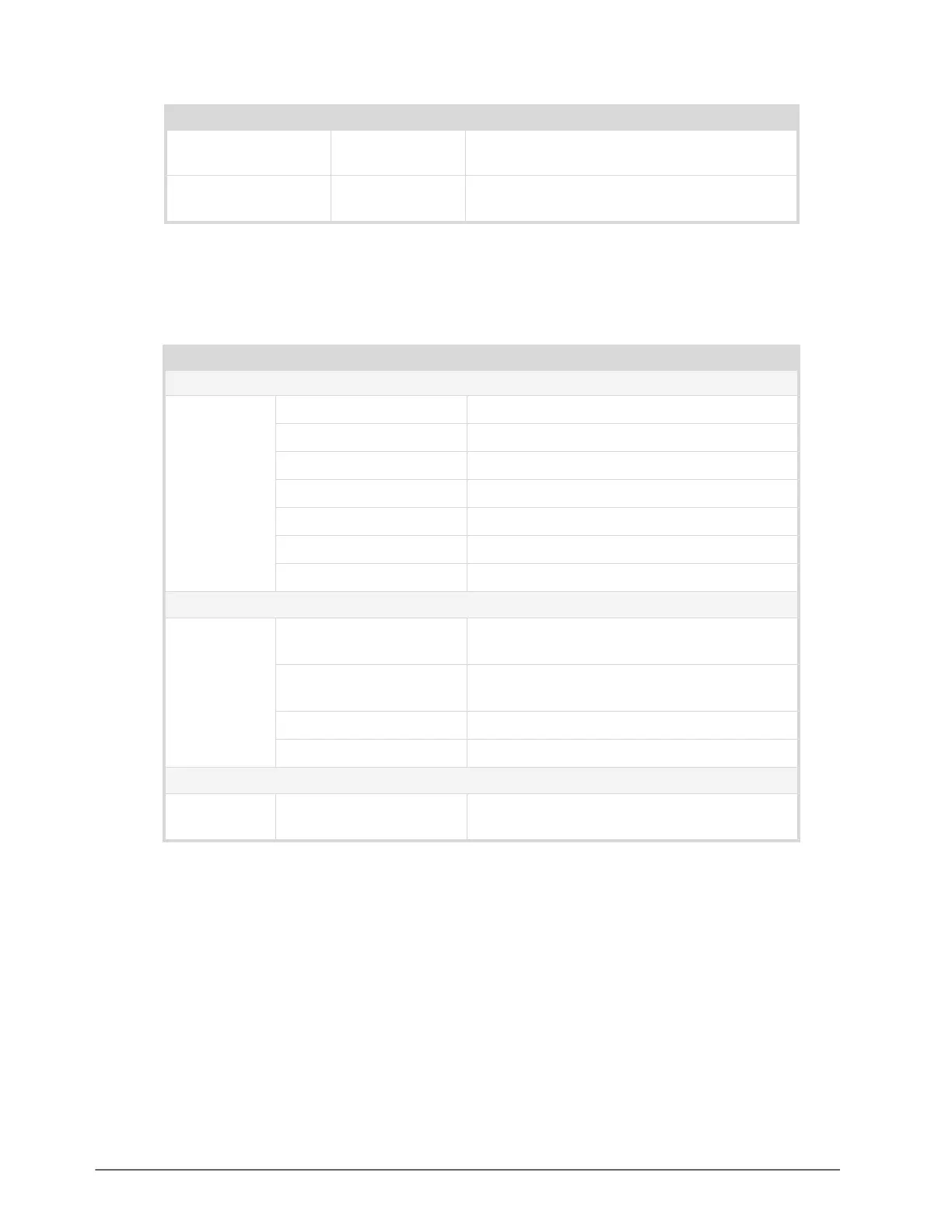
Table 7 .3 summarizes the read-only information displayed in the PSU tab.
Configuration Tabs Overview
The Configuration options are arranged into three tabs: Control, Log, Setup, and Network.
Control Tab
The Control tab allows for applying or disconnecting power to external devices. Table 7.6 summarizes the options
in the Control tab.
Default Gateway #.#.#.# Displays the current gateway for communication
outside of the local area network (LAN)
Active Connections # Indicates the total number of active DashBoard
client connections to this unit
Table 7.3 PSU Tab
Item Parameters Description
PSU
Slot # Status OK (Green) Ultripower is operating within specifications
Not Installed (Yellow)
Input Voltage Fault (Red) Ultripower is not powered
Temperature Fault (Red)
Output Voltage Fault (Red)
Fan Fault (Red)
Fault (Red)
Outputs
Out # Status OK (Green) The Ultripower output is operational within the
specified limits
Over Current (Red) Over current fault detected. output protection
enabled
Under Voltage (Red)
Fault (Red)
Power
Avg Output
(watts)
# Reports the overall power consumption (+/- 5%)
Table 7.2 Network Tab
Item Parameters Description


 To Next Page