32 • DashBoard Interface Overview Ultripower User Guide (v4.0)
Network Tab
Table 7 .7 summarizes the options in the Network tab.
Alarm
Alarm on
Missing PSU
Selected Ultripower will alarm if only one PSU module is
present
Cleared Ultripower will not alarm if there is only PSU
module present
Factory
Settings
Restore The following occurs:
• factory settings will be restored
• one device label assigned to all Output Ports
• power is enabled
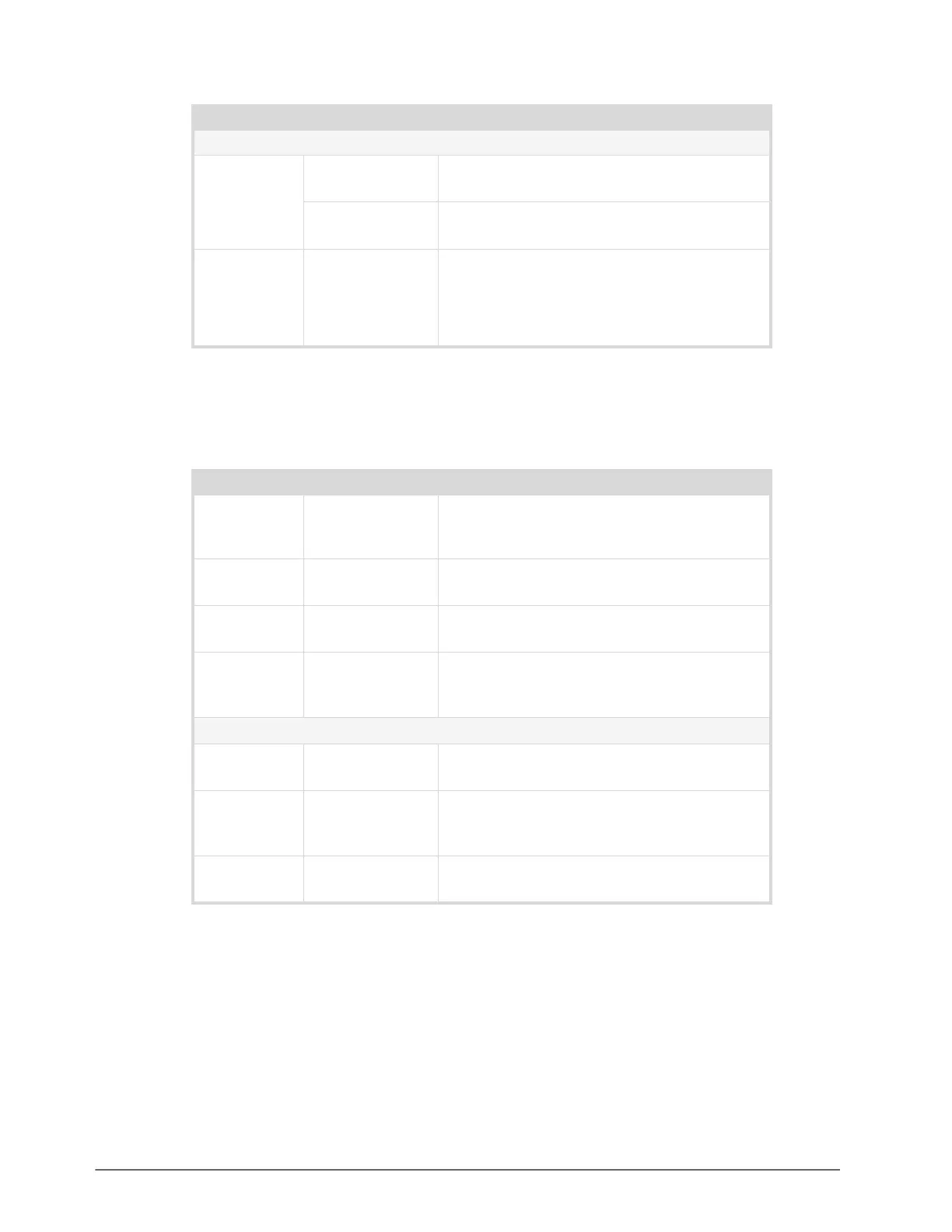
Table 7.7 Network Tab
Item Parameters Description
Device Name # Assigns a unique name to the device. This name
also displays in the DashBoard tree view. The
default is Ultripower.
IP Address #.#.#.# Specifies the IP address for the Ultripower. The
default is 192.168.20.123.
Subnet Mask #.#.#.# Specifies the subnet mask for the Ultripower. The
default is 255.255.255.0.
Default
Gateway
#.#.#.# Specifies the gateway for communication outside
of the local area network (LAN). The default is
192.168.20.1.
DB Whitelist
IP Address # Specifies the IP Address for a DashBoard client
granted access to the Ultripower
Apply Updates the IP Address, Subnet Mask, Default
Gateway, and DB Whitelist fields with current the
settings
Cancel Ignores any unsaved changes made to the Network
tab
Table 7.6 Setup Tab
Item Parameters Description


 To Next Page