LOKA HAHB remote control
EN
82
Installation and user manual
DELAY function
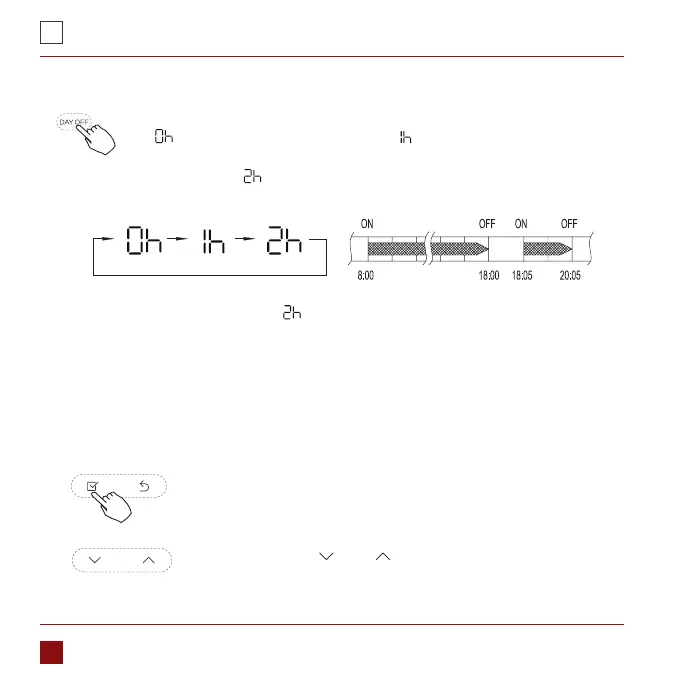
During the weekly timer, pressing the Del button once, display
„ ”. Press this button twice, display „ ”, and wait 3 seconds to
conrm. It means the unit will override 1 hours; Press this button three
times,display „ ” and wait 3 seconds to conrm. It means the unit will
override 2 hours;
ex. If press the DEL button to select „ ” at 18:05, The air conditioner will delay to turn
o at 20:05.
Copy out the setting in one day into the other day.
A reservation made once can be copied to another day of the week.The whole
reservation of the selected day of the week will be copied. The eective use of the copy
mode ensures ease of making reservations.
During the weekly timer, press the Conrm button.
Press the button „ ” or „ ” to select the day to copy from.
1.
2.



 To Next Page