F11 PRO User Manual
Copyright ©2023 Ruko All Rights Reserved.33
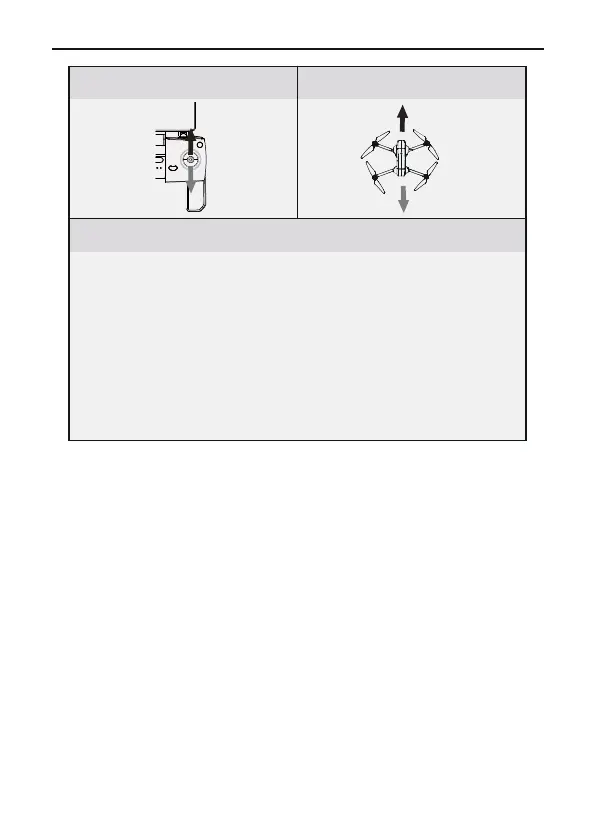
Aircraft DirectionTransmitter (Defalut Mode)
Remarks
Push up/down the direction bar to control the aircraft to fly
back and forth.
Push the stick up and the aircraft leans forward and flies
forward. Pull down the lever, the aircraft tilts backwards and
flies backwards. The aircraft's front and rear directions
remain level in the neutral position. The joystick offset
corresponds to the angle of the aircraft's front and rear tilt.
The greater the offset, the greater the tilt angle and the
faster the flight speed.



 To Next Page